thinkpads.com Support Community Forum Index Bill Morrow's thinkpads.com Open Forum - The Original Thinkpad Support Forum
Follow ThinkpadsForum on Twitter
eCoupons
Save with Lenovo ThinkPad eCoupons
Exclusive 4% CASH BACK from eCoupons.com
Support this forum, shop at newmodeus.com
 
It is currently Wed May 22, 2013 3:27 pm

All times are UTC - 5 hours


Post new topic Reply to topic  [ 18 posts ] 
Author Message
 Post subject: X32/T42/T60/accessories
PostPosted: Sat Sep 22, 2007 10:20 am 
Offline
Senior ThinkPadder
Senior ThinkPadder

Joined: Sat Oct 29, 2005 6:20 am
Posts: 4950
Location: Israel
So, I finally decided to take some pictures of my own, and post them here. Seeing as my girlfriend and I currently have a household of 3 Thinkpads and no desktop computers whatsoever, I figured it's high time. :)

I will make several posts with the pictures. The pictures are of the Thinkpads themselves, some screen quality comparisons, and also pictures of the accessories that the Thinkpads are connected to.

All the pictures can be clicked for larger versions. They are not of very high quality - some are blurry and the camera put a bluish tint on others, but they should convey the message. ;)

Edit: fix title typo and bad links


Last edited by dr_st on Sat Sep 22, 2007 12:04 pm, edited 1 time in total.

Top
 Profile  
 
 Post subject:
PostPosted: Sat Sep 22, 2007 10:24 am 
Offline
Senior ThinkPadder
Senior ThinkPadder

Joined: Sat Oct 29, 2005 6:20 am
Posts: 4950
Location: Israel
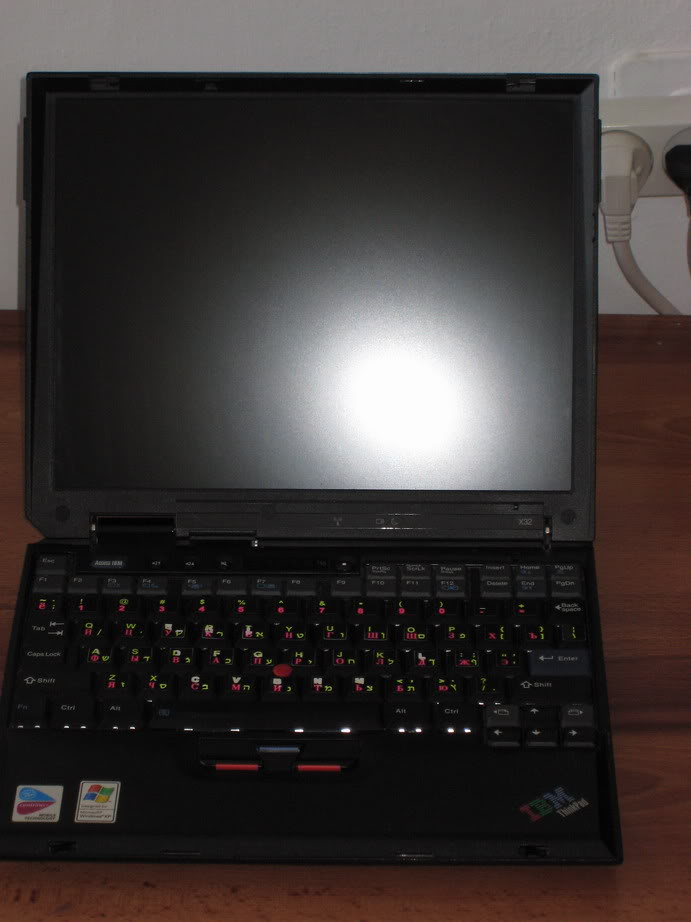
Starting with my girlfriend's X32.

Image
Top cover shows lots of scratches but the laptop is as solid as ever.

Image
Opened (sorry about the flash). This is a standard US keyboard with trilingual (English/Russian/Hebrew) stickers.

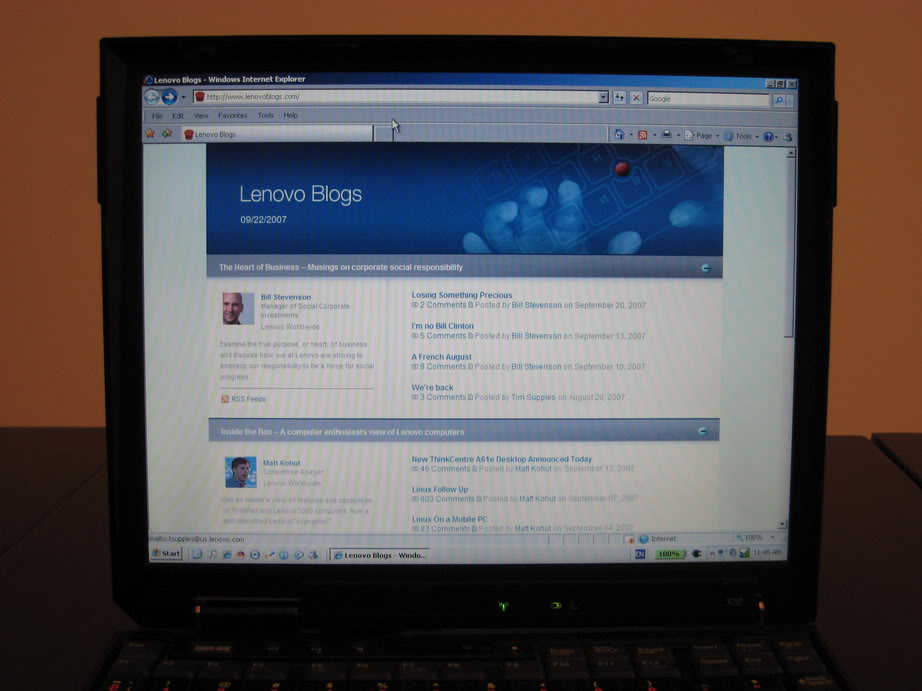
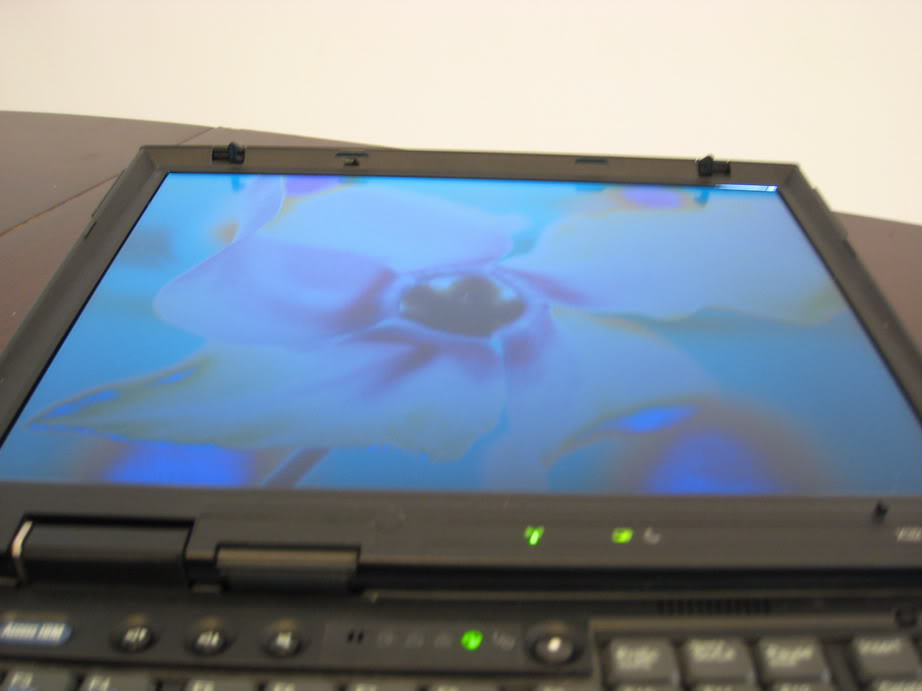
Screen is crisp and reasonably bright, but nothing special (TN panel, after all):
ImageImage

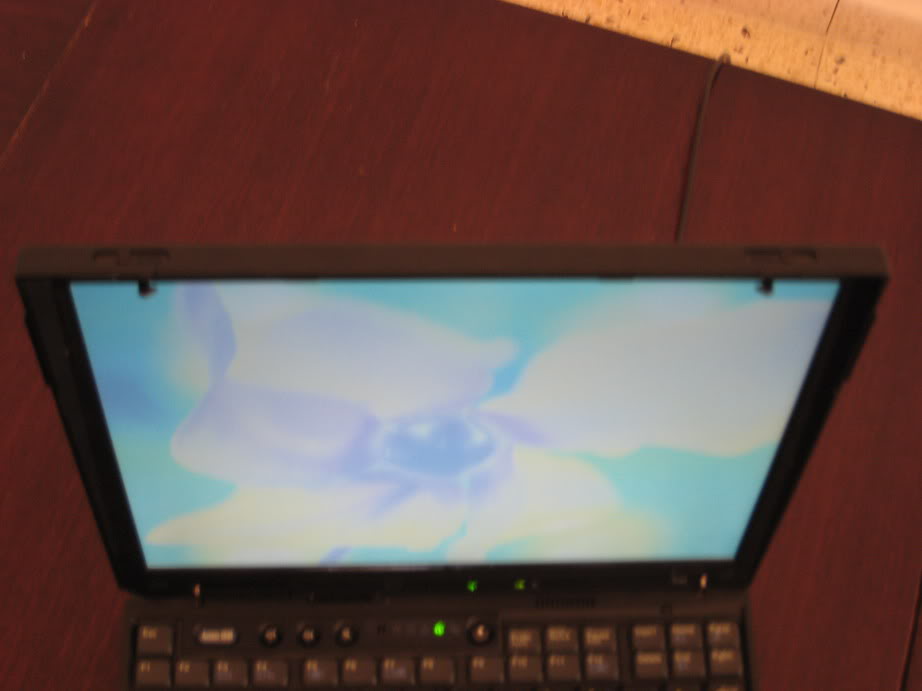
Some more pictures of the screen from various angles. It doesn't look as blue in real life, but the angles are as bad as you see:
ImageImageImage


Top
 Profile  
 
 Post subject:
PostPosted: Sat Sep 22, 2007 10:34 am 
Offline
Senior ThinkPadder
Senior ThinkPadder

Joined: Sat Oct 29, 2005 6:20 am
Posts: 4950
Location: Israel
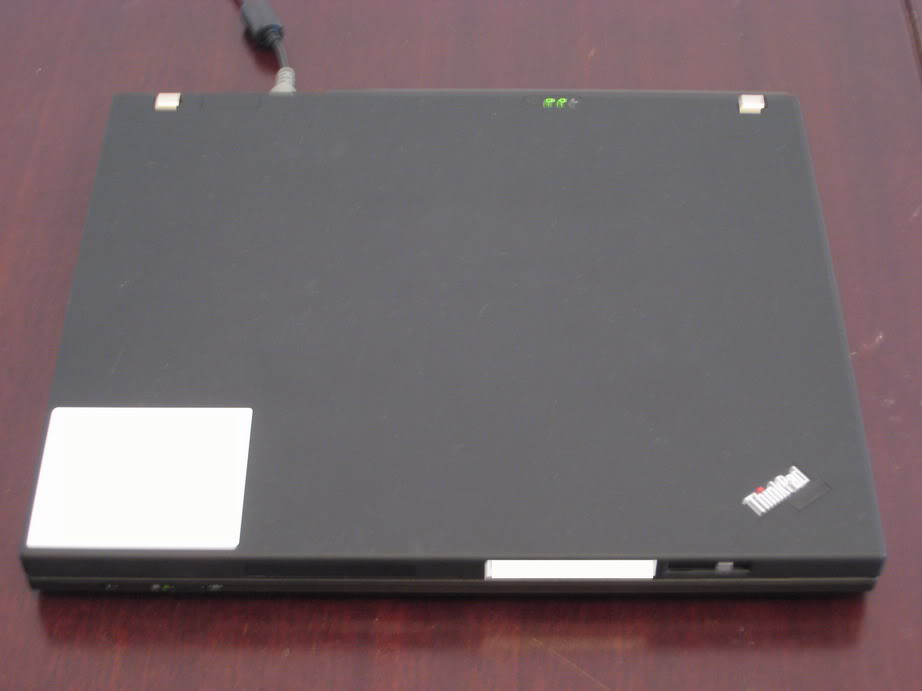
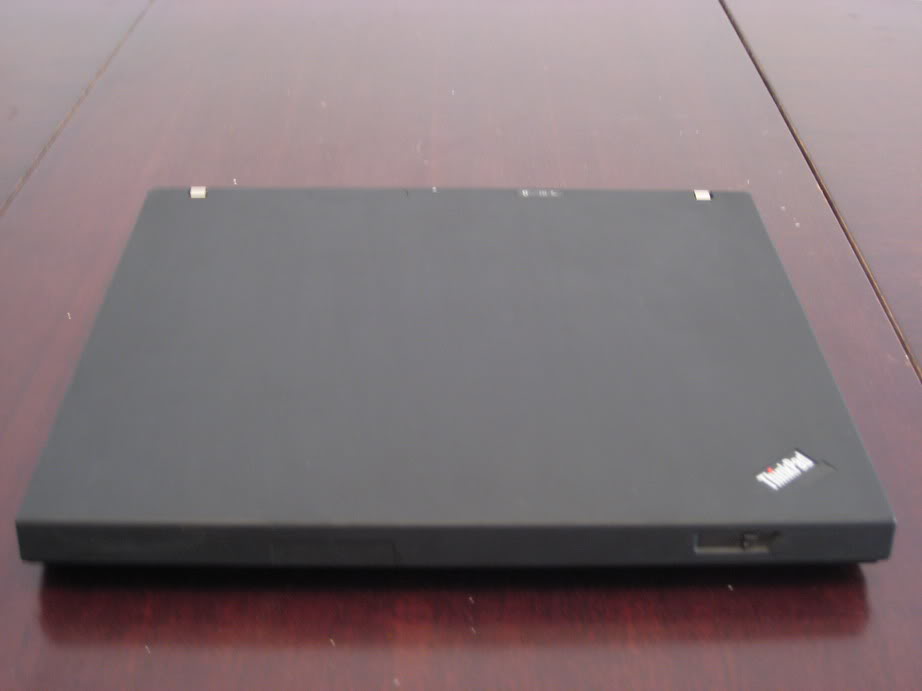
Following up with the T60 I got from my work. The white stickers in the bottom left corner and on the front of the lid have my name and the laptop's serial number, which I naturally erased.

Image
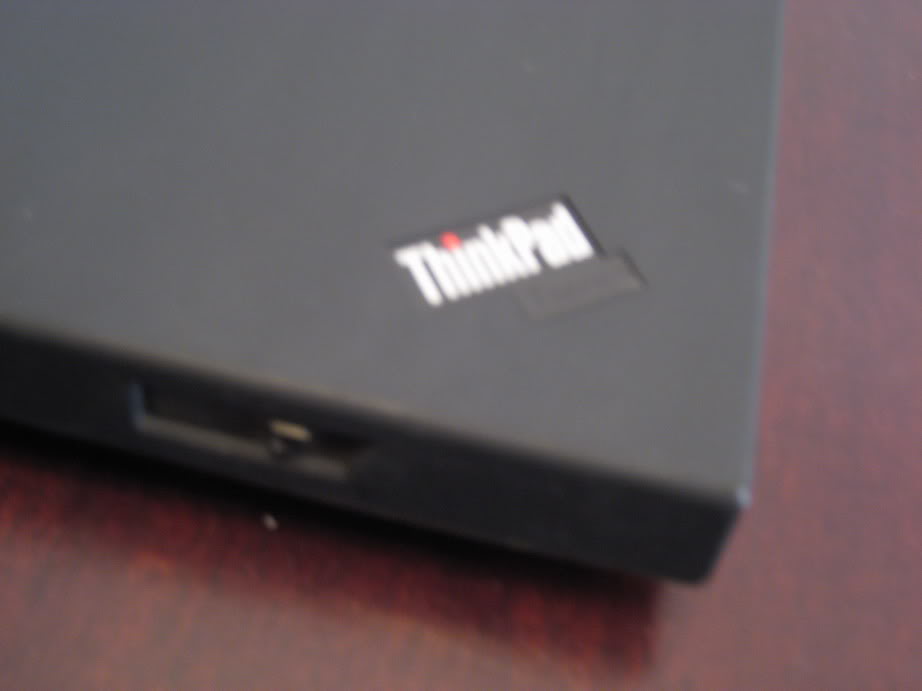
As you can see it is the corporate Thinkpad logo, and not the IBM logo.

Image
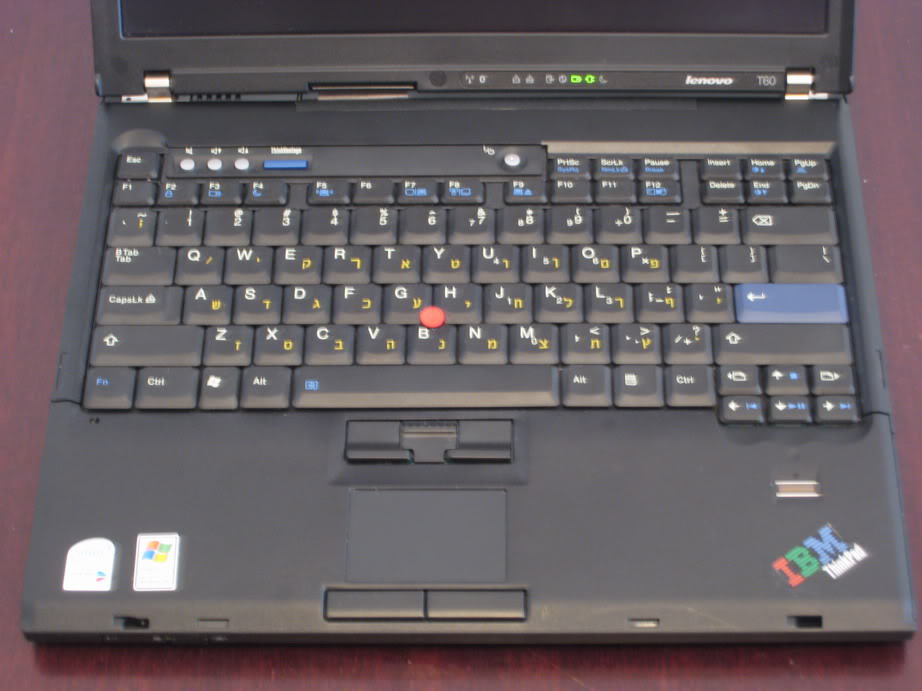
But open it up, and surprise-surprise - it is the IBM logo! I decided that I like both logos equally, and can't choose between them, so I made sure my T60 has one of each. The keyboard, BTW, is a standard English-Hebrew (NMB) and I use the soft rim trackpoint cap.

Image
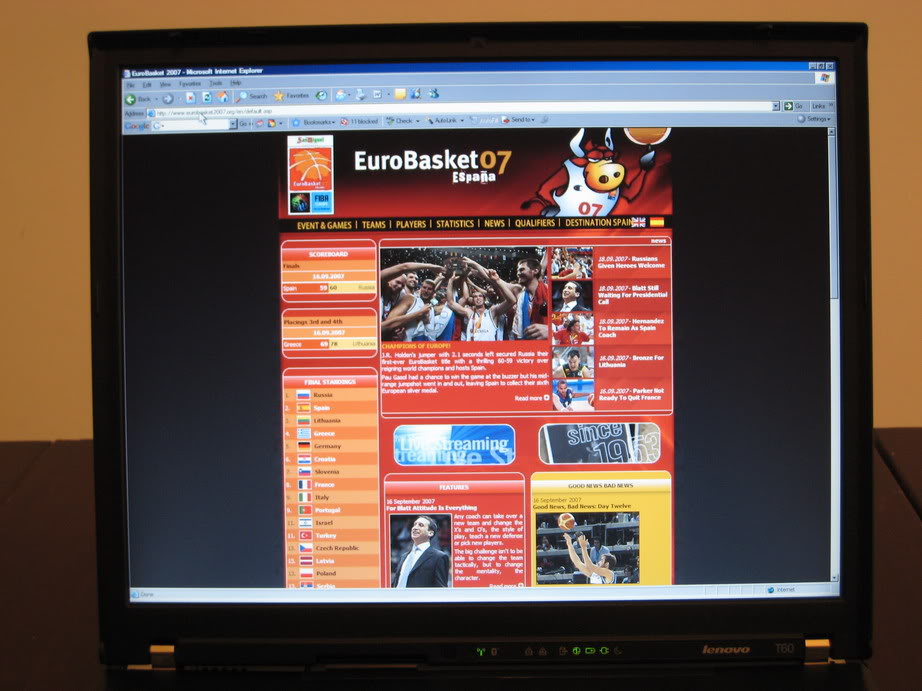
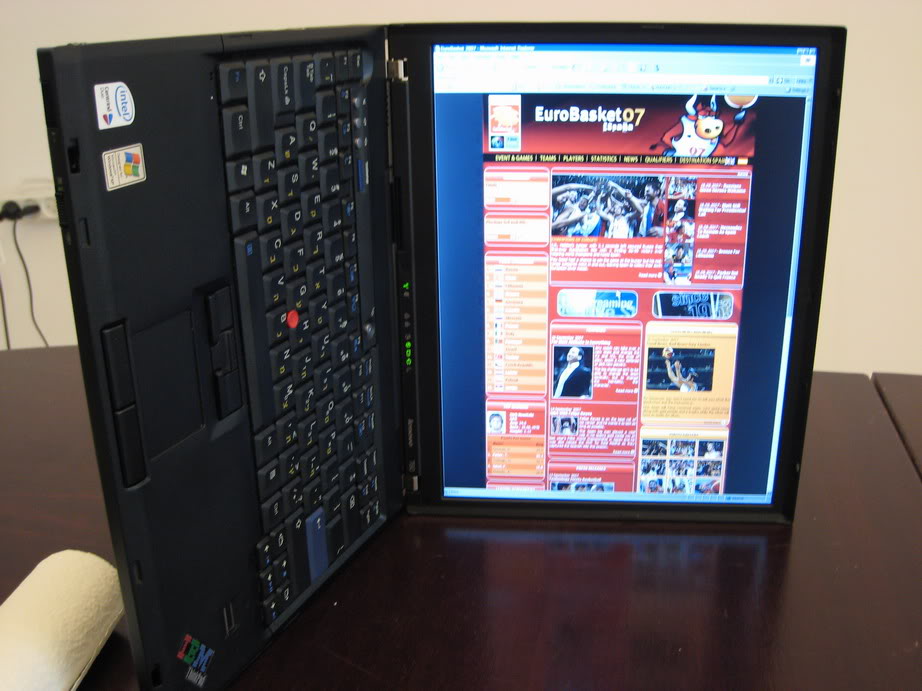
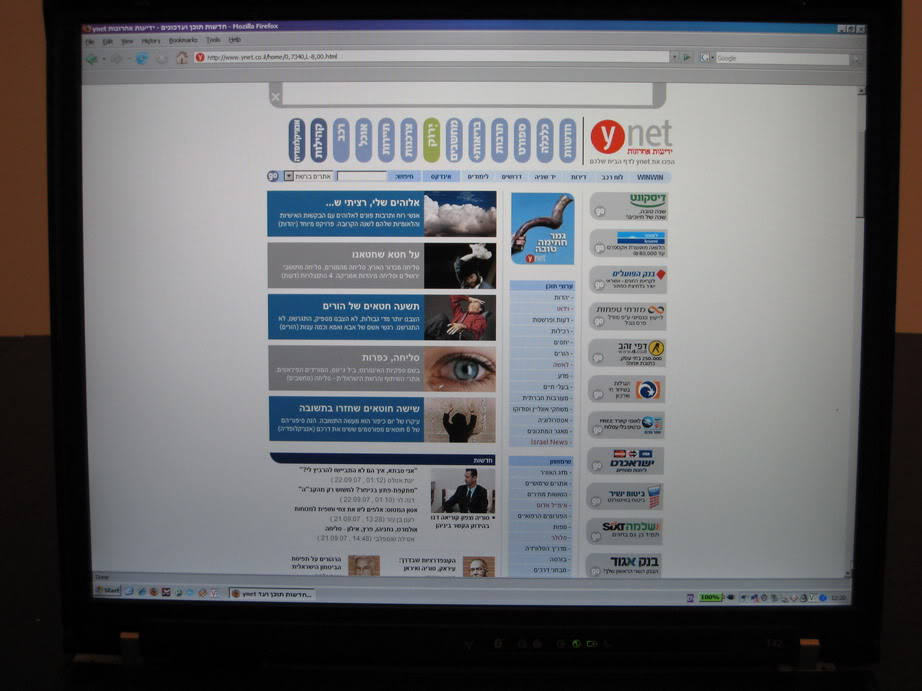
The screen is a 14" SXGA+. At first I thought it would put a lot of strain on my eyes, but I find it quite manageable.

Image
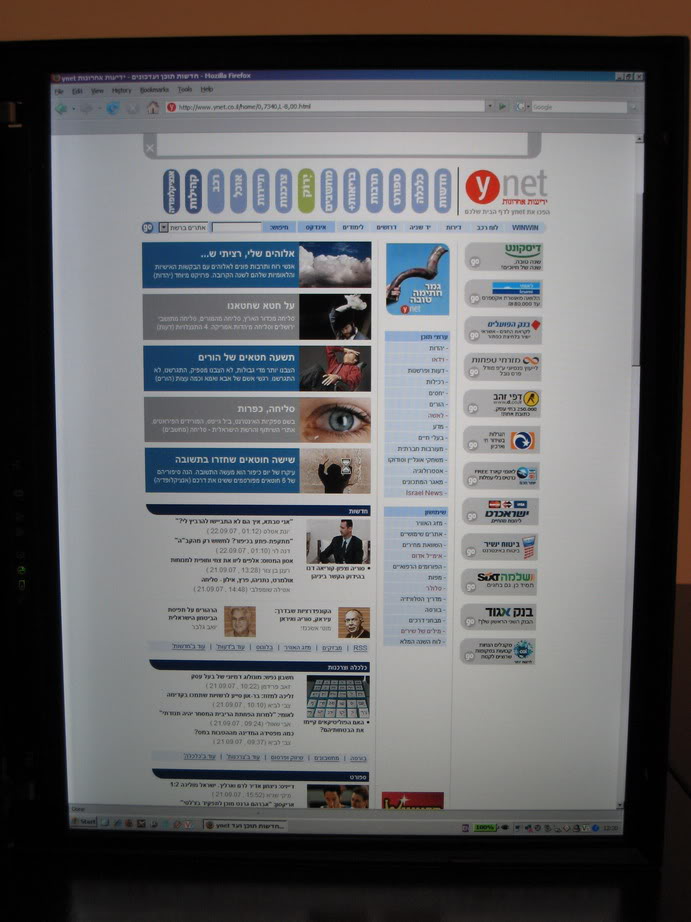
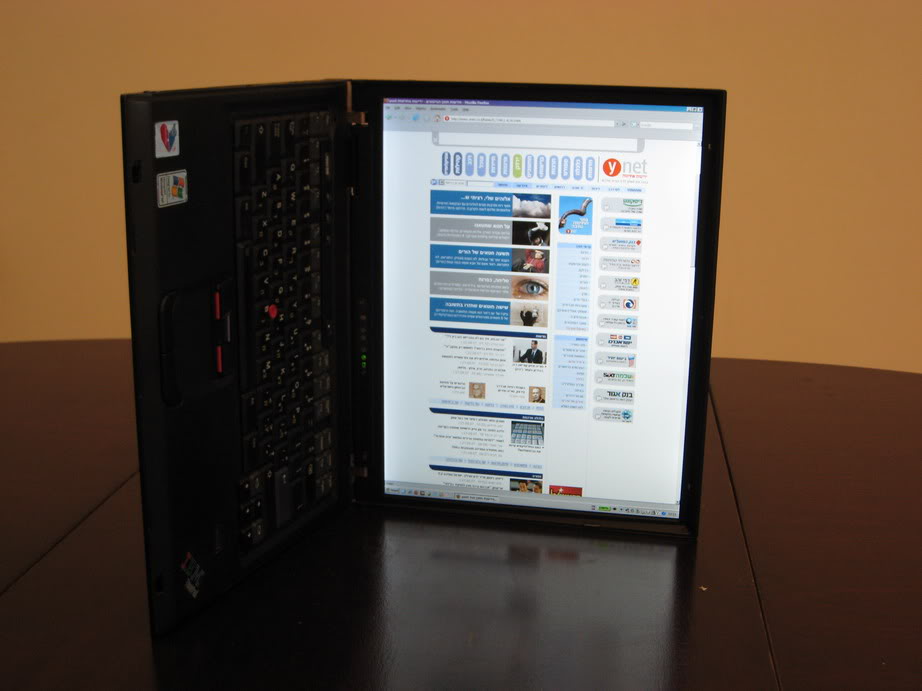
Same image as above, in portrait mode. The Intel video drivers allow the screen to be rotated with a simple hotkey, so I can hold and read it like a book when it's convenient.


Top
 Profile  
 
 Post subject:
PostPosted: Sat Sep 22, 2007 10:45 am 
Offline
Moderator
Moderator

Joined: Thu Sep 01, 2005 1:17 pm
Posts: 5441
Location: Wisconsin
Very nice pics!!!

_________________
"Say hallo to ma lil' friend"...Rules of the Road

The pizza guy vs. the cheapskate


Top
 Profile  
 
 Post subject:
PostPosted: Sat Sep 22, 2007 10:51 am 
Offline
Senior ThinkPadder
Senior ThinkPadder

Joined: Sat Oct 29, 2005 6:20 am
Posts: 4950
Location: Israel
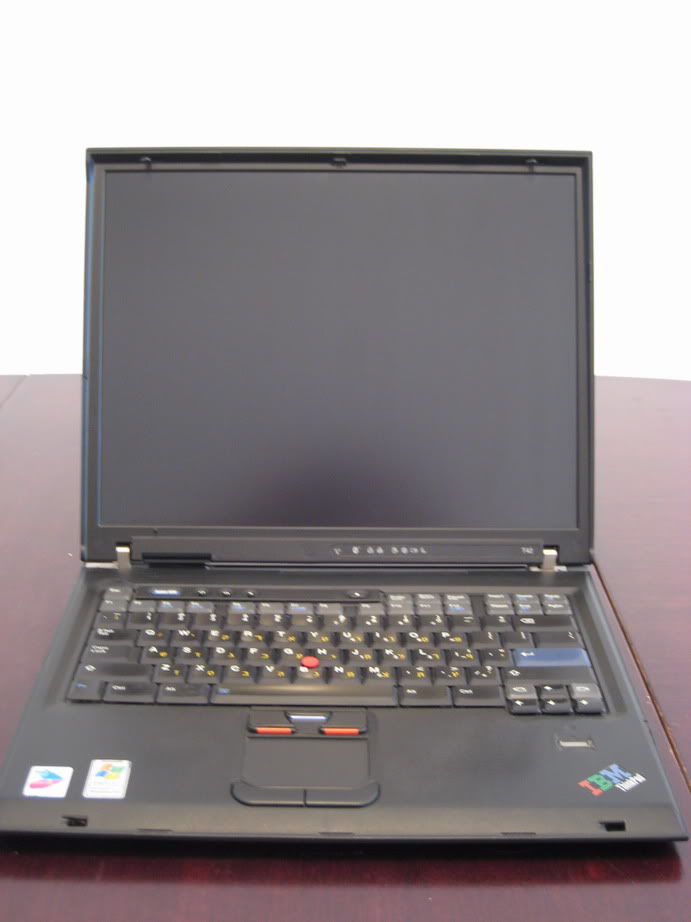
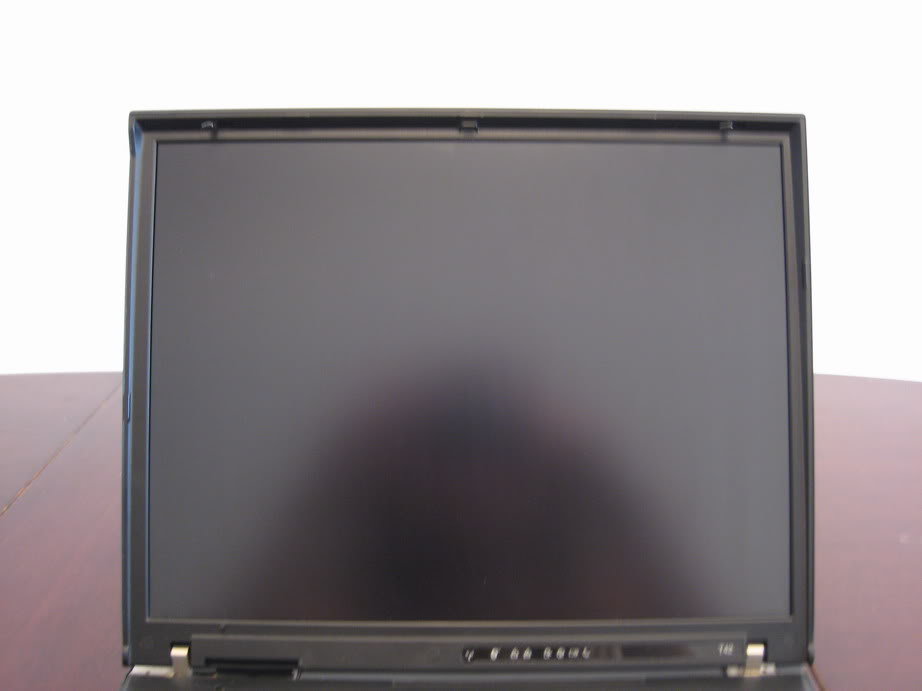
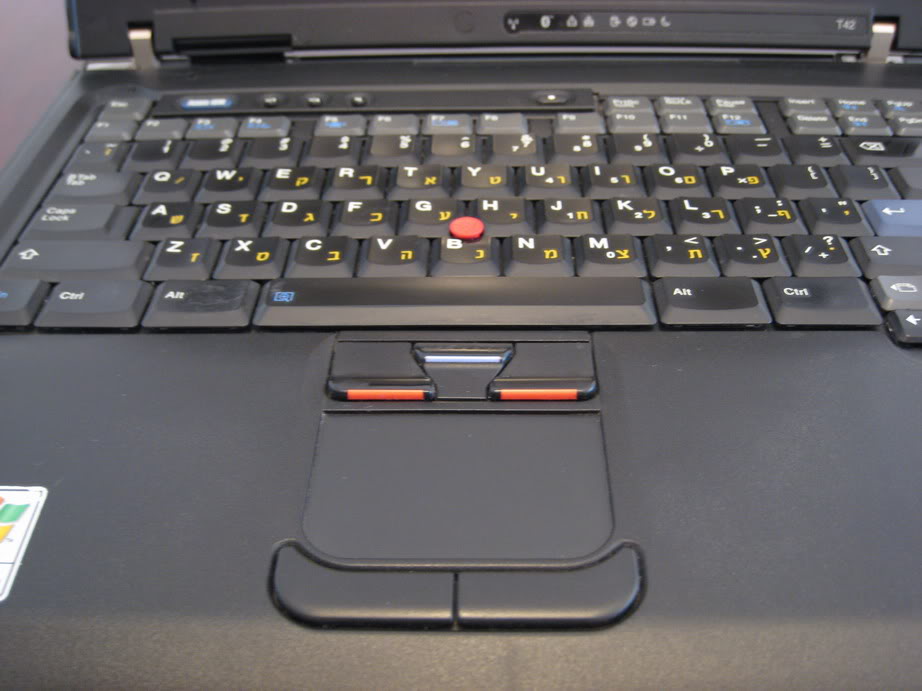
And now, my good old precious T42.

ImageImage
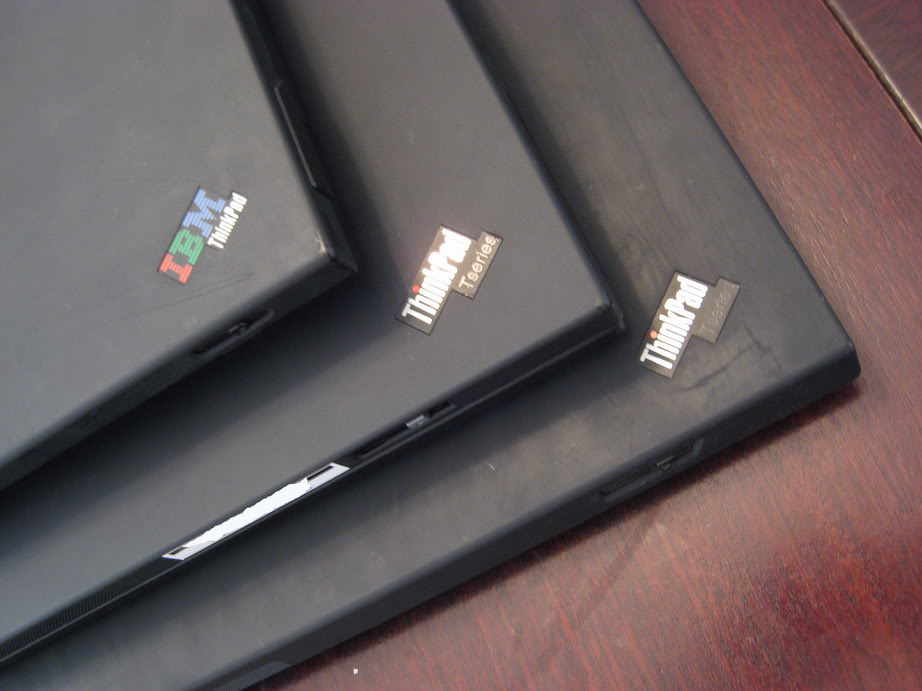
Yep, that's a T42 (15"), and that's a Thinkpad corporate sticker in the corner. I switched the outside sticker of the T42 with the inside sticker of the T60, and now I have two Thinkpads, each with both sticker types. 8)

Image
Opened up. The keyboard is also the standard English/Hebrew keyboard, but without the Windows keys. You can see the wider margins on both sides of the keyboard, compared to the 14" model.

Image
Zoomed on the LCD. Yep, that's the reflection of me holding the camera, but the screen is matte, so all you see is the silhouette.

ImageImage
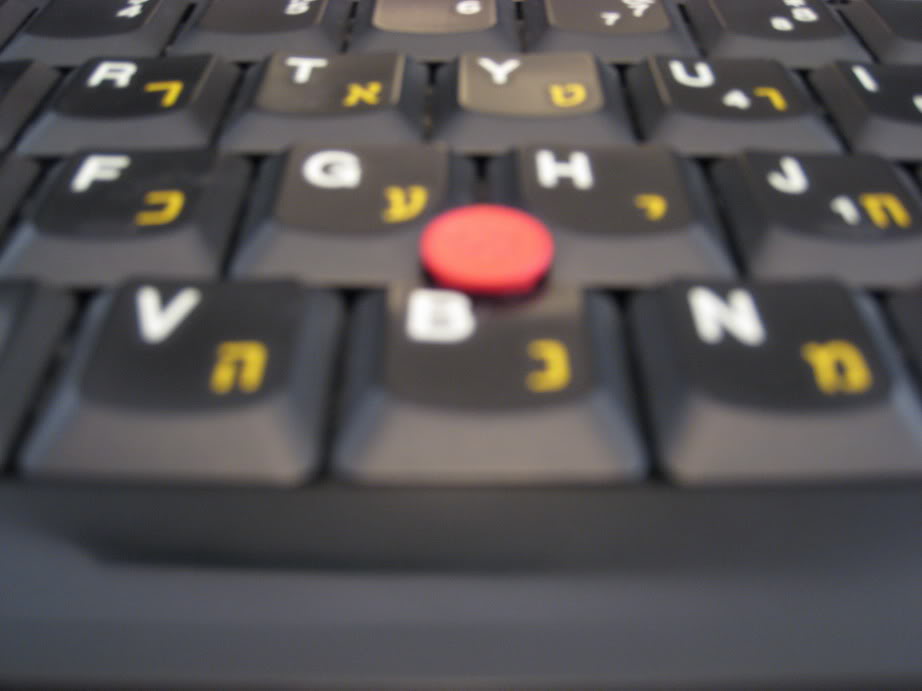
Zoom on the keyboard, touchpad (which I never use) and trackpoint (also soft rim).

ImageImage
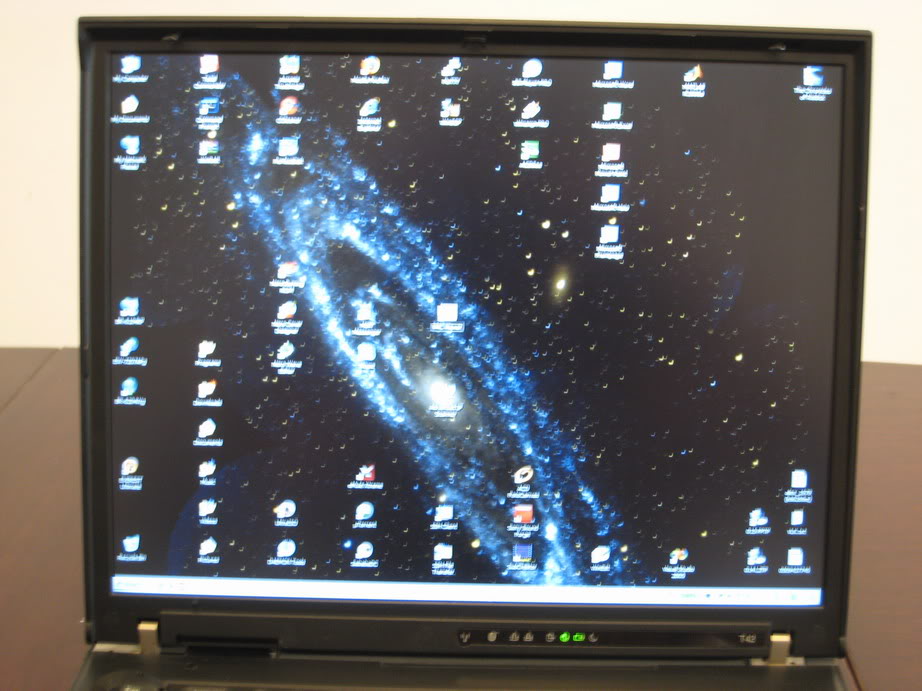
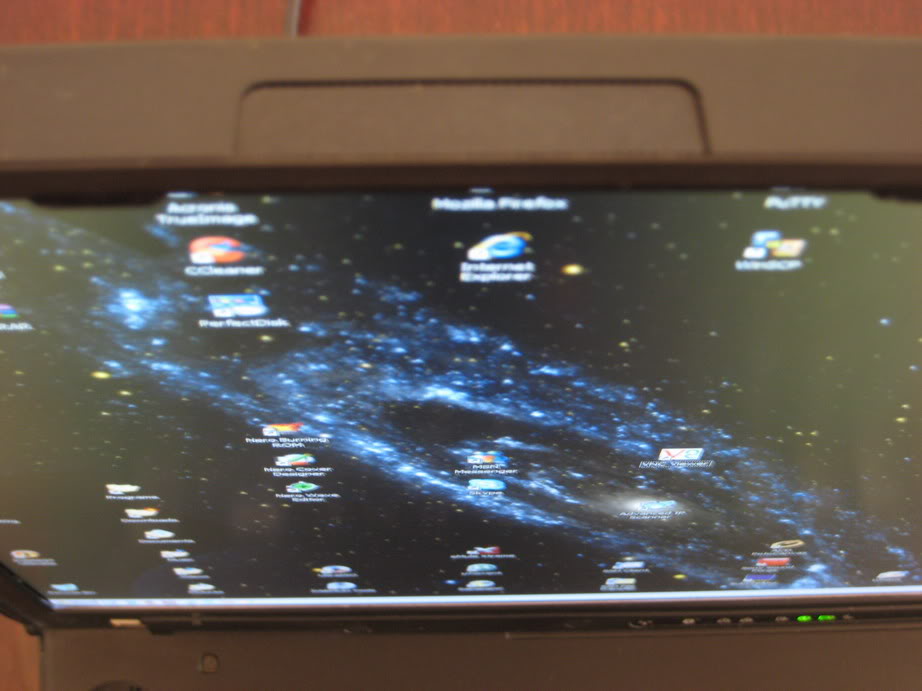
I like having lots of icons on my desktop. :oops: The screen is a SXGA+ Flexview.

Pictures of the screen, including portrait mode (using ATI Tray Tools quick rotate feature):
ImageImage

The Flexview screen stays perfect from all angles:
ImageImageImage


Last edited by dr_st on Sat Sep 22, 2007 11:57 am, edited 1 time in total.

Top
 Profile  
 
 Post subject:
PostPosted: Sat Sep 22, 2007 10:59 am 
Offline
Senior ThinkPadder
Senior ThinkPadder

Joined: Tue Jun 28, 2005 5:07 am
Posts: 7422
Location: Ann Arbor, MI
Do you know the exact weight of this X32?

_________________
Panasonic CF-Y7; Dell Latitude E4200, Inspiron7500; Gateway NX860X; Sony VPCX113KG
Desktops:HP Elite 8300 & 8200, dc7900; Dell OptiPlex 9010 & 760, Precision390
LCDs: Dell 3008WFP,U2711,2408WFP,3x 2407WFP,sp2309w,ST2210b,2x 2007FP; HP L2201x; 4x Lenovo L220X; NEC 2070NX; Samsung 2343BWX


Top
 Profile  
 
 Post subject:
PostPosted: Sat Sep 22, 2007 11:07 am 
Offline
Senior ThinkPadder
Senior ThinkPadder

Joined: Sat Oct 29, 2005 6:20 am
Posts: 4950
Location: Israel
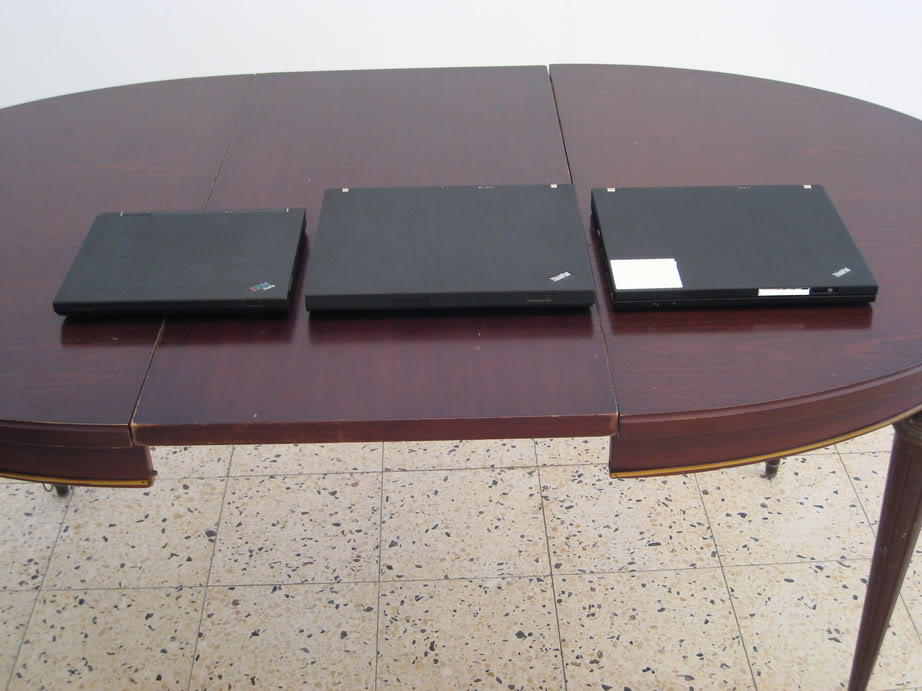
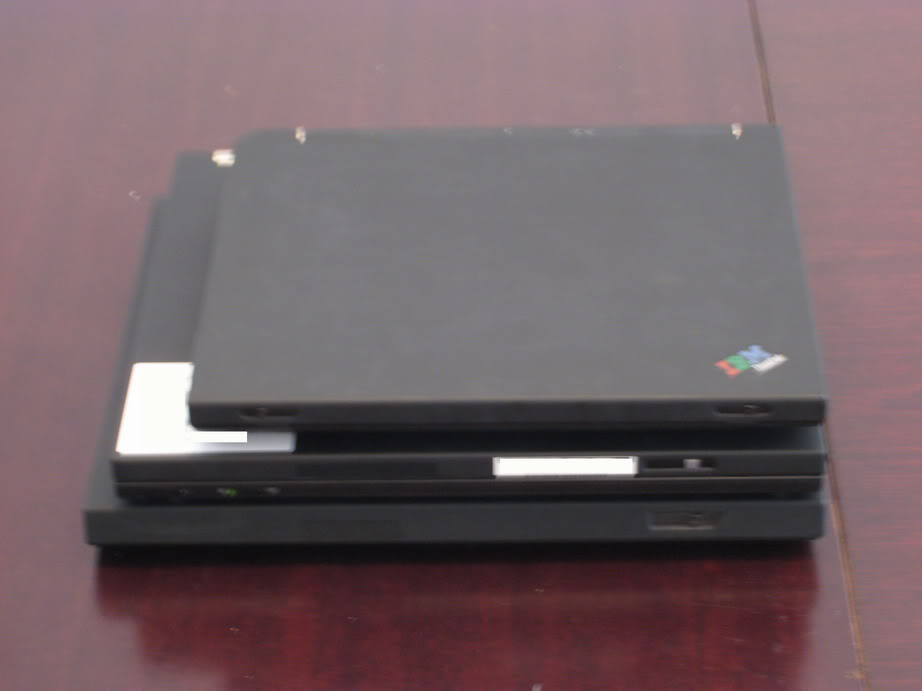
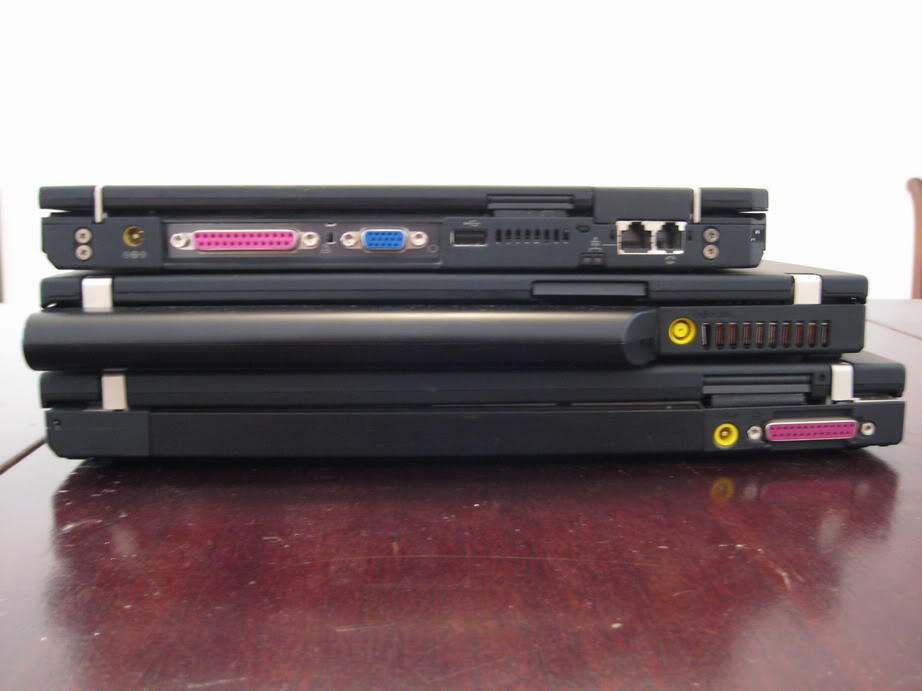
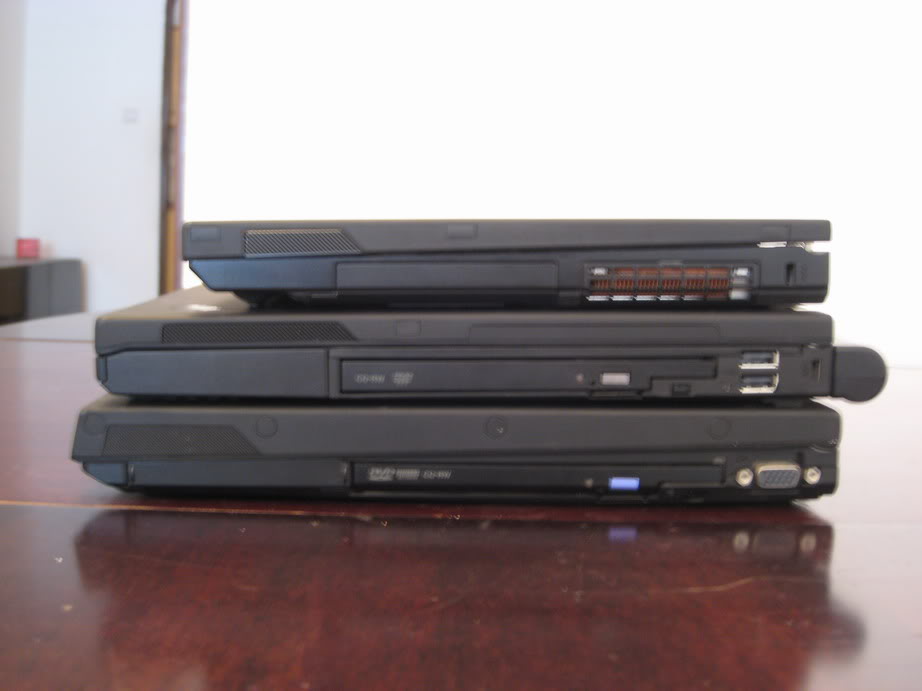
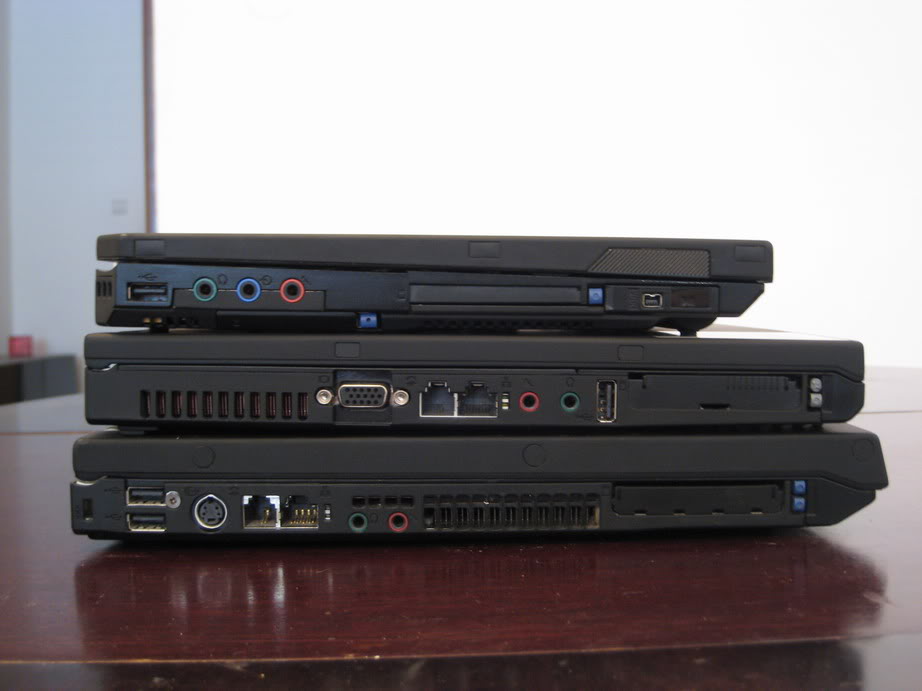
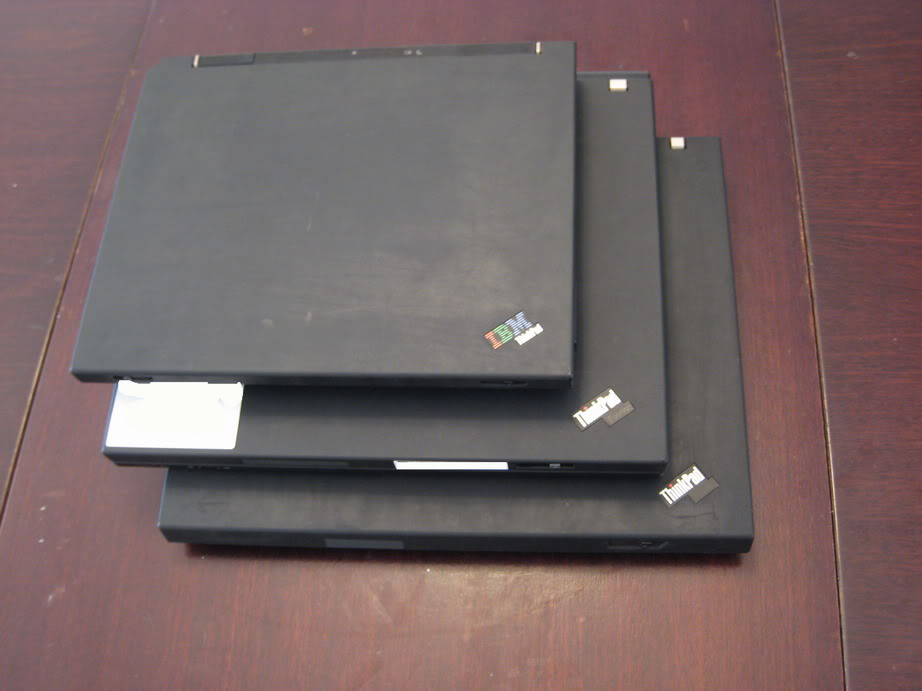
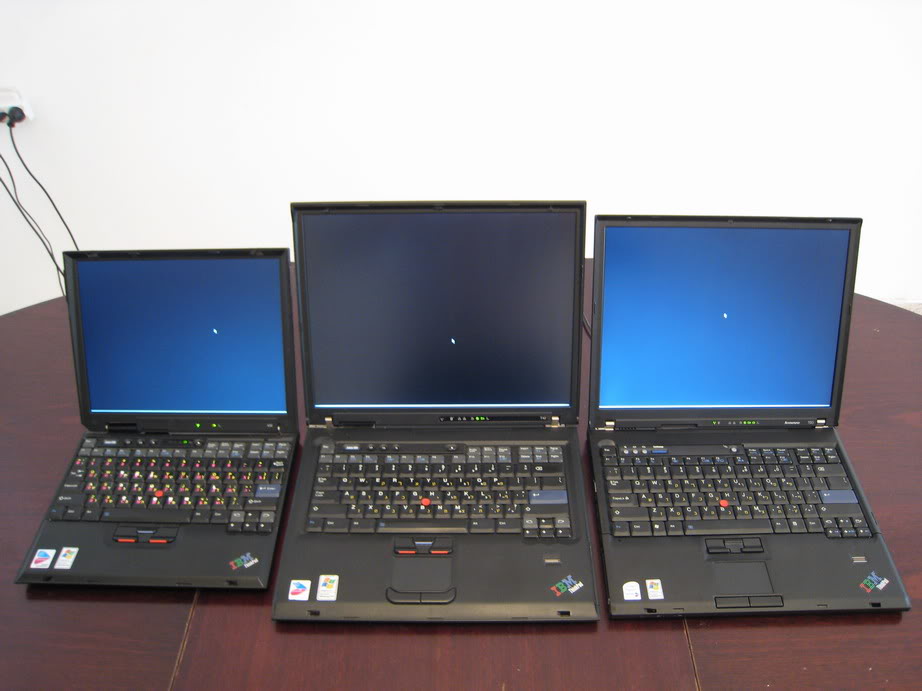
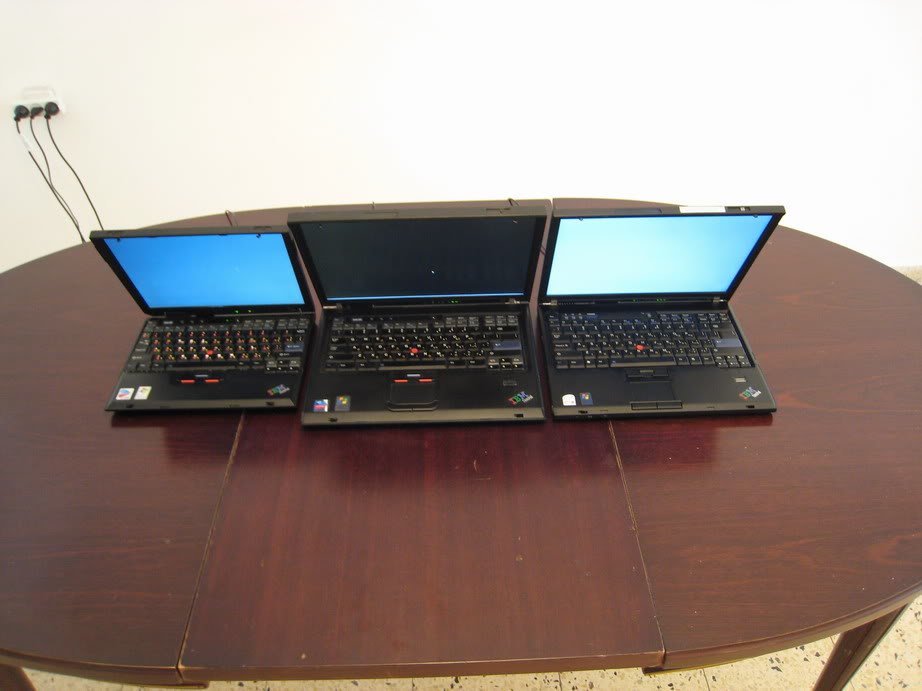
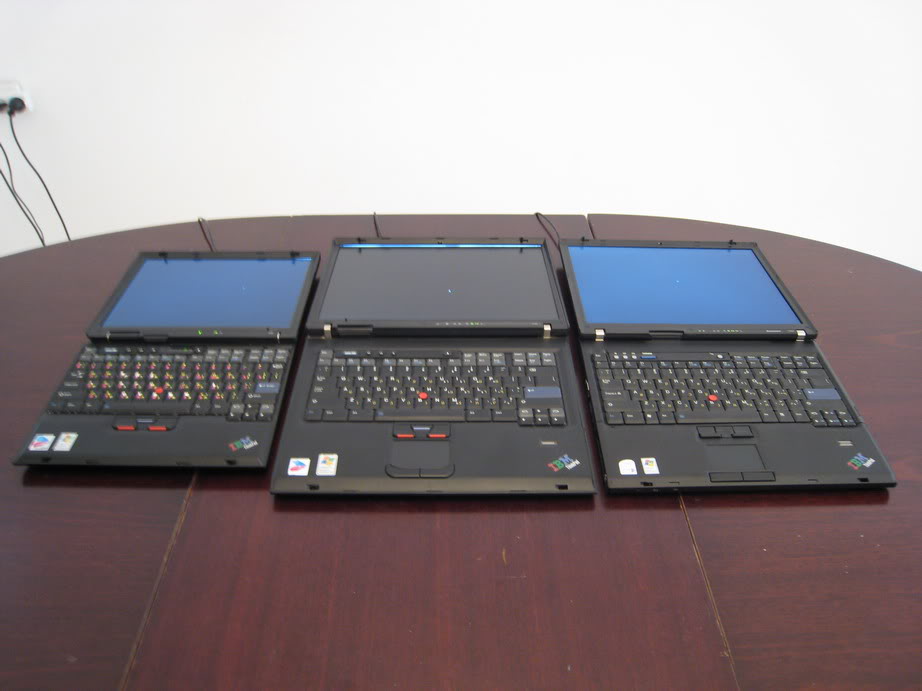
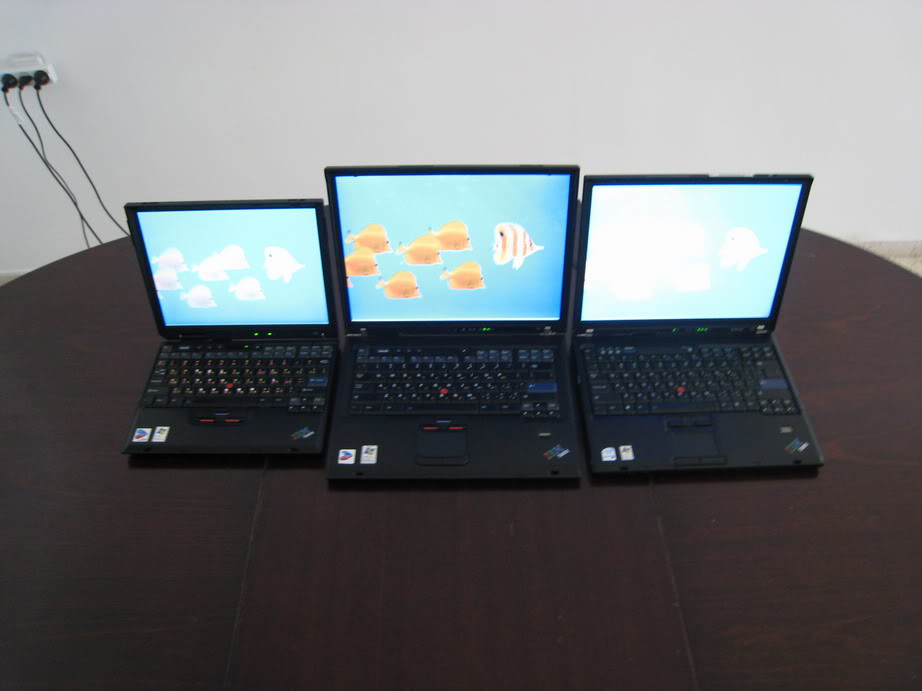
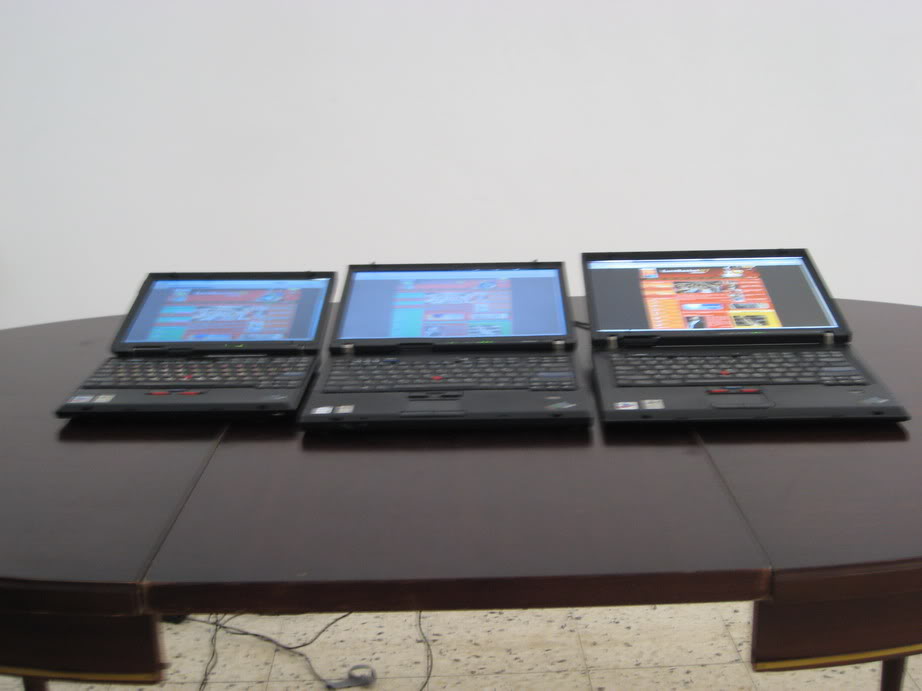
Group pictures!

ImageImage
We have here a 12" X32, a 15" T42 and a 14" T60. I don't think it is hard to tell which is which.

Image
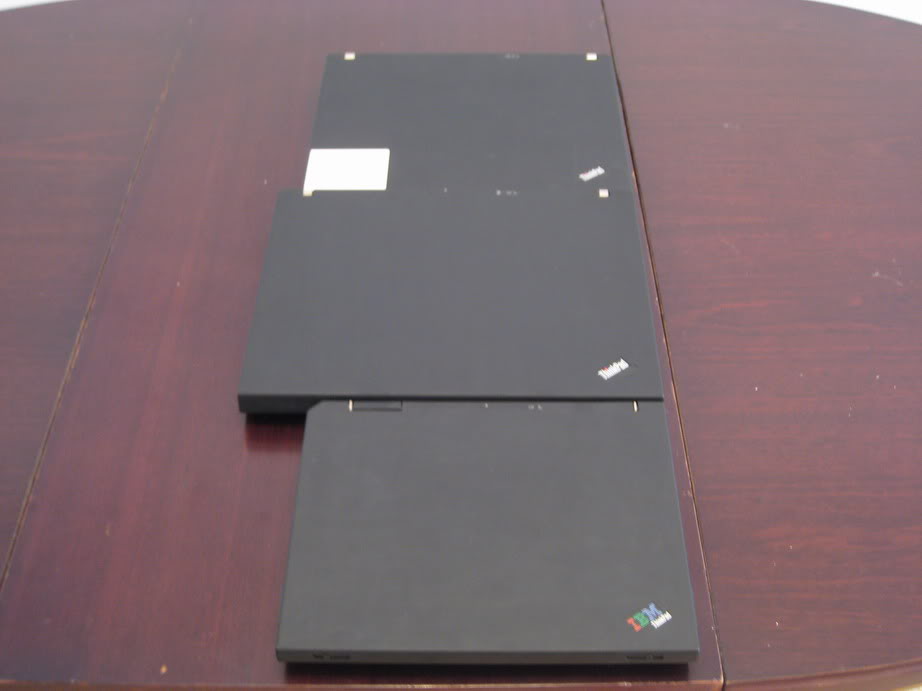
Stacked.

Image
From the back. As you can see, the X32 has almost all of its ports there, while the T60 has only the vent (and the extended battery).

Image
From the right. From some reason, my company doesn't put DVD Recorders on any of the laptops it gives to its employees, only combo drives, so this is what you see on the T60.

Image
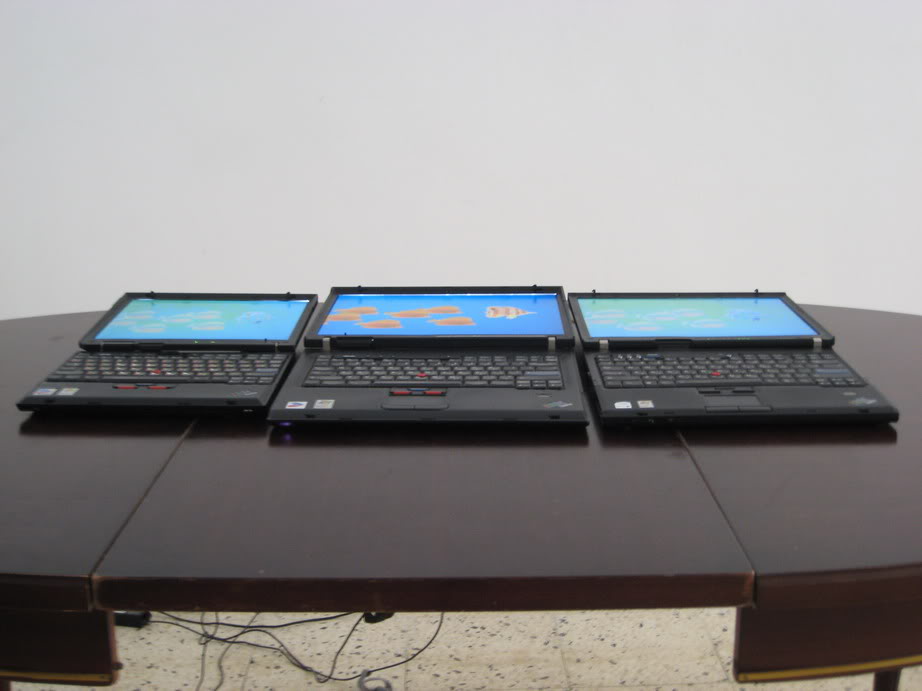
From the left. Interestingly that the X32 has a separate line-in and mic-in, but they skimped on it in the T-series. The increase in thickness as you go from 12" through 14" to 15" is quite small.

Just for fun:
ImageImage

Last photo before the laptops are turned on...
Image


Last edited by dr_st on Sat Sep 22, 2007 11:58 am, edited 1 time in total.

Top
 Profile  
 
 Post subject:
PostPosted: Sat Sep 22, 2007 11:10 am 
Offline
Senior Member
Senior Member

Joined: Fri Feb 17, 2006 9:37 am
Posts: 539
Location: Netherlands
That's just awesome! Especially the Thinkpad logo instead of the IBM logo.


Top
 Profile  
 
 Post subject:
PostPosted: Sat Sep 22, 2007 11:13 am 
Offline
Senior ThinkPadder
Senior ThinkPadder

Joined: Tue Jun 28, 2005 5:07 am
Posts: 7422
Location: Ann Arbor, MI
Too bad you don't have an X40. I'd like to see how much bigger the X32 is relative to it.

_________________
Panasonic CF-Y7; Dell Latitude E4200, Inspiron7500; Gateway NX860X; Sony VPCX113KG
Desktops:HP Elite 8300 & 8200, dc7900; Dell OptiPlex 9010 & 760, Precision390
LCDs: Dell 3008WFP,U2711,2408WFP,3x 2407WFP,sp2309w,ST2210b,2x 2007FP; HP L2201x; 4x Lenovo L220X; NEC 2070NX; Samsung 2343BWX


Top
 Profile  
 
 Post subject:
PostPosted: Sat Sep 22, 2007 11:21 am 
Offline
Senior ThinkPadder
Senior ThinkPadder

Joined: Sat Oct 29, 2005 6:20 am
Posts: 4950
Location: Israel
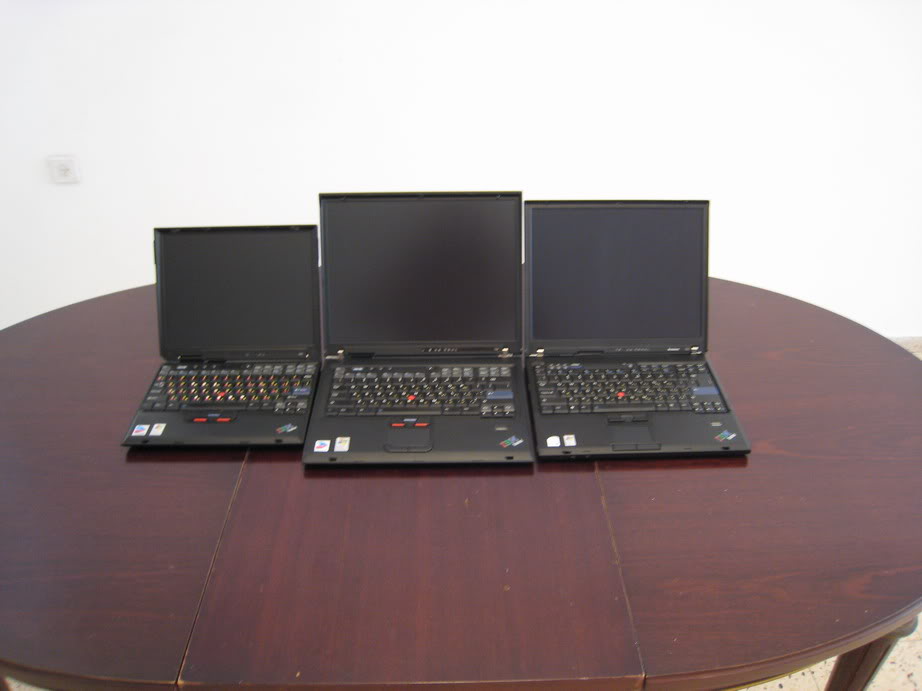
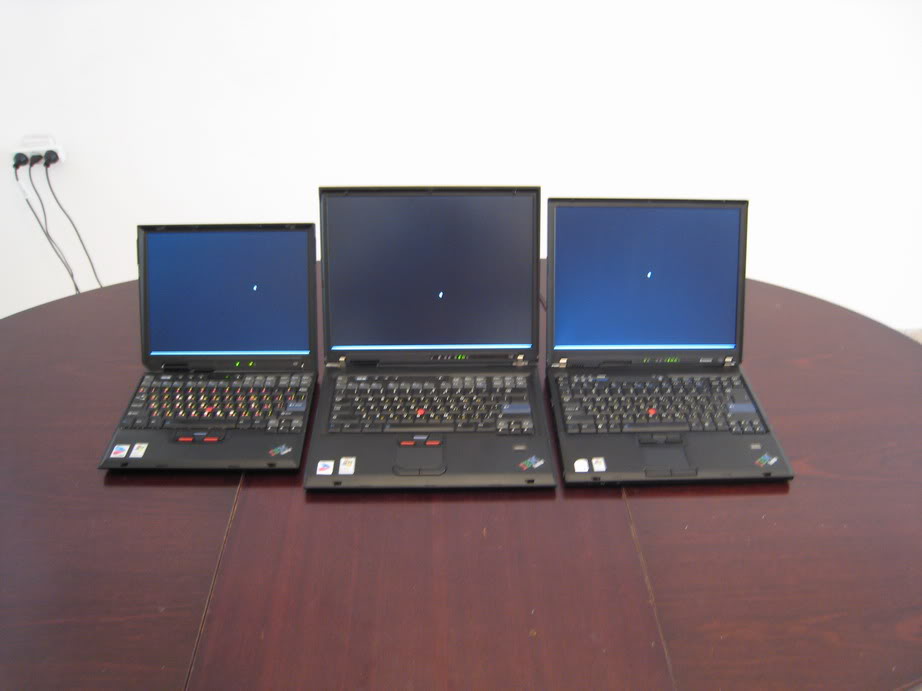
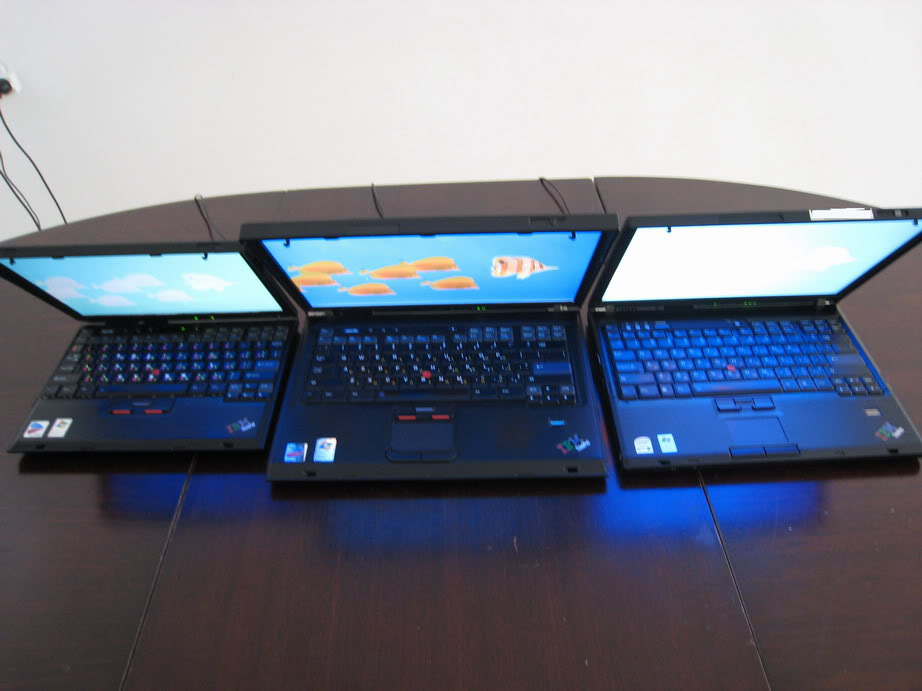
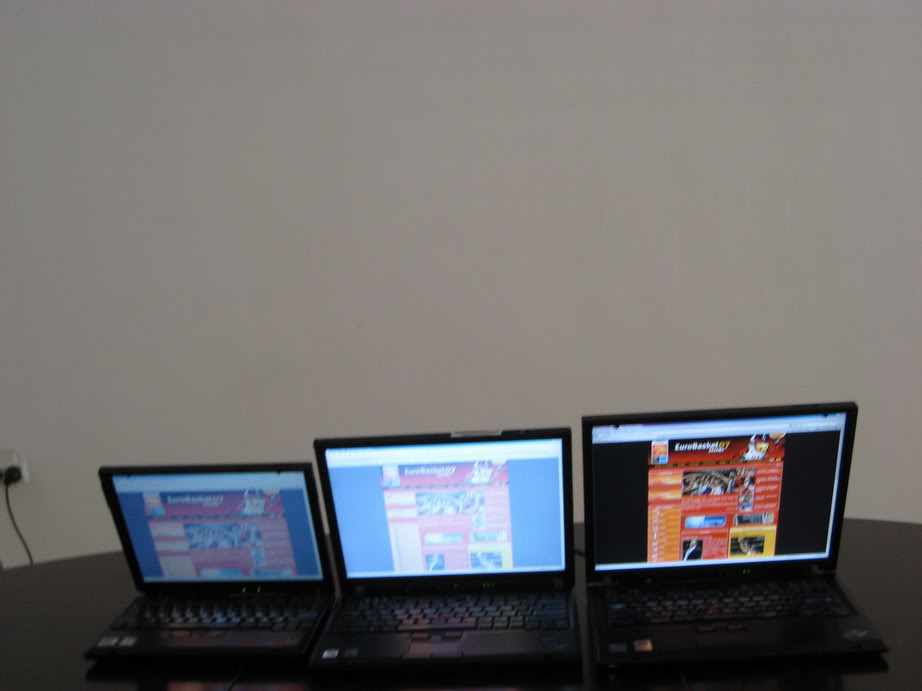
Screen comparison pictures:

ImageImage
Already the first picture shows noticeable differences between the TN panels and the IPS panel of the T42. All 3 monitors are displaying pure black, but only the T42 shows it as such. The blue tint is caused by the camera, in real life it just looks gray.

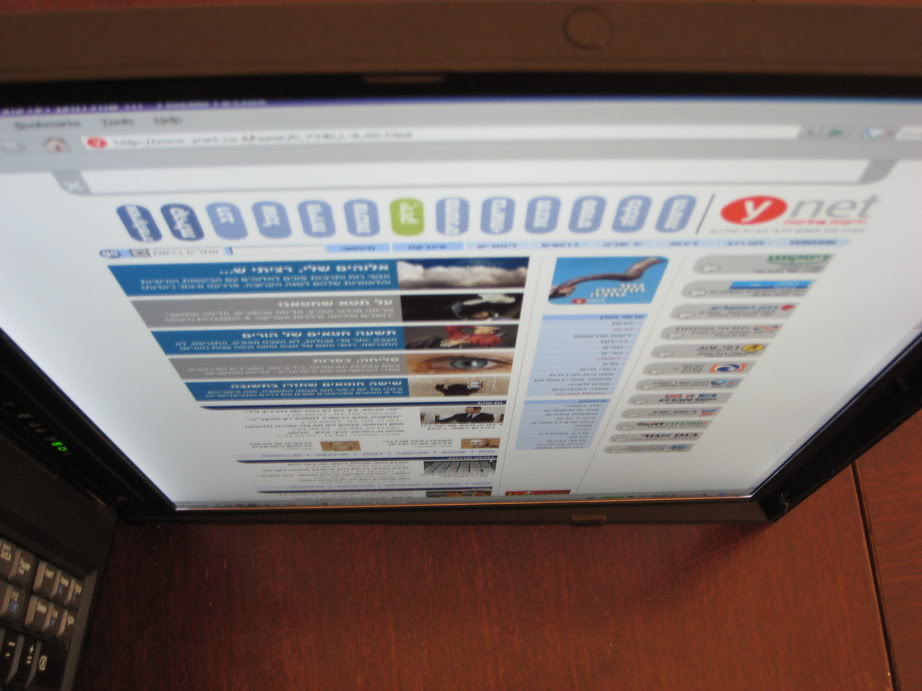
Things get much worse for the TN panels from different angles:
ImageImage
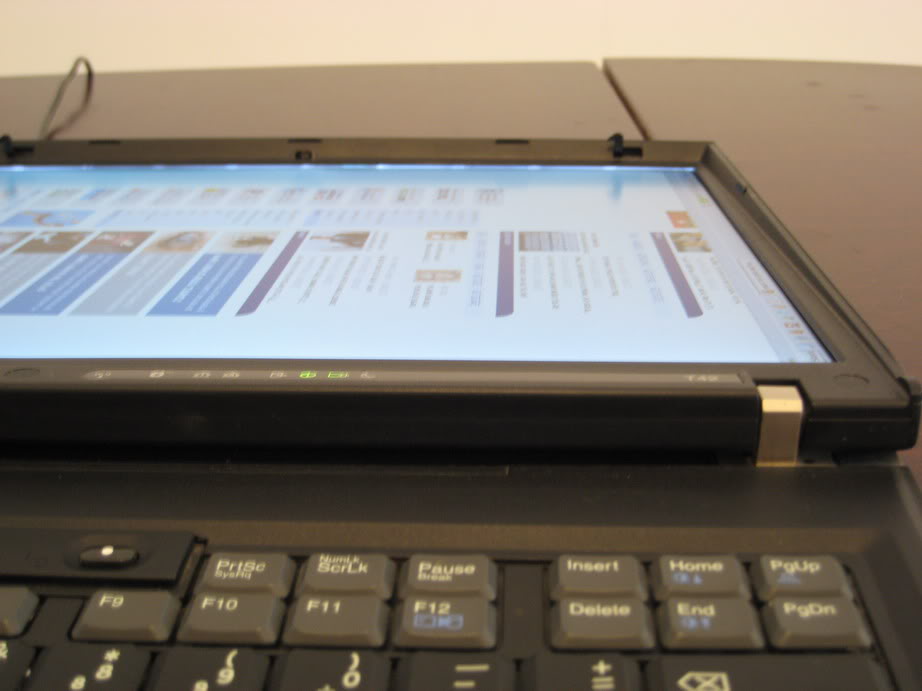
Yep, this is still pure black. :roll: The line of light you see at the top of the T42 is the backlight. I think that when I got the screen replaced, they left a bigger-than-normal gap there.

Image
White comparison. All screens are on max brightness. The T42 and T60 seem a bit brighter and whiter than the X32, which looks a little bluish (this time it is not the camera).

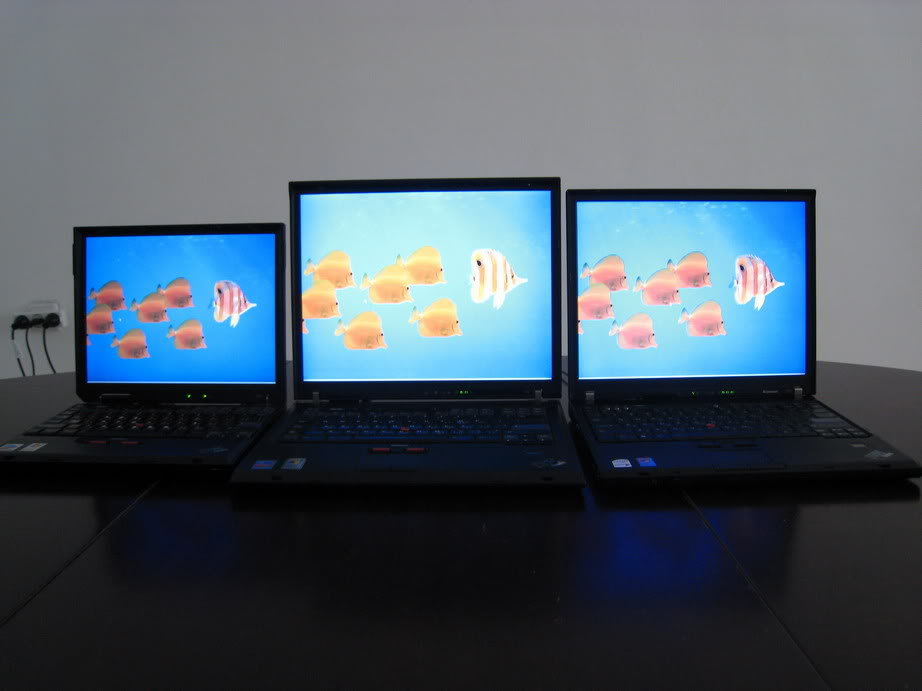
Fish wallpaper comparison:
ImageImage
ImageImage

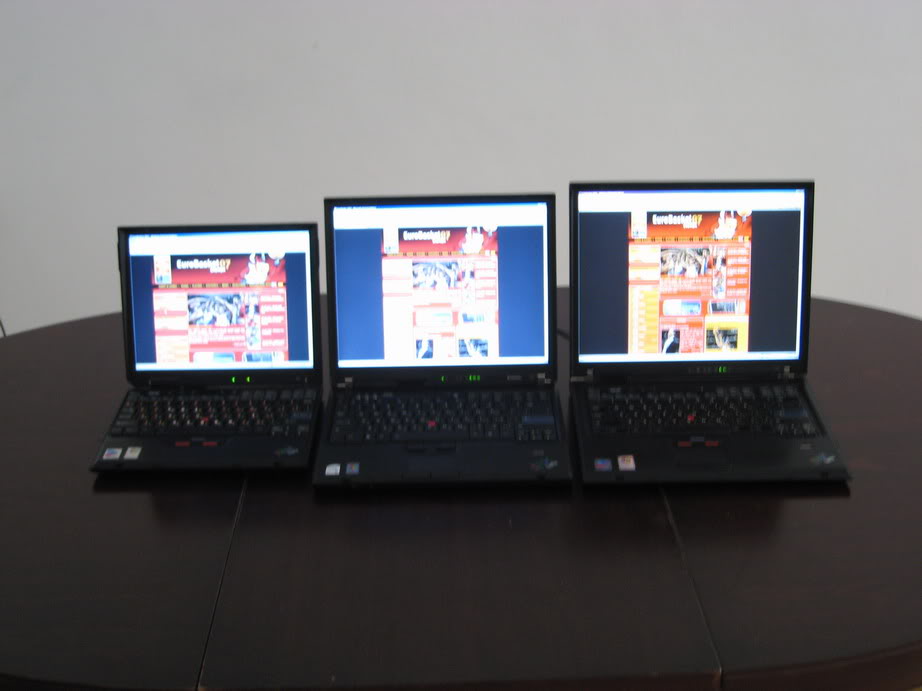
More angles comparison (laptop order switched):
ImageImageImage
Again the benefits of the Flexview are clearly seen.


Last edited by dr_st on Sun Sep 23, 2007 5:25 am, edited 2 times in total.

Top
 Profile  
 
 Post subject:
PostPosted: Sat Sep 22, 2007 11:28 am 
Offline
Senior ThinkPadder
Senior ThinkPadder

Joined: Sat Oct 29, 2005 6:20 am
Posts: 4950
Location: Israel
Now to the pictures of the extras:

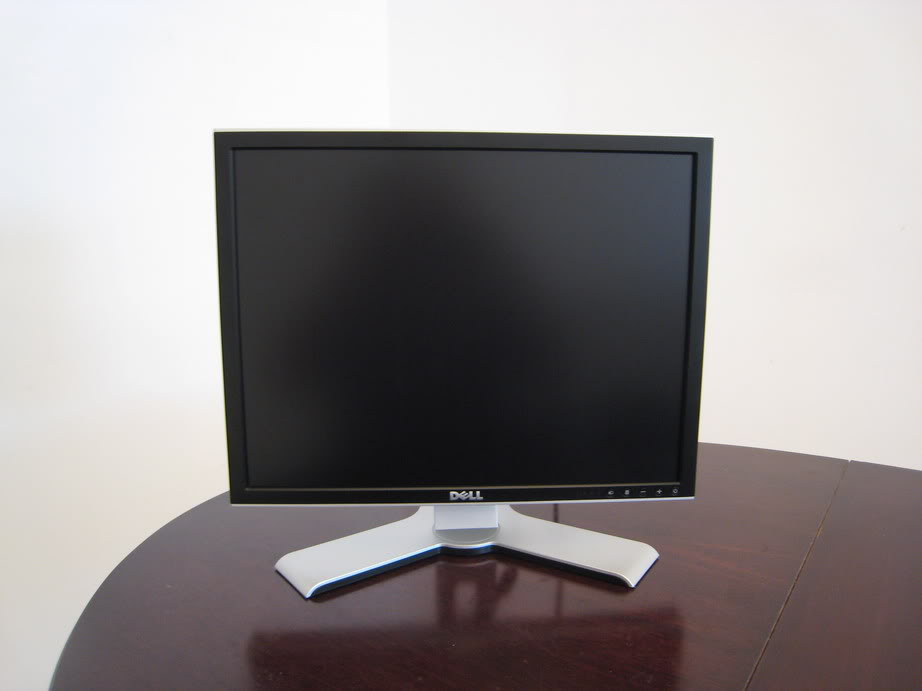
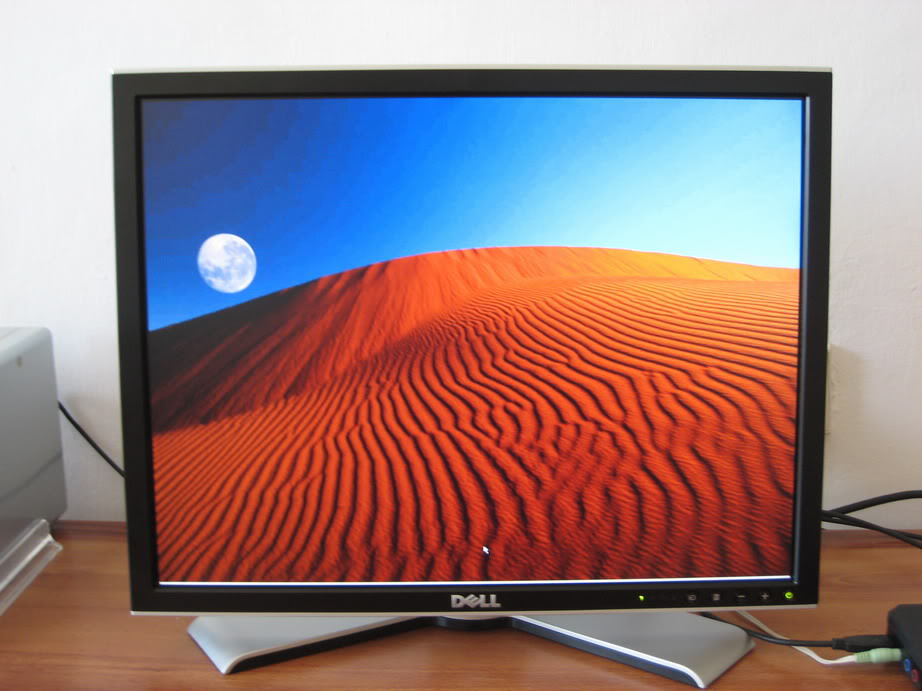
First is the 20" UXGA S-IPS Dell 2007FP monitor, which we use as a media center in the living room.

The monitor:
Image

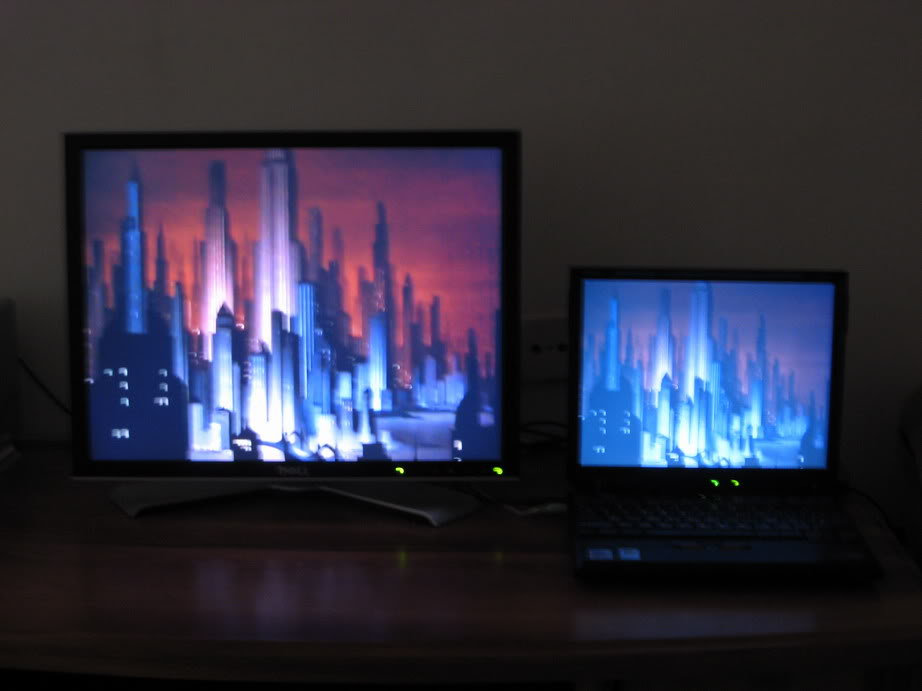
Watching a Batman cartoon on the monitor (X32 screen is shown for comparison):
Image

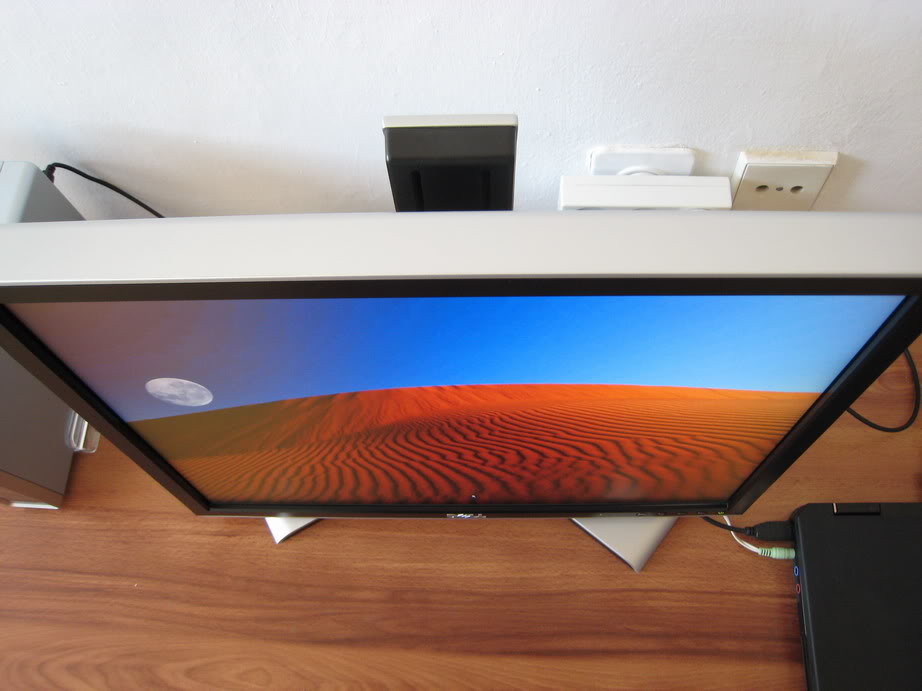
Different viewing angles:
ImageImageImage

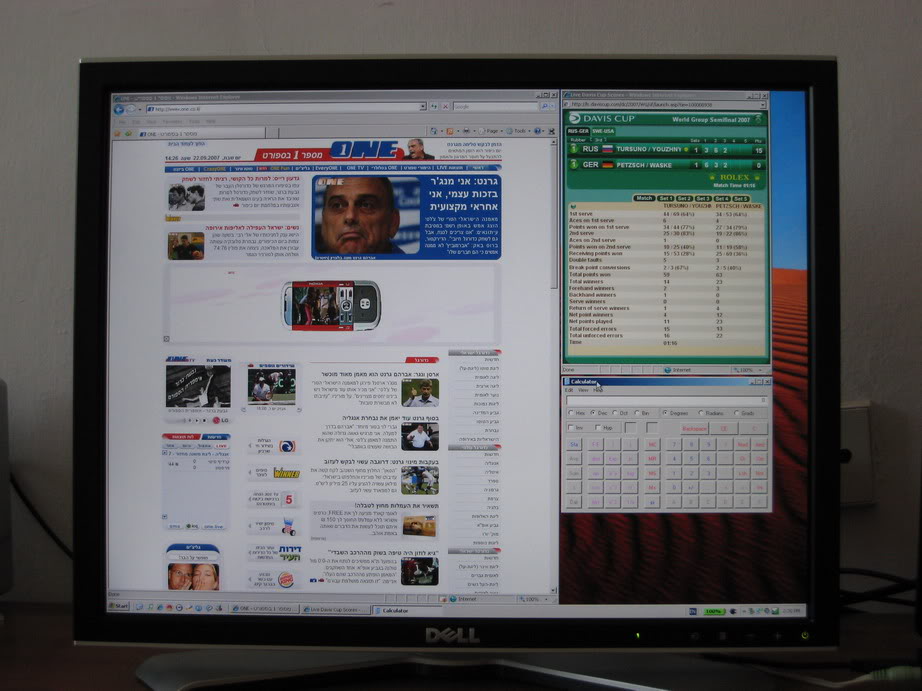
A sufficient amount of real estate:
Image


Last edited by dr_st on Sat Sep 22, 2007 12:01 pm, edited 1 time in total.

Top
 Profile  
 
 Post subject:
PostPosted: Sat Sep 22, 2007 11:45 am 
Offline
Senior ThinkPadder
Senior ThinkPadder

Joined: Sat Oct 29, 2005 6:20 am
Posts: 4950
Location: Israel
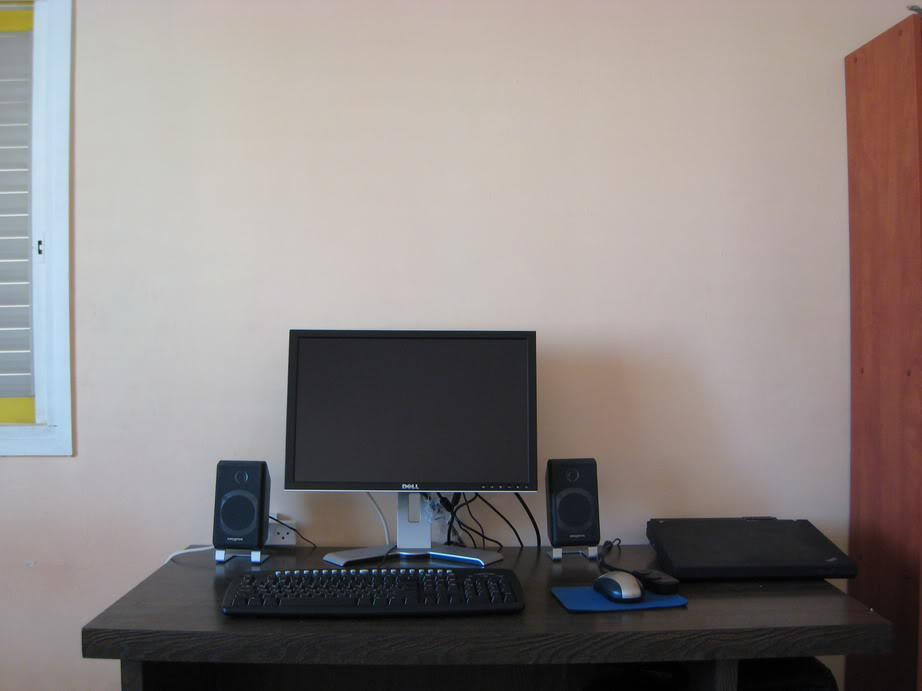
Here is the setup I have in my study:

Image
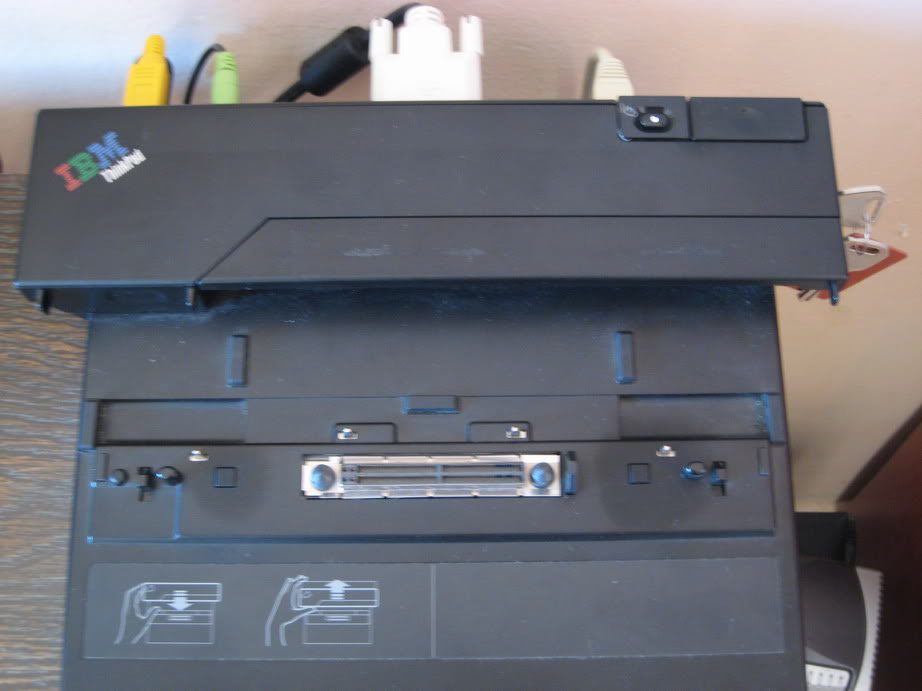
The minidock. (Got it used from work, this explains the stains). I use it for the T42.

This is my humble desk:
Image
T42 in the minidock, connected to a 20" Dell 2007WFP S-IPS WSXGA+ monitor, a keyboard, a mouse and a Creative Inspire T2900 2.1 speaker system.

ImageImageImage
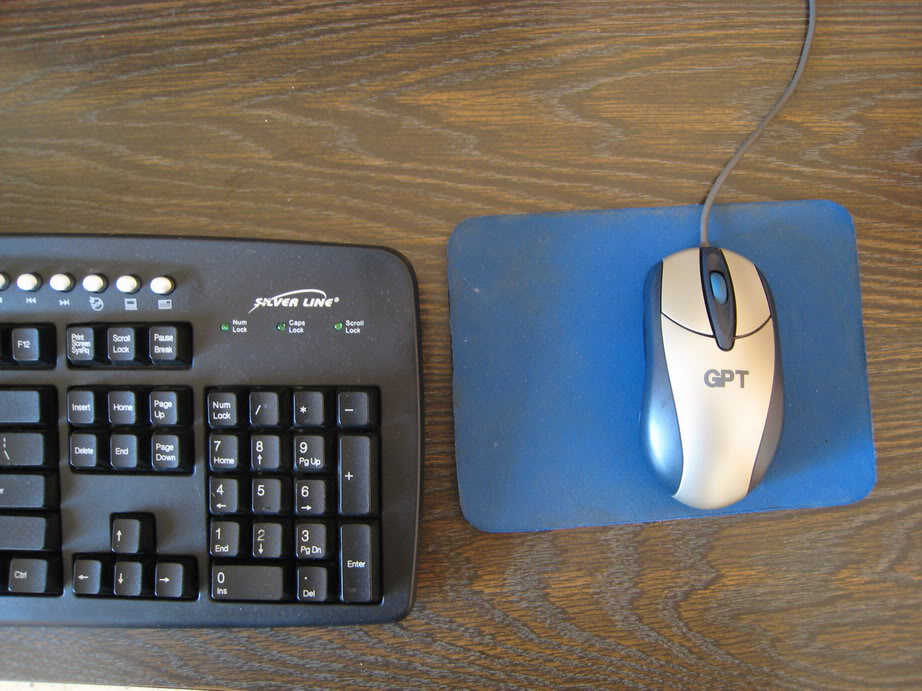
The keyboard and mouse are no special brand names, but they are very convenient (both are USB and PS/2 compatible). The mouse has 5 buttons, which I appreciate very much for back/forward while browsing. The physical layout of the keyboard was carefully selected to match that of the Thinkpad keyboards. ;)

Image
The 20" widescreen monitor and the satellites.

ImageImage
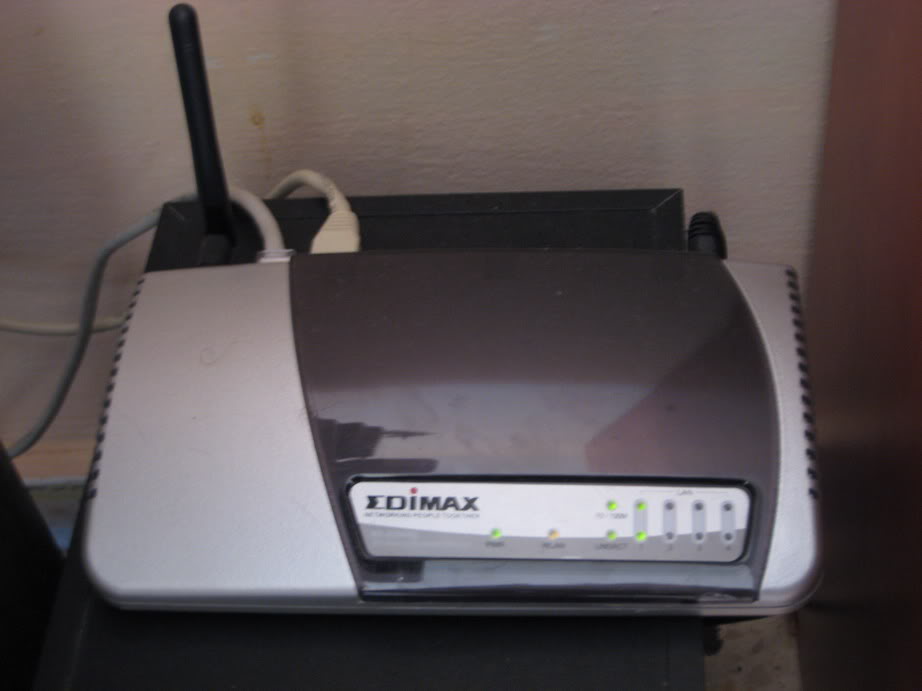
This is the Inspire subwoofer, and my Edimax BR-6204Wg wireless-G router, which distributes internet across the entire apartment.

Image
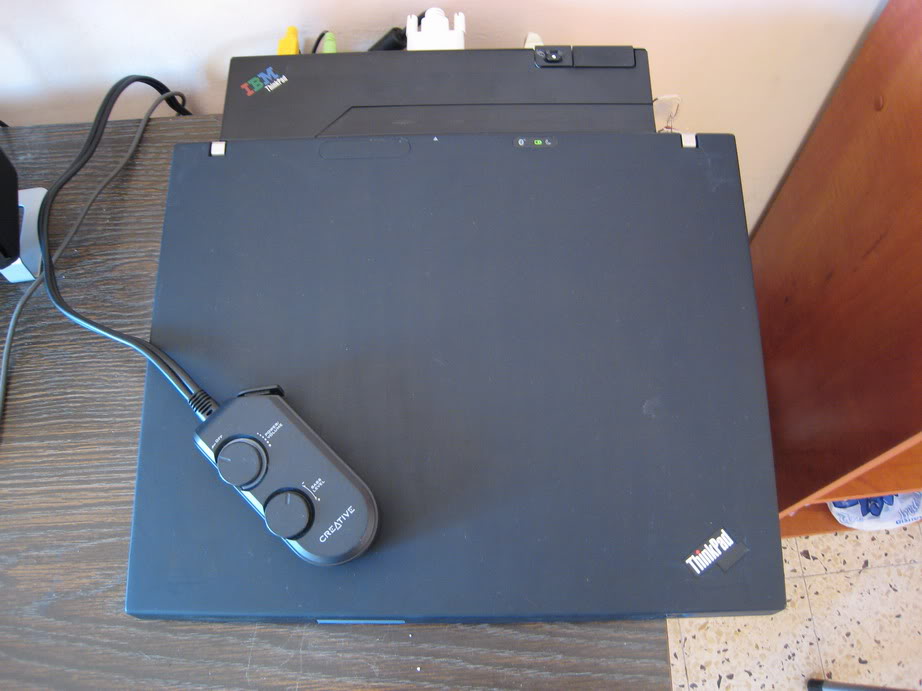
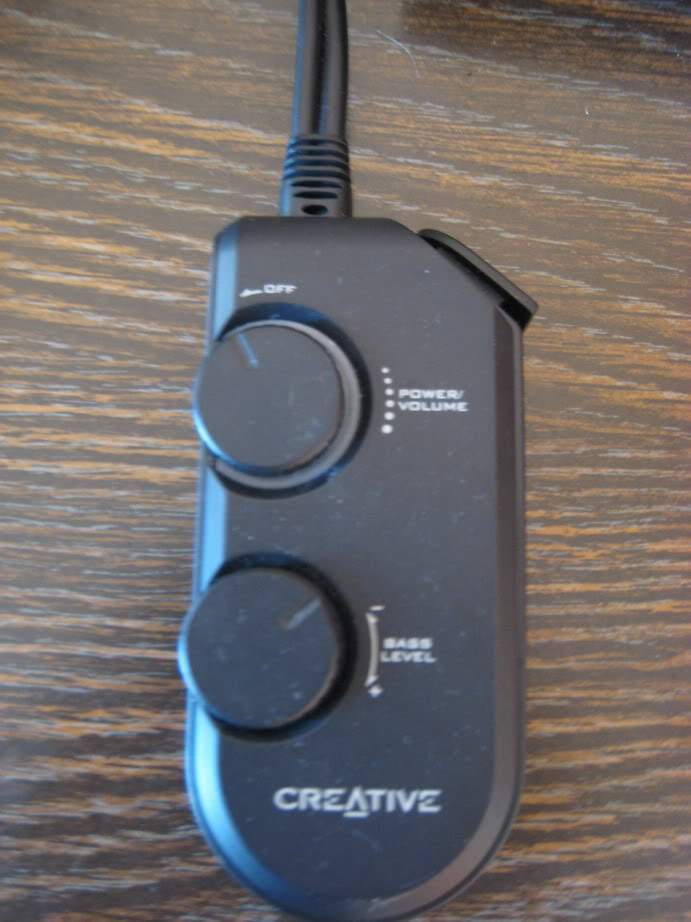
The Thinkpad in the dock, with the wired remote of the speakers on top of it.

Image
This wired remote is what I like best about the speakers. It has separate volume and bass control (to avoid annoying the neighbours), and also has line-in and line-out (not shown), for connecting headphones or portable audio players directly to the speakers.

Image
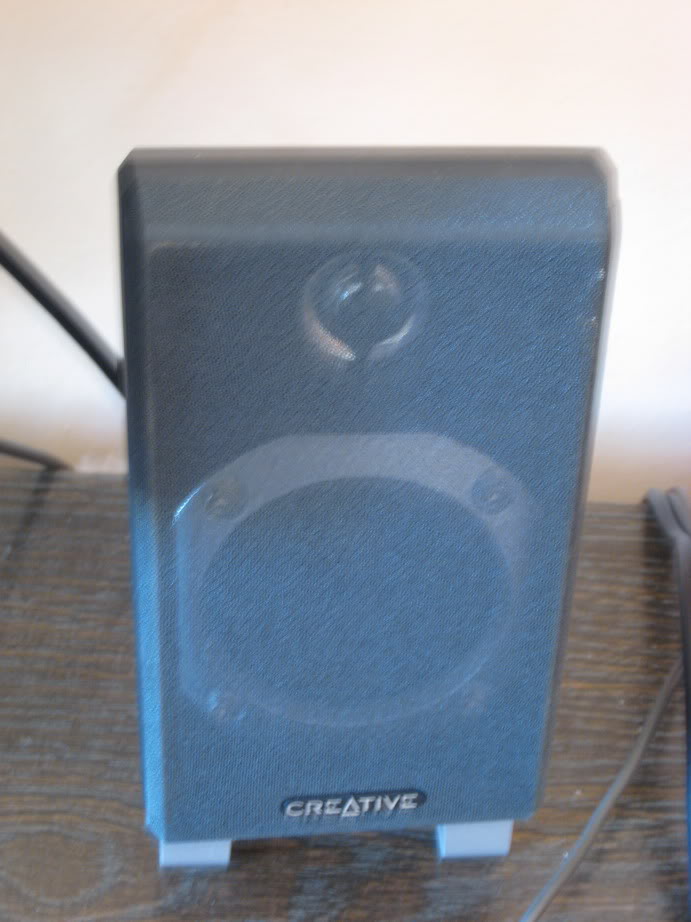
The satellite speakers themselves are fairly nice, and they are also wall mountable. The grille can be removed.


Last edited by dr_st on Sat Sep 22, 2007 12:03 pm, edited 1 time in total.

Top
 Profile  
 
 Post subject:
PostPosted: Sat Sep 22, 2007 11:55 am 
Offline
Senior ThinkPadder
Senior ThinkPadder

Joined: Sat Oct 29, 2005 6:20 am
Posts: 4950
Location: Israel
Now for the setup in action.

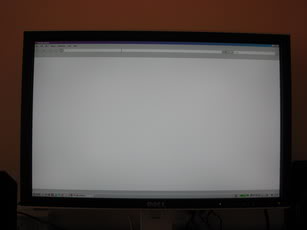
Some pictures of the monitor:
ImageImage
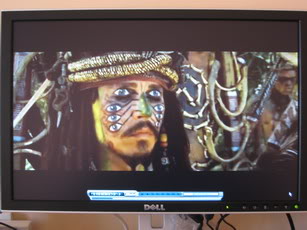
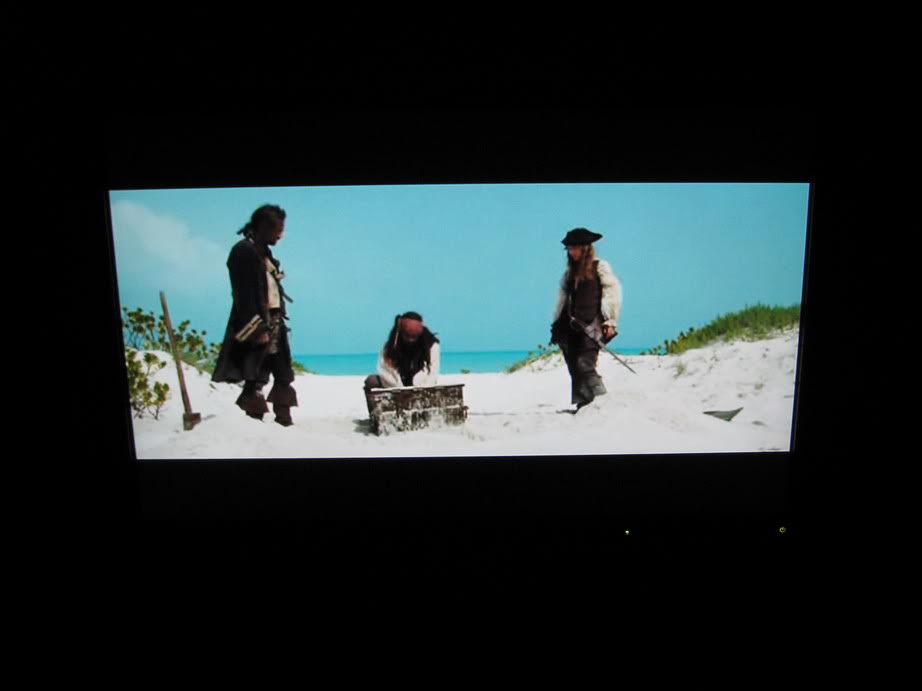
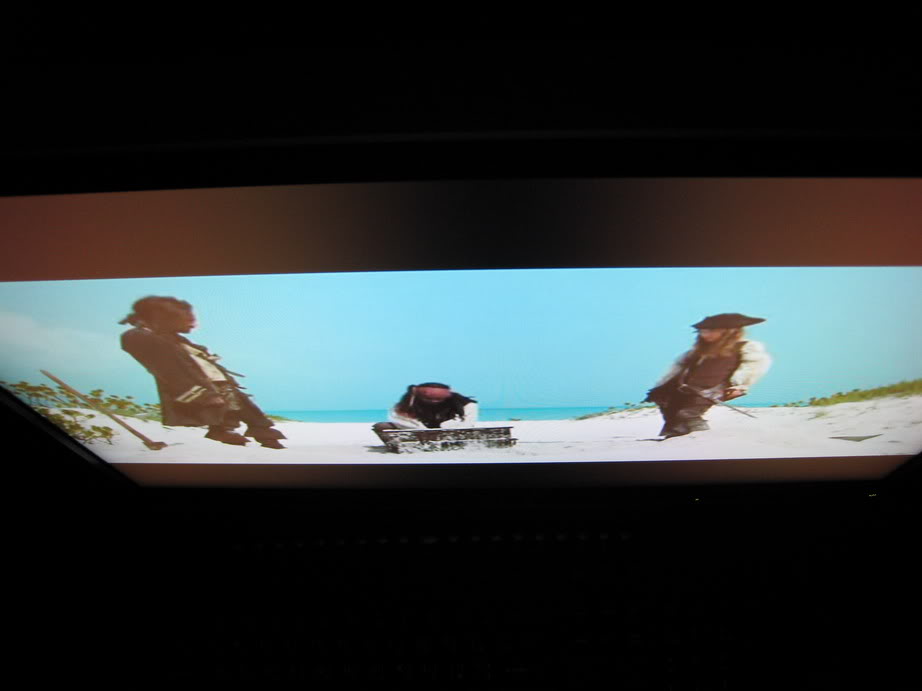
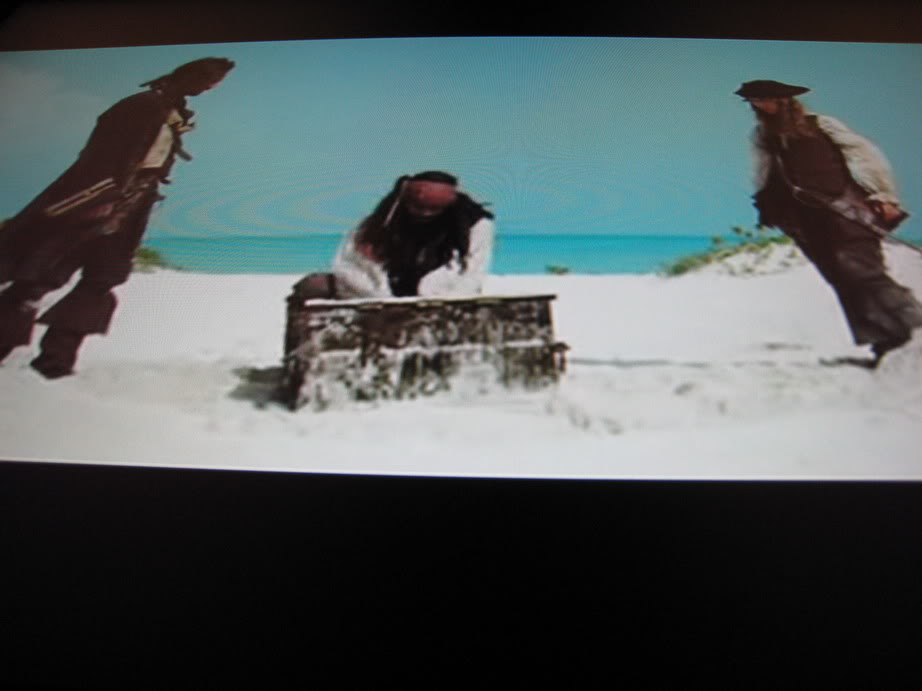
The white uniformity is quite good, and the colors are what you would expect from an S-IPS panel (showing a scene from Dead Man's Chest).

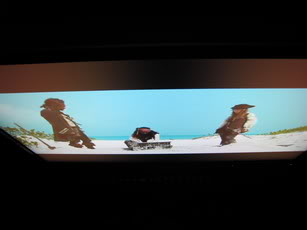
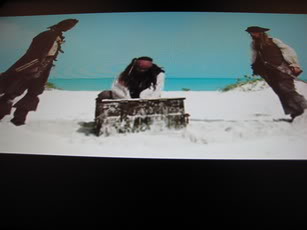
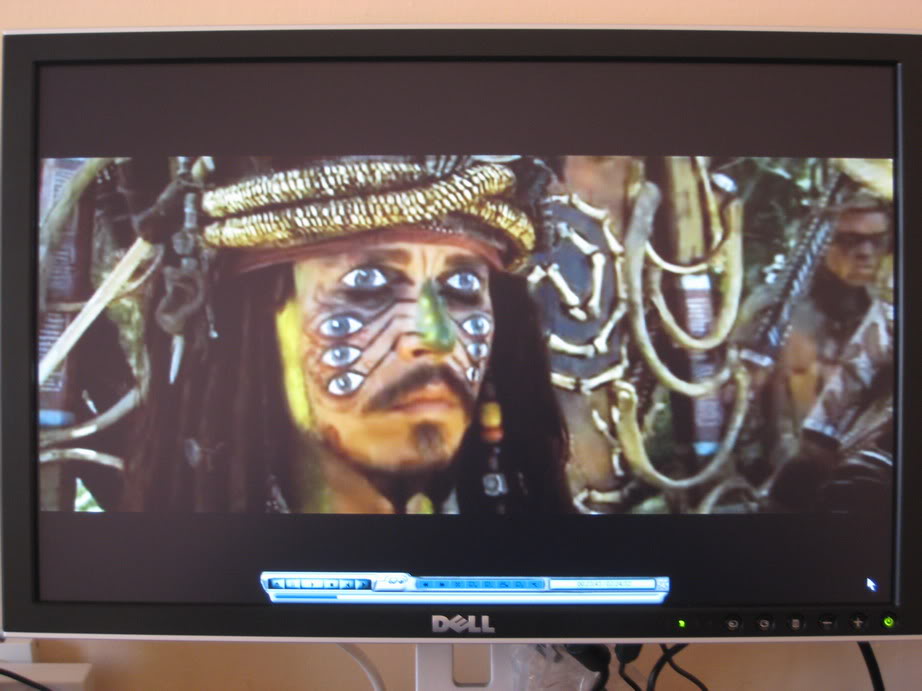
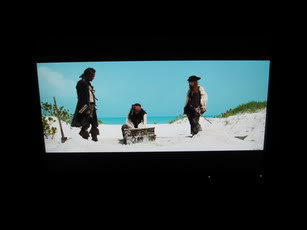
And here is the Dead Man's chest itself:
ImageImageImage
S-IPS does not disappoint.

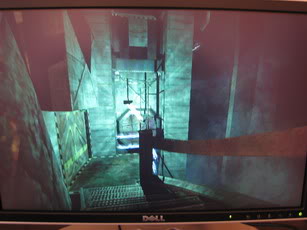
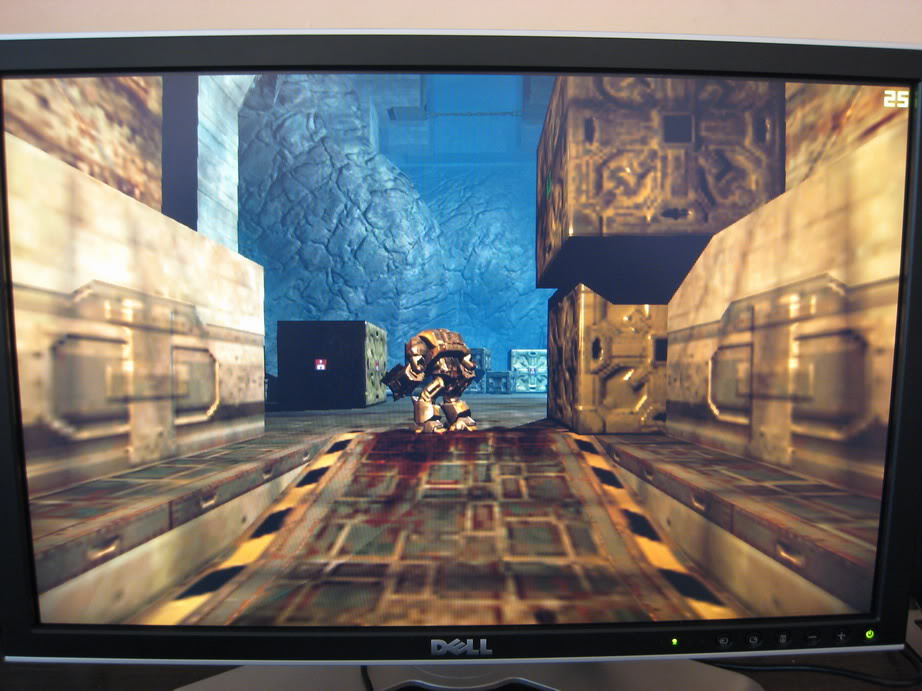
Pictures from Chronicles of Riddick:
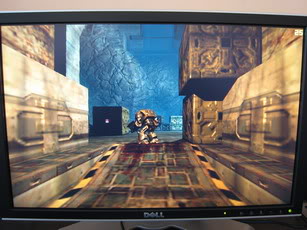
ImageImageImage
The laptop's Radeon 9600 barely copes with it, and that is only at 1024x640... :(

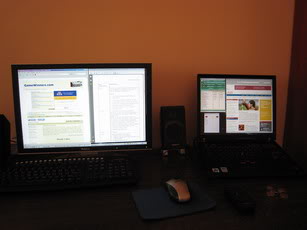
An extended desktop setup between the external monitor and the T42 (3080x1050 total resolution):
Image

The monitor in portrait mode (gotta love the Pivot function):
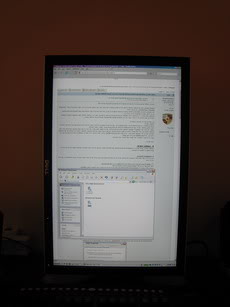
Image
Makes it easier to read forums, doesn't it? ;)

Last picture shows the T60 stacked on top of the T42:
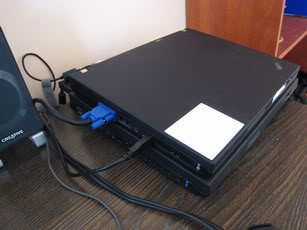
Image

This way I actually use this setup for both computers, without much hassle. The Dell monitor is connected through DVI to the dock/T42 and through VGA to the T60. The keyboard and mouse are connected to the monitor's USB hub. Whenever I want to switch computers, I simply plug the hub's cable into the right one, and change the input signal source on the monitor.

Not as quick and elegant as with a KVM switch, but hey, it works!

Phew, that was a lot of pictures! :twisted:


Top
 Profile  
 
 Post subject:
PostPosted: Sat Sep 22, 2007 12:10 pm 
Offline
Senior ThinkPadder
Senior ThinkPadder

Joined: Sat Oct 29, 2005 6:20 am
Posts: 4950
Location: Israel
pianowizard wrote:
Too bad you don't have an X40. I'd like to see how much bigger the X32 is relative to it.
The X32 is noticeably thicker and somewhat heavier (I'm comparing to my former advisor's X41, which I got to play with a bit at the time). Unfortunately I don't have a sensitive enough scale, so I cannot tell you the exact weight.


Top
 Profile  
 
 Post subject:
PostPosted: Sat Sep 22, 2007 11:49 pm 
Offline
Senior Member
Senior Member

Joined: Fri Apr 28, 2006 4:21 pm
Posts: 736
Location: Providence, RI, USA
Lovely pictures, dr_st. Keep taking them!

_________________
X61, T61, T43, T42, X40, IdeaPad S10-3


Top
 Profile  
 
 Post subject:
PostPosted: Sun Sep 23, 2007 6:32 am 
Offline
Moderator
Moderator

Joined: Fri Apr 07, 2006 5:45 am
Posts: 1067
Location: Penrith, Australia
Seriously, there's not much like a great pictorial laptop comparison - it's fun comparing the different sized TPs in such a manner! :D This is the best yet!

_________________
HP Pavilion dv7|C2D P7550 2.26GHz|4GB|500GB|DVD/RW|17.3" 1600 x 900|ATI HD 4530|Win 7 Home Premium


Top
 Profile  
 
 Post subject:
PostPosted: Sun Sep 23, 2007 7:28 am 
Offline
ThinkPadder
ThinkPadder

Joined: Thu Sep 01, 2005 8:00 am
Posts: 1305
Location: Brisbane, QLD AUST
Lovely X32 and T42...

_________________
1. T43 2668-B97 14" SXGA+ 1.5G RAM 9cells
2. X60s 1703-CA3 powerful


Top
 Profile  
 
 Post subject:
PostPosted: Sat Sep 29, 2007 9:37 pm 
Offline
Junior Member
Junior Member

Joined: Mon Oct 04, 2004 11:30 pm
Posts: 455
Location: Santa Ana, CA
I liked the pictures dr_st, they are great. I also really liked the ThinkPads, they look so adorable :D .

_________________
ThinkPads R51: 1836HAU, T41: 23737FU, 600: 264551U, T60: 2008VRQ

I Love (all) ThinkPads!


Top
 Profile  
 
Display posts from previous:  Sort by  
Post new topic Reply to topic  [ 18 posts ] 

All times are UTC - 5 hours


Who is online

Users browsing this forum: Aurora, automobus, ScottyBoy and 2 guests


You cannot post new topics in this forum
You cannot reply to topics in this forum
You cannot edit your posts in this forum
You cannot delete your posts in this forum

Search for:
Jump to:  
Powered by phpBB © 2000, 2002, 2005, 2007 phpBB Group