Lenovo's last classic Thinkpads tour: T410, X220, T430s *MANY PICTURES*
Posted: Mon Mar 06, 2017 3:22 pm
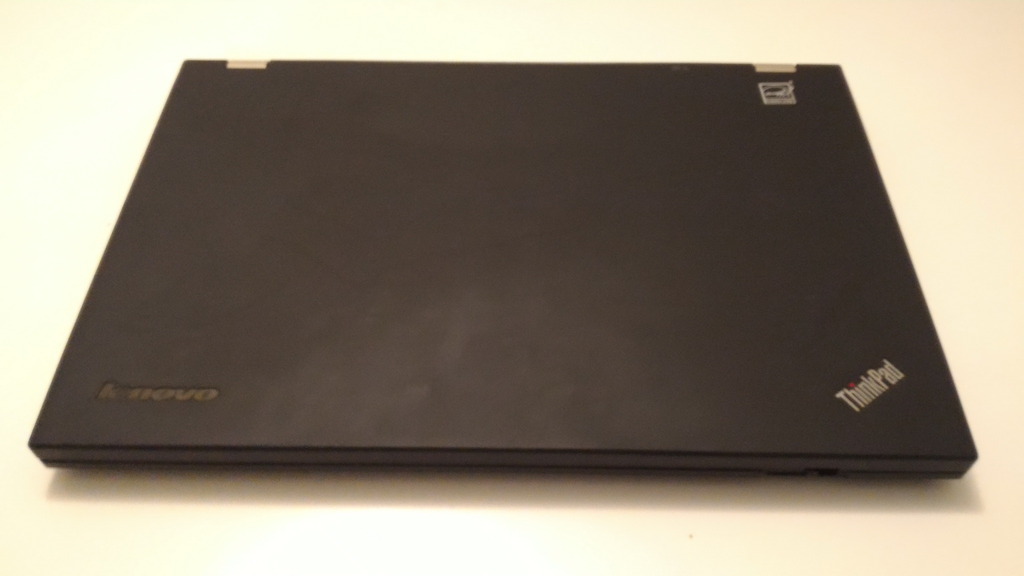
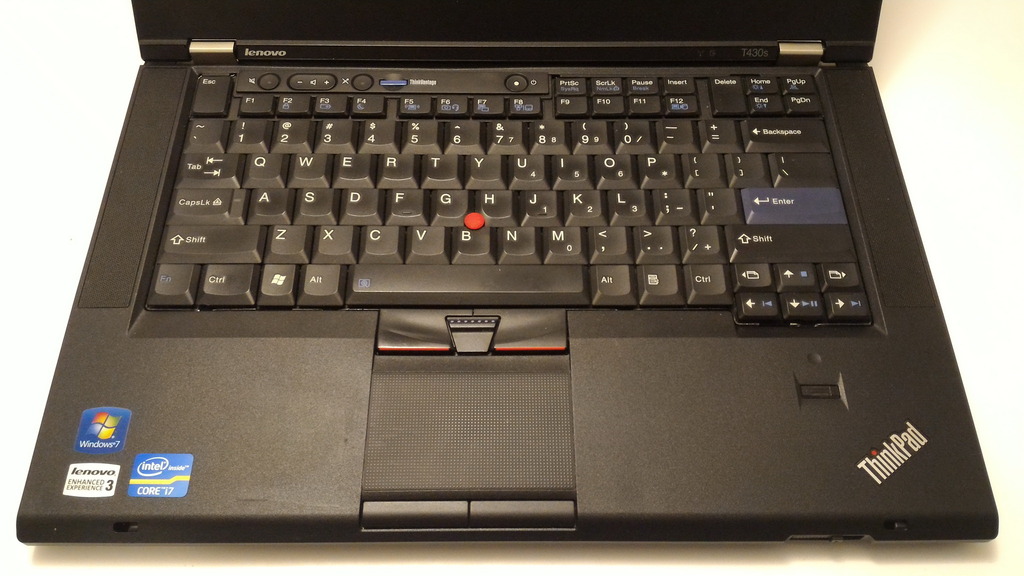
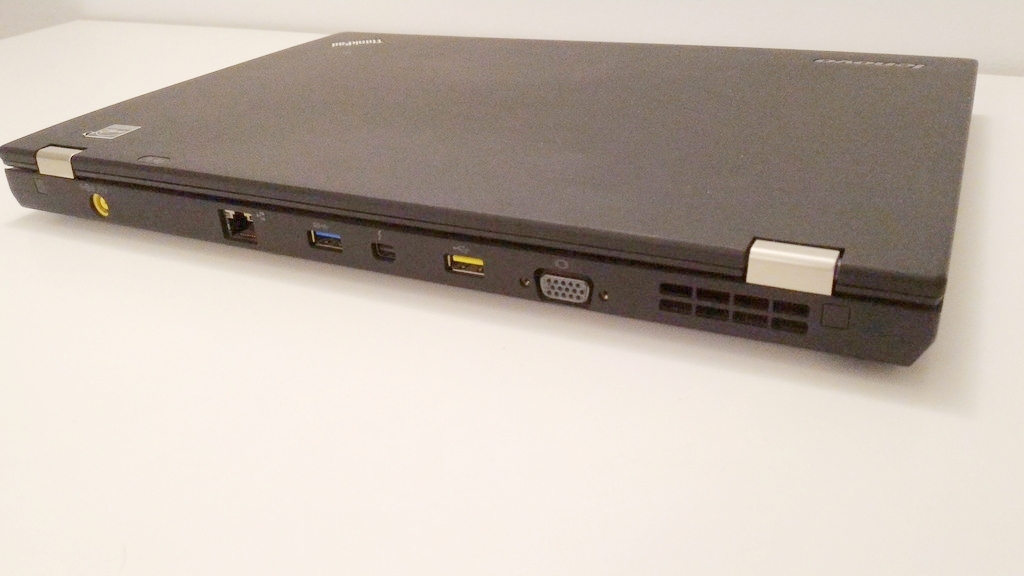
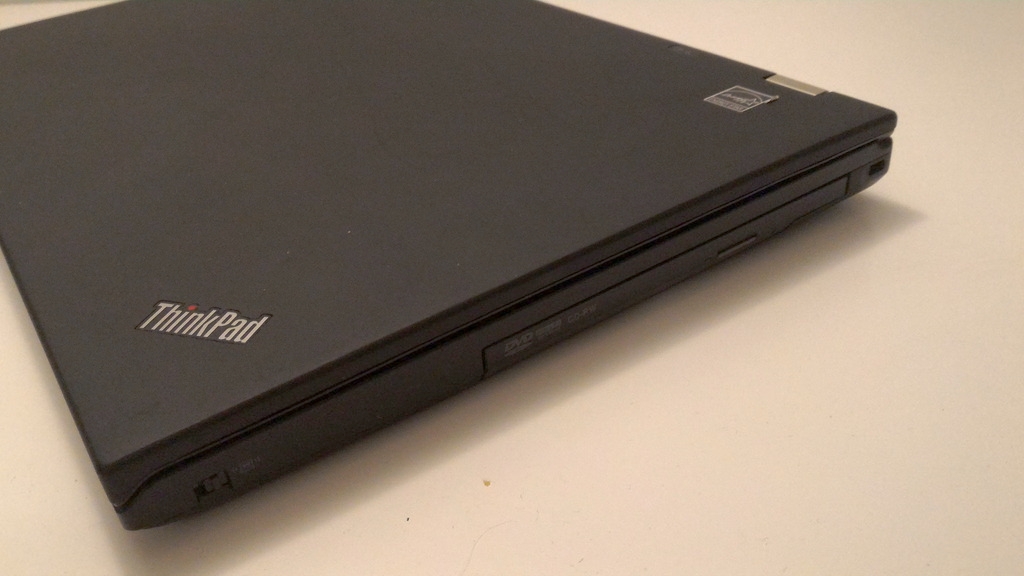
I've done a few picture tours of my Thinkpads in the past, but none during the last several years. The most modern machines in my collection (which are not so modern anymore) are the T410, X220 and T430s. The first of them I got basically new almost as soon as the model was out, and the last of them I acquired only a few of months ago. All are good machines in their own right, but viewed together they provide an especially nice look into the last generations of "classic" Thinkpads - before Lenovo took the brand in a different direction, which some of us like, and some of us don't.
This is going to be a lot like my previous tours - pictures intermixed with general information and personal experience. However, since it includes 3 quite different machines, and several years of accumulated experience, it will be substantially longer. So long that I'm splitting it into multiple posts - one post for each laptop, and additional posts for accessories and comparisons. The last post will be a table of accurate measured weights of various configurations of the laptops on the tour.
Introduction
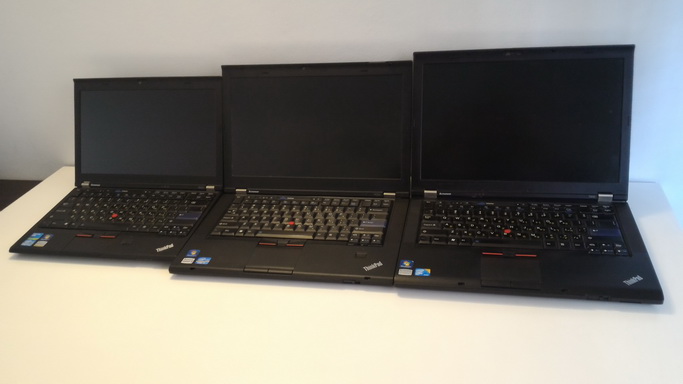
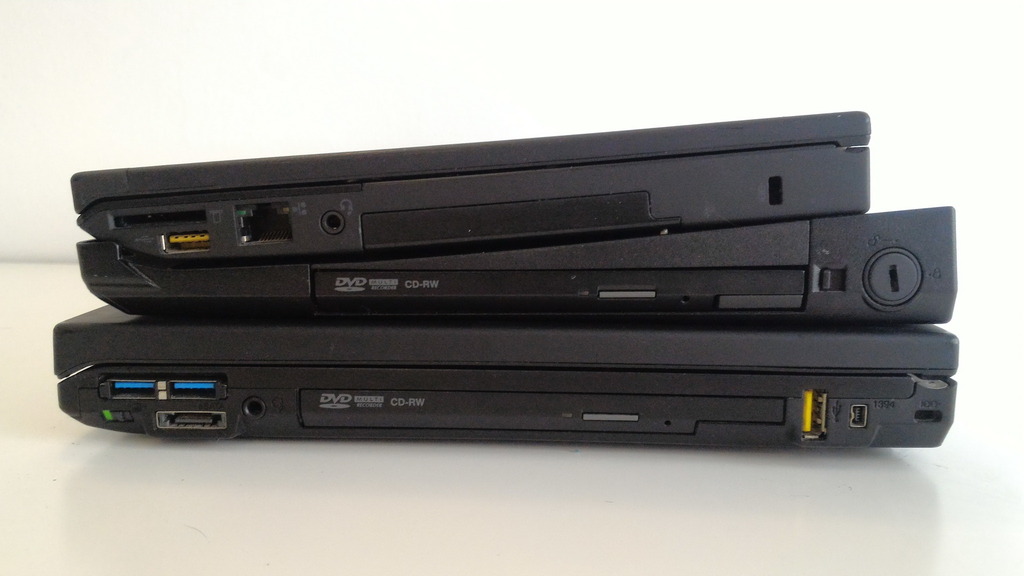
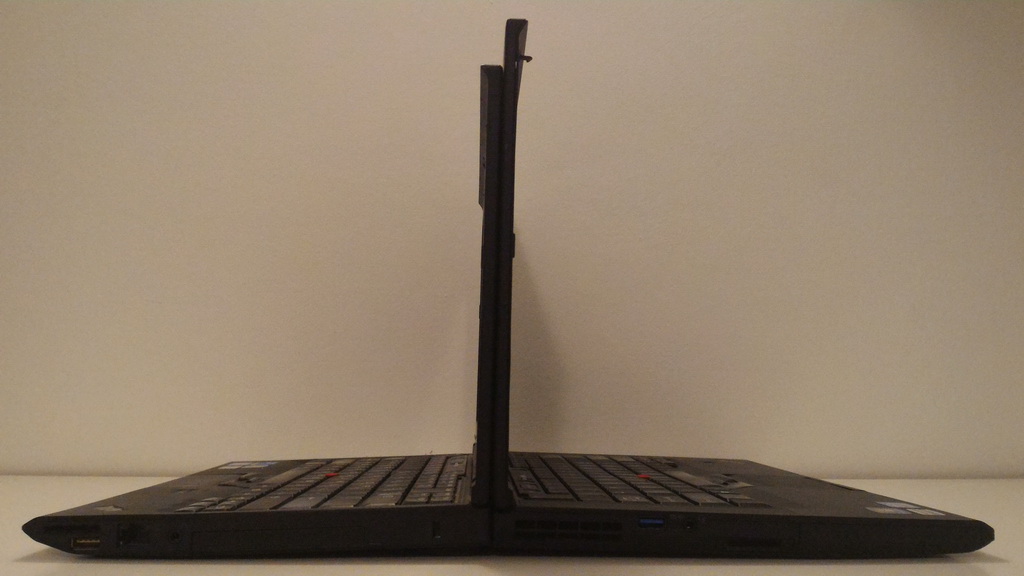
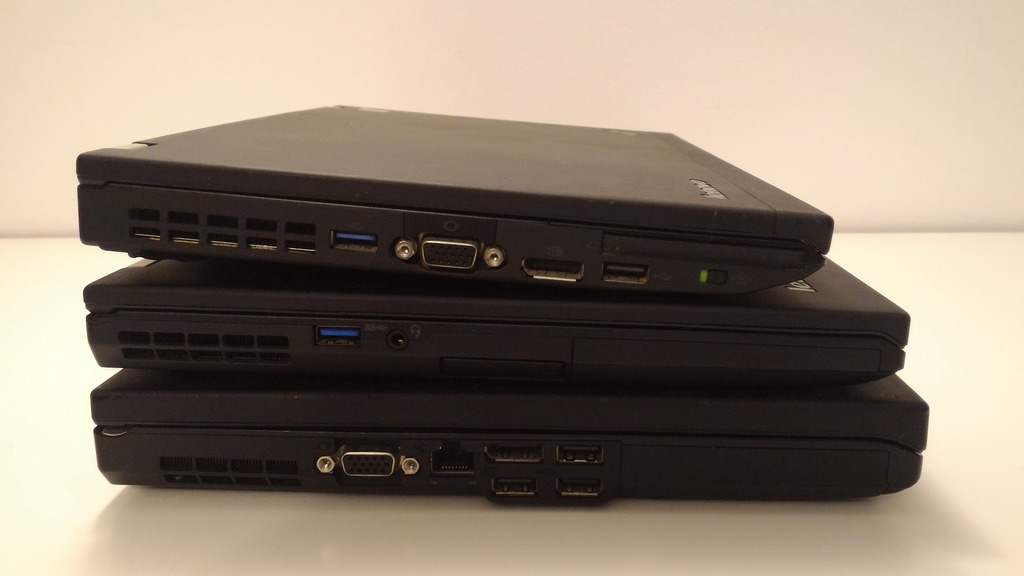
Short to tall: X220, T430s, T410
Major laptop exterior redesign cycles seem to occur once every couple of hardware generations, with minor modifications between them. Within the same design cycle, laptops typically display a consistent style, with some minor variations across generations or different models (e.g., different screen sizes).
Among Thinkpads, from the time of adoption of letters to distinguish the series (A/T/X/R etc.) there were several distinct design cycles:
The next two generations (T/R61,T/R/Wx00) kept the basic boxiness of the T60/R60, and introduced a range of additional design elements - heavily asymmetric screen bezels and hinges, wireless antenna grilles that moved from the side bezel to the front and top-facing speakers (due to the extra space available in the now-standard widescreen models), unfortunately with fairly ugly speaker grilles. All in all, in terms of aesthetics, these are probably the rock bottom of modern Thinkpads, and regardless of how good/durable these machines these may be, I cannot imagine ever wanting to own one, as using it would be unpleasant to me. The T/R/W models in these series had the magnesium rollcage also around the LCD. These generations spanned mid 2007 - end 2010.
Around this time Lenovo also introduced new Thinkpad lines, geared towards lower-priced market segments (Thinkpad SL, L, Edge series). These largely followed their own designs and were quite different from "mainstream" Thinkpads. This was also the time for more unique, short-lived Thinkpad designs, such as the W70x and X30x (although some elements of the latter eventually came to the X20x series, and slim T-series).
This little historical survey brings us to the main stars of this tour. In mid-2009 Lenovo introduced the T400s, which came with a few rather significant design changes, as well as a new category of "slim T-series", sitting somewhat between traditional T and the X30x. These changes would later make to the mainstream T/W/X series (the R was EOLed), and included:
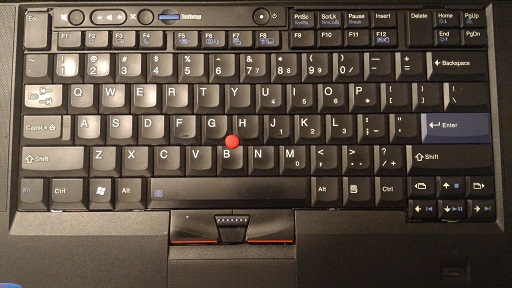
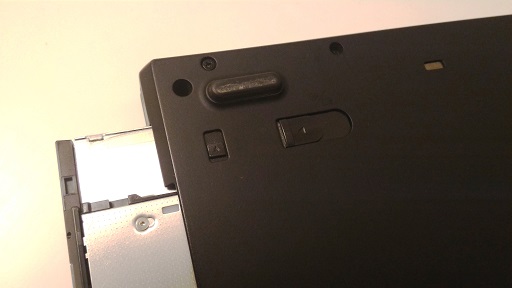
Left: The new keyboard and touchpad design. Right: The two-stage release mechanism for the Ultrabay (big latch in 'released' position).
The overall chassis design persisted for roughly 5 years, from mid 2009 till mid 2014, following from the introduction of the T400s, until the withdrawal from marketing of the last **20-series machines. However, in mid-2012, the **30-series came out, with a new, completely redesigned keyboard - the biggest shock for Thinkpad fans that I can remember. In parallel, new style Thinkpads started popping out (T430u, X1 Carbon), which made the following things clear:
Installing classic keyboard into X230 with EC firmware mod
With this engineering achievement, the T430/T430s/T530/W530/X230/X230 Tablet systems could finally be fully added to the pantheon of "Lenovo's last classic Thinkpads", which is the theme of this tour.
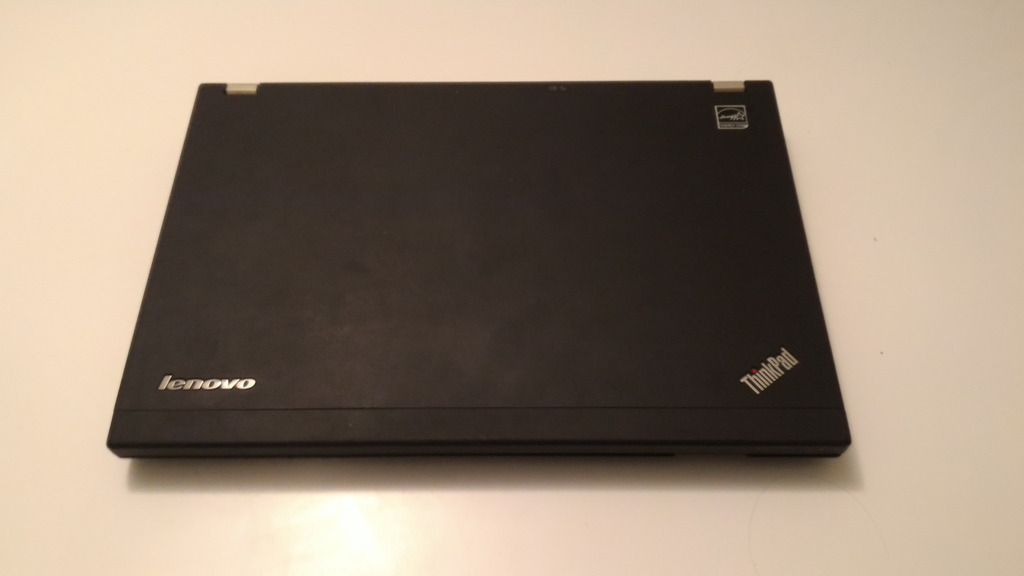
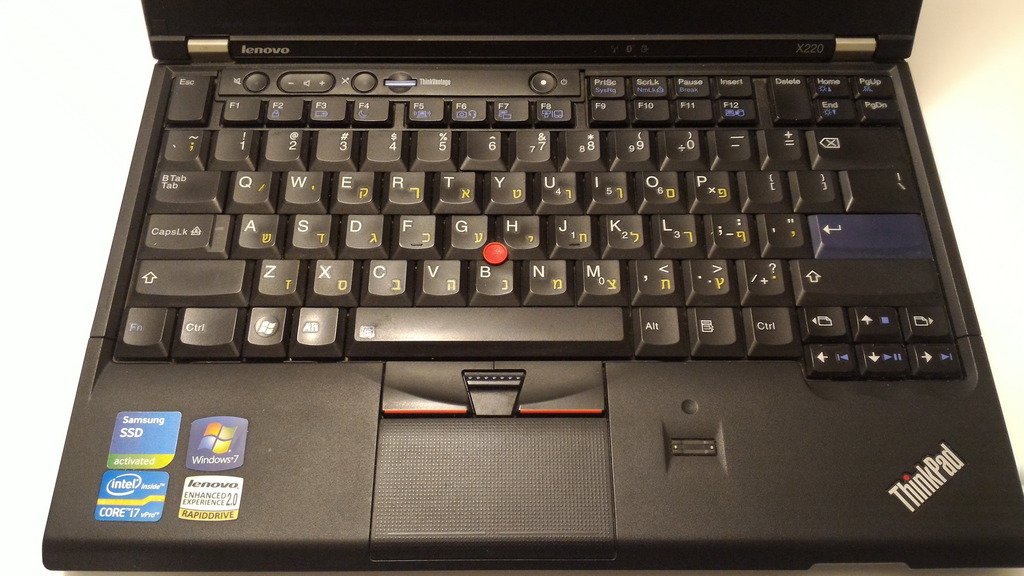
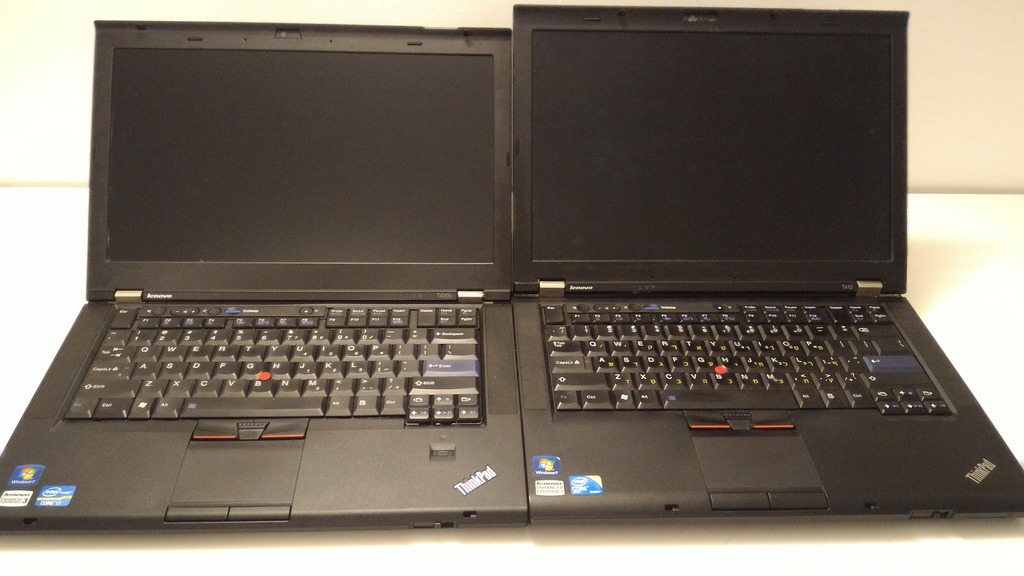
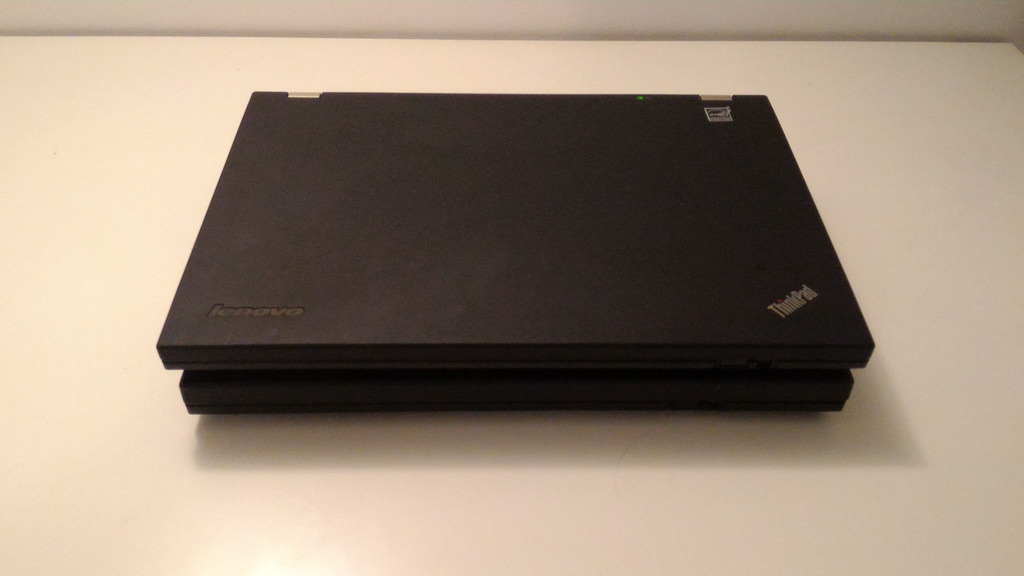
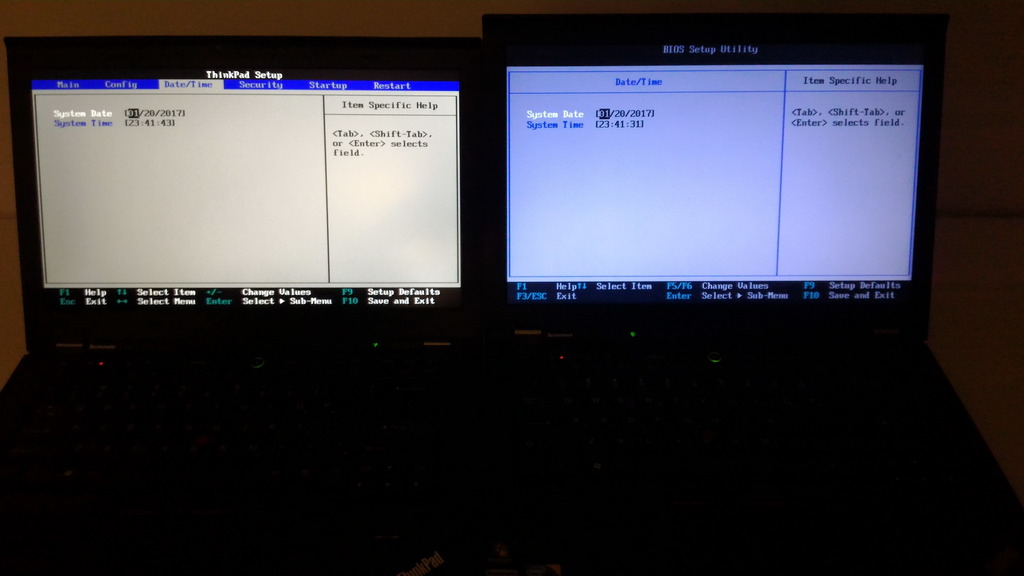
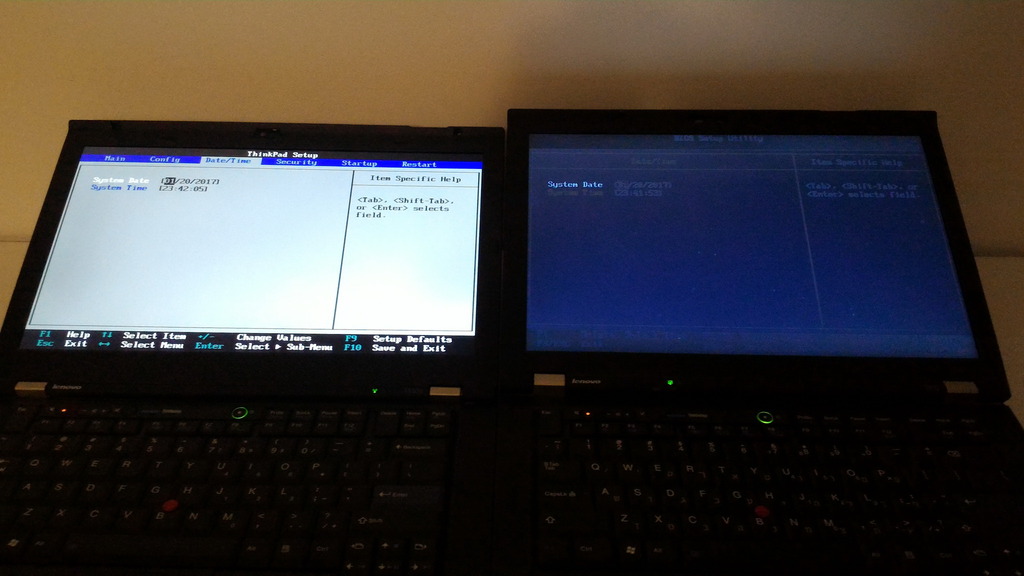
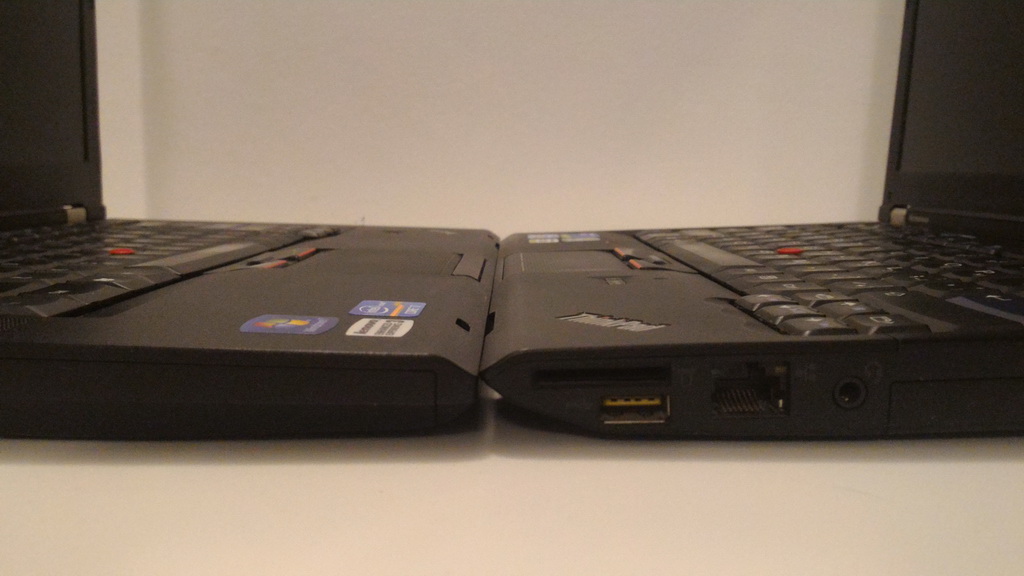
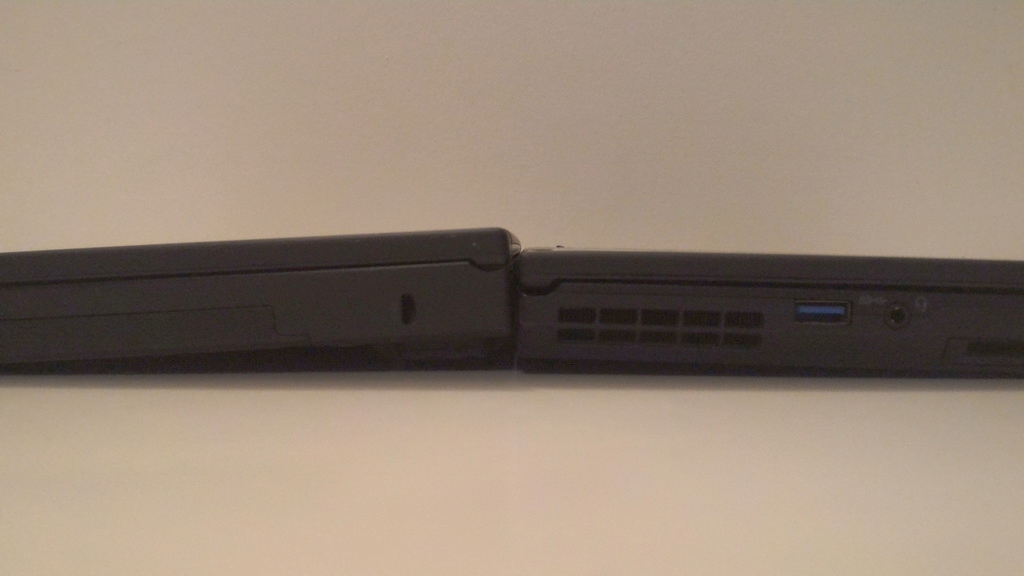
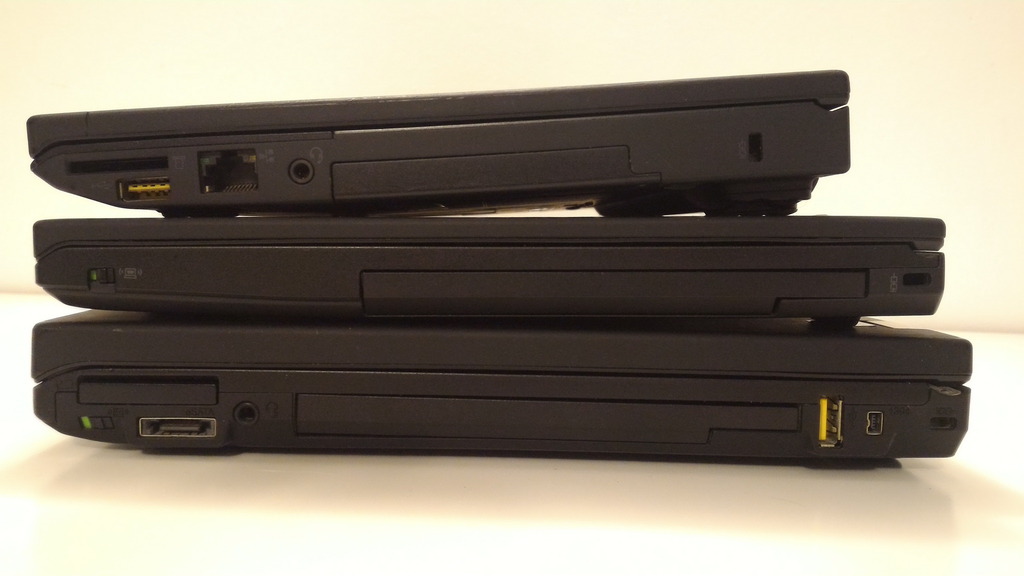
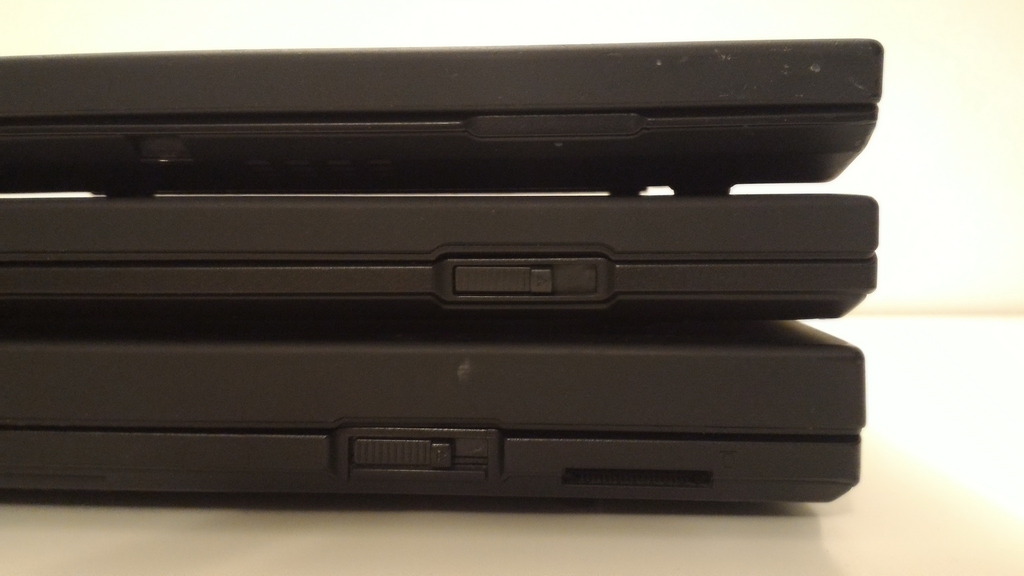
The specific three machines in my possession, which will be discussed here - T410, X220 and T430s - represent three different system classes (T, X, Slim T) as well as three different hardware generations (Westmere, Sandy Bridge, Ivy Bridge), and yet still clearly share the same style. This makes them virtually indistinguishable upon first glance (see below), but as one gets to know them more, some interesting differences are revealed.
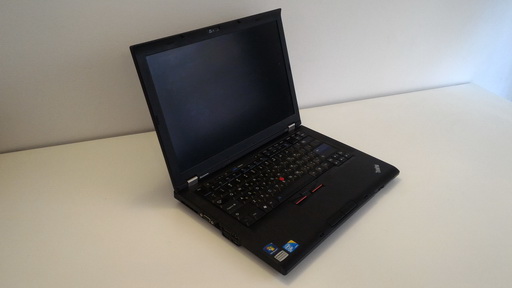
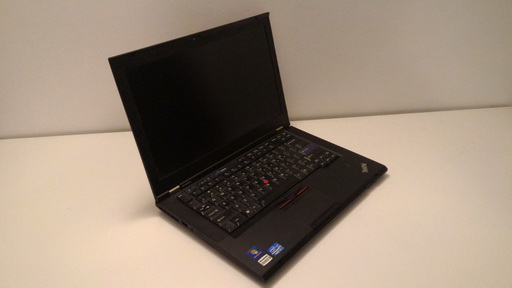
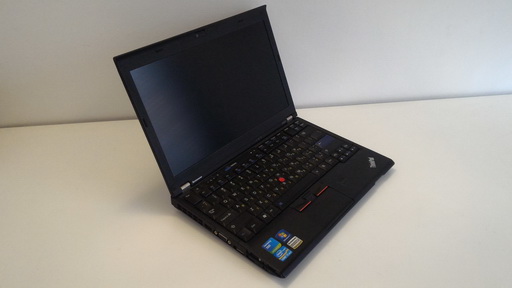
Big to small: T410, T430s, X220
Notes about the pictures
This is going to be a lot like my previous tours - pictures intermixed with general information and personal experience. However, since it includes 3 quite different machines, and several years of accumulated experience, it will be substantially longer. So long that I'm splitting it into multiple posts - one post for each laptop, and additional posts for accessories and comparisons. The last post will be a table of accurate measured weights of various configurations of the laptops on the tour.
Introduction
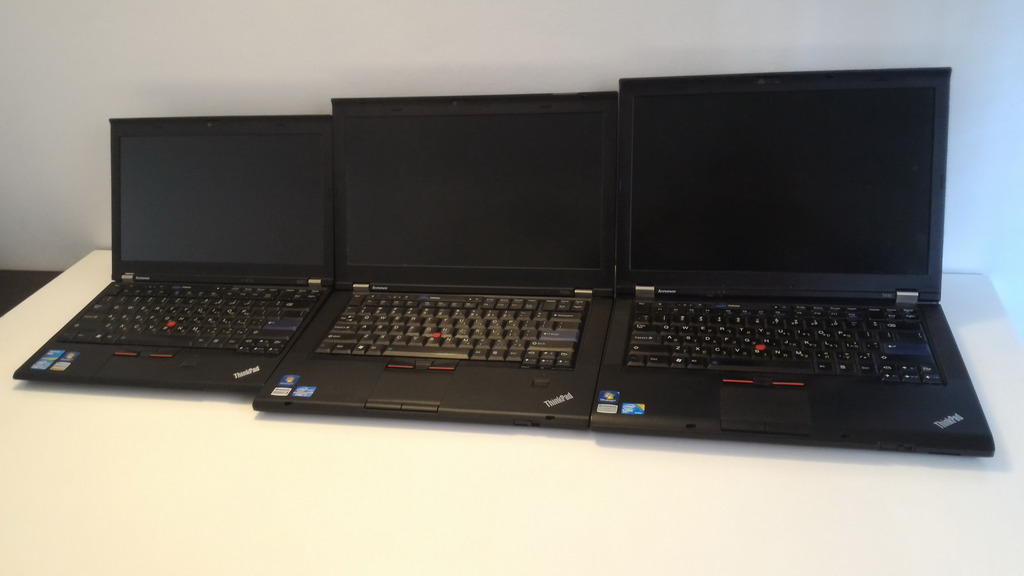
Short to tall: X220, T430s, T410
Major laptop exterior redesign cycles seem to occur once every couple of hardware generations, with minor modifications between them. Within the same design cycle, laptops typically display a consistent style, with some minor variations across generations or different models (e.g., different screen sizes).
Among Thinkpads, from the time of adoption of letters to distinguish the series (A/T/X/R etc.) there were several distinct design cycles:
- T2x/A2x/X2x (characteristic elements: wide black plastic covers on hinges, fully black keyboard, middle trackpoint button below the other two)
- T30/R3x-R40/A3x/X3x (characteristic elements: thin metal hinges with no covers, diagonal cut in back left corner, keyboard with touches of color, middle trackpoint button above the other two)
- T4x/R5x/X4x/G4x (characteristic elements: wider metal hinges with no covers, single-latch lid lock mechanism, oval power-button). The battery compartment moved to back of laptop, which allowed extended batteries, but necessitated new docks, which are compatible with both new and old systems.
The next two generations (T/R61,T/R/Wx00) kept the basic boxiness of the T60/R60, and introduced a range of additional design elements - heavily asymmetric screen bezels and hinges, wireless antenna grilles that moved from the side bezel to the front and top-facing speakers (due to the extra space available in the now-standard widescreen models), unfortunately with fairly ugly speaker grilles. All in all, in terms of aesthetics, these are probably the rock bottom of modern Thinkpads, and regardless of how good/durable these machines these may be, I cannot imagine ever wanting to own one, as using it would be unpleasant to me. The T/R/W models in these series had the magnesium rollcage also around the LCD. These generations spanned mid 2007 - end 2010.
Around this time Lenovo also introduced new Thinkpad lines, geared towards lower-priced market segments (Thinkpad SL, L, Edge series). These largely followed their own designs and were quite different from "mainstream" Thinkpads. This was also the time for more unique, short-lived Thinkpad designs, such as the W70x and X30x (although some elements of the latter eventually came to the X20x series, and slim T-series).
This little historical survey brings us to the main stars of this tour. In mid-2009 Lenovo introduced the T400s, which came with a few rather significant design changes, as well as a new category of "slim T-series", sitting somewhat between traditional T and the X30x. These changes would later make to the mainstream T/W/X series (the R was EOLed), and included:
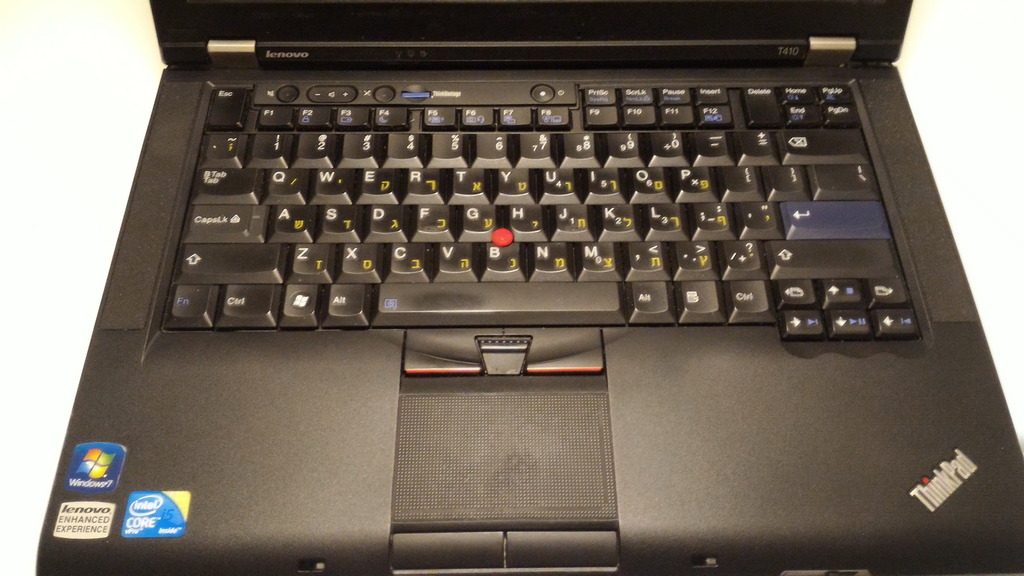
- New keyboard, where the much-used Esc/Delete keys were vertically enlarged, at the expense of pushing the F keys to the right and Insert to the left. Being the first change to the classic layout of Thinkpad keyboard layout since almost forever (except the fairly minor addition of Windows keys), this stirred some murmur among Thinkpadders, but in the end turned to be a non-issue for the most part. The keyboard itself was quite good, and the red stripes on the trackpoint buttons were back on the T/W series to much rejoice (X30x already had them). The keyboard also featured re-designed power and volume buttons, and a rather welcome microphone mute button. For the first time, the same keyboard part could be shared between T/W and X series (starting from the first X model to use this design - the X220).
- New style of touchpad with a rough texture to it, to improve traction. While this probably makes the touchpad more fun to use, the coating turned out to be severely flawed, and after some time of heavy use, the touchpad develops a large "bald spot". It appears not to interfere with functionality, but looks pretty bad.
- Screen latch mechanism moved from the LCD lid to the base (this was also first introduced in the X300). This was surprisingly easier to get used to than one may have suspected.
- Modified ejection mechanism for the Ultrabay (in models where it is available). Before one would move a latch on the side, near the bay, to pop out a handle, which was then pulled to slide the device out. Now a dual latch system on the bottom of the laptop is used - one latch to release the lock, a second one to push the device out. This was perhaps done to reduce the chance of accidental ejection, but the downside is that the devices are now much harder to swap on the fly, and nearly impossible when the laptop is docked. This can be a minor annoyance, or a major one, depending on the usage patterns.
- Much cleaner look, with symmetric screen bezels, equal-sized wide metal hinges, smooth edges, and no visible antenna grilles anywhere. The screen bezels got thicker, which was also cause for some complaining, but allowed for easier accommodation of multiple wireless antennas, as well as an overall more modern look.
- A combined mic-in/line-out 3.5mm jack instead of two separate ones, which is nice for saving space and reducing cable clutter. Folks with existing dual-jack headsets were a little disappointed by this decision, but adapters could be used. The order of the wires in the connector guaranteed some backwards compatibility, so that at least output-only devices (headphones / speakers) could be plugged in without requiring any adapters (and without silencing the built-in mic).
- A new docking connector yet again, which again made previous docks incompatible (luckily at least the power adapters, for the most part, were). The new connector supported "slice" batteries (that sit under the laptop) for all systems, provided modern digital video outputs, and for the first time since X3x series allowed the same docks to be used with X and T series.
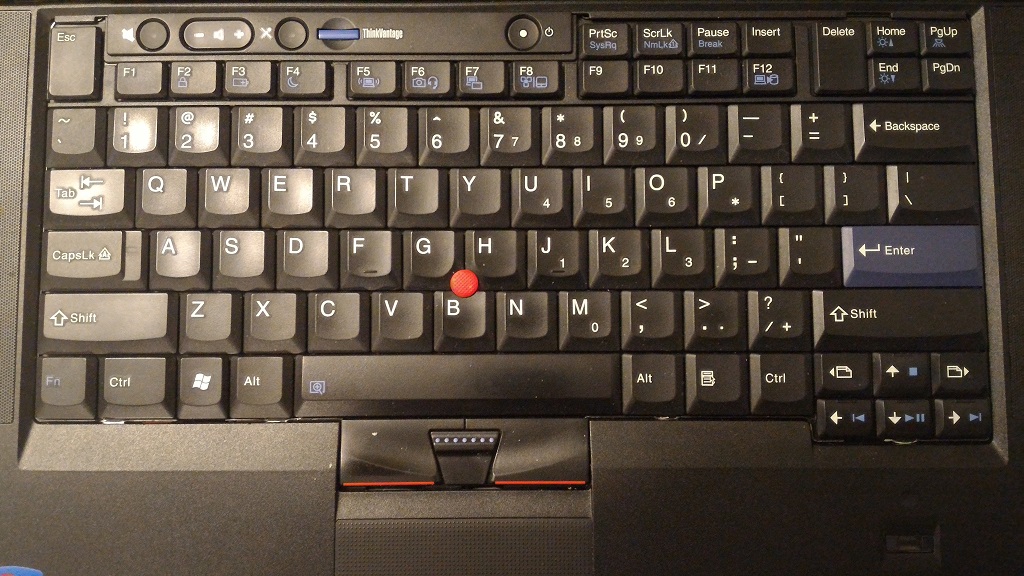
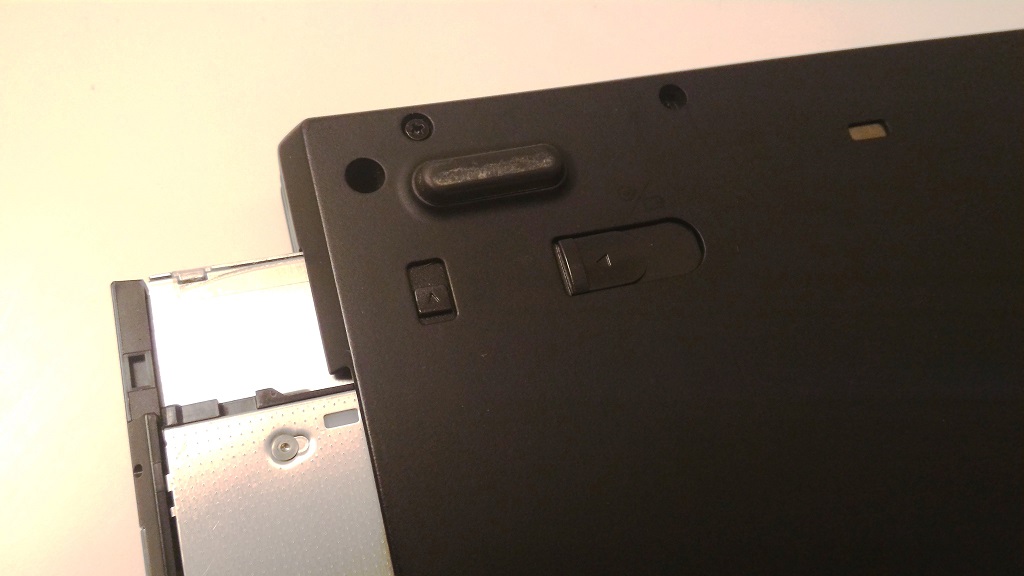
Left: The new keyboard and touchpad design. Right: The two-stage release mechanism for the Ultrabay (big latch in 'released' position).
The overall chassis design persisted for roughly 5 years, from mid 2009 till mid 2014, following from the introduction of the T400s, until the withdrawal from marketing of the last **20-series machines. However, in mid-2012, the **30-series came out, with a new, completely redesigned keyboard - the biggest shock for Thinkpad fans that I can remember. In parallel, new style Thinkpads started popping out (T430u, X1 Carbon), which made the following things clear:
- The Thinkpad brand is changing in a major way. The new machines are going to be very different from the old ones.
- The classic keyboard look and layout, probably the second most distinguishing feature of a Thinkpad after the trackpoint, is gone - most likely for good.
Installing classic keyboard into X230 with EC firmware mod
With this engineering achievement, the T430/T430s/T530/W530/X230/X230 Tablet systems could finally be fully added to the pantheon of "Lenovo's last classic Thinkpads", which is the theme of this tour.
The specific three machines in my possession, which will be discussed here - T410, X220 and T430s - represent three different system classes (T, X, Slim T) as well as three different hardware generations (Westmere, Sandy Bridge, Ivy Bridge), and yet still clearly share the same style. This makes them virtually indistinguishable upon first glance (see below), but as one gets to know them more, some interesting differences are revealed.
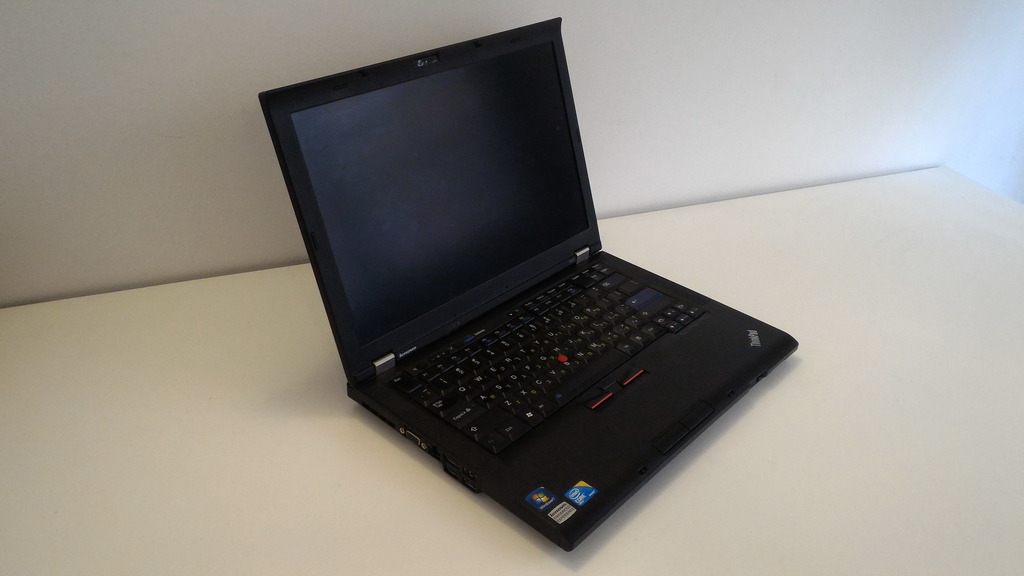
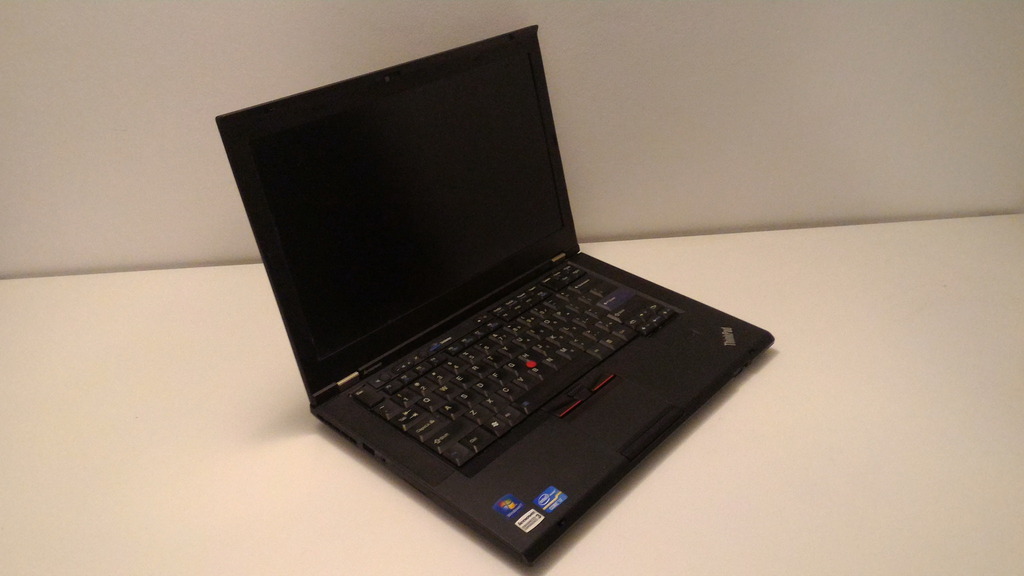
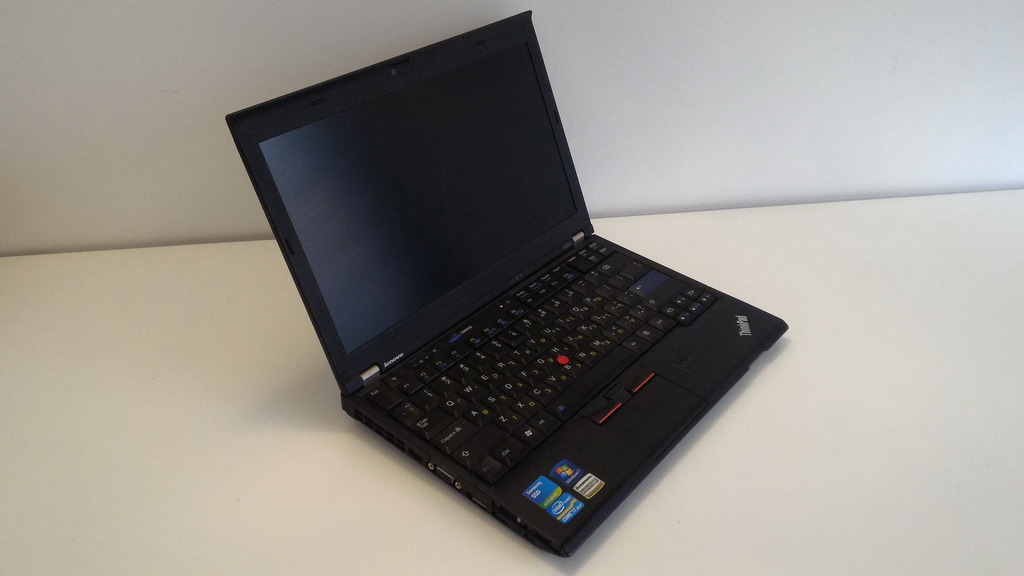
Big to small: T410, T430s, X220
Notes about the pictures
- Single pictures are 683x384. Double pictures are 512x288, which means their total width is 1024. If your window size or screen resolution is 1024 pixels or less, the double pictures will wrap, and what appears in the captions as "left" and "right" will be "top and "bottom" for you. This may also happen if you scale this forum up in your web browser, or have >100% global DPI settings.
- All pictures are links that can be clicked to take you to the larger (1024x576) versions.
- Update (Thinkpad's 25 Anniversary): After Photobucket disabled hotlinking for non-paying customers, all images were moved to a different hosting (Cubeupload) and posts edited to fix links. Everything should be working, but if you spot something that does not - let me know.
- I have larger versions still (up to 4096x2304) as well. I don't think there is much value to huge pictures in this discussion, and most of them are not even good, but if for some reason you want to see a particular image full-size, just ask.









 What comes as a surprise to me is that it in fact hurt the sales of the T against the R. Based on what I see everywhere - there are far more T machines around in 61/400 generation than R machines; the R seems very obscure, that it's easy to forget it even existed. Do you have any rough estimates about the numbers sold? Could it be that some markets were more leaning towards R series than others?