Homepage
 Forum
Forum Drivers
 HMM-Manuals
 MTM
MTM Feed
Feed
If I move the lid back and forth the picture comes and goes. Happens with the 3K screen AND with the 1200p one, which flickers like hell. That makes me think of a bad connector on the mainboard rather than bad cable(s).
What should I do?

I've replaced my panel data ribbon and now it works ~fine.harryK wrote: ↑Thu Aug 12, 2021 5:19 amSo, my x210 started doing this: https://imgur.com/a/ESgI4jz
If I move the lid back and forth the picture comes and goes. Happens with the 3K screen AND with the 1200p one, which flickers like hell. That makes me think of a bad connector on the mainboard rather than bad cable(s).
What should I do?
Out of interest - is it some standardish ribbon?
Standard. To quote myself from reddit a year ago:
You should stop posting links that demand users to turn on javascript.harryK wrote: ↑Thu Aug 12, 2021 5:19 amSo, my x210 started doing this: https://imgur.com/a/ESgI4jz
What should I do?
I guess this applies to all of us who like the convenience of imgur.com
Is it plausible that the ribbons of two different screens work well and then go bad at the same time?L29Ah wrote: ↑Thu Aug 12, 2021 8:25 amI've replaced my panel data ribbon and now it works ~fine.harryK wrote: ↑Thu Aug 12, 2021 5:19 amSo, my x210 started doing this: https://imgur.com/a/ESgI4jz
If I move the lid back and forth the picture comes and goes. Happens with the 3K screen AND with the 1200p one, which flickers like hell. That makes me think of a bad connector on the mainboard rather than bad cable(s).
What should I do?
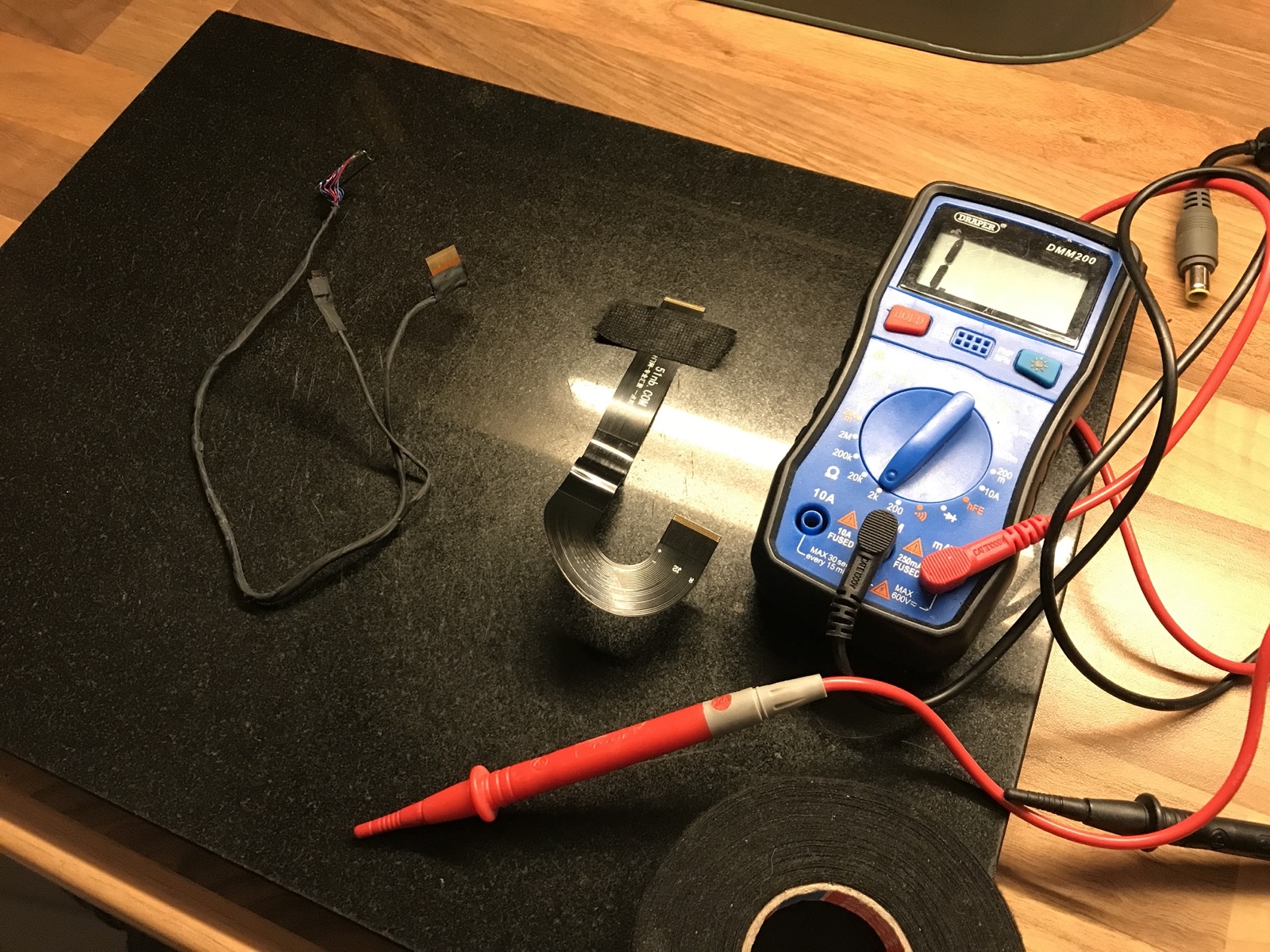
Yes, the custom made ribbon can be replaced with the standard one i mentioned. Not sure what should be used instead of the 3K one that is featured on your photo, but i recall that you can buy one from xytech.harryK wrote: ↑Thu Aug 12, 2021 12:05 pmIs it plausible that the ribbons of two different screens work well and then go bad at the same time?
Also, my ribbons seem custom made by 51nb. Won't be easy to source another just to test...
(apologies for the imgur thing. Edited the first post https://i.imgur.com/OLJPM5r.jpeg)


Makes me feel a bit envious
Are X200s chassis + fan so much lighter than those of an X200?Hey James, if you ended up getting this one would you mind sharing your experience?
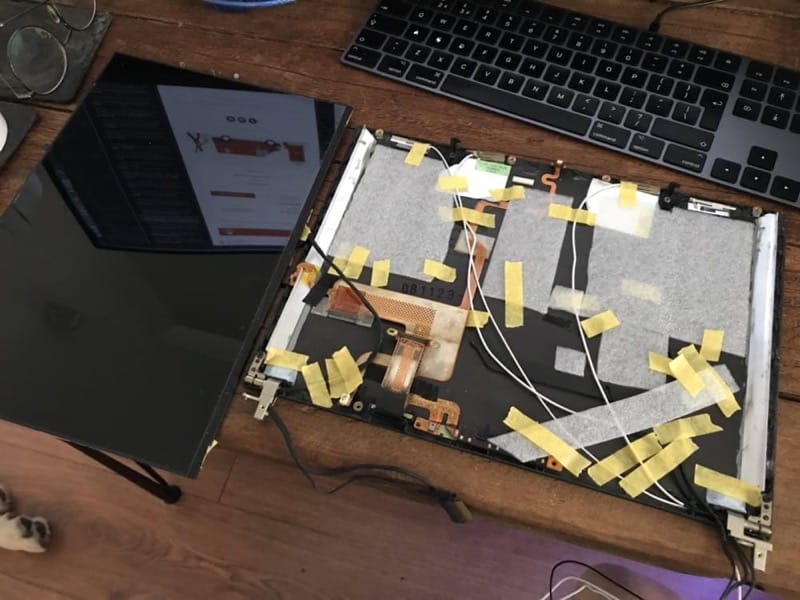
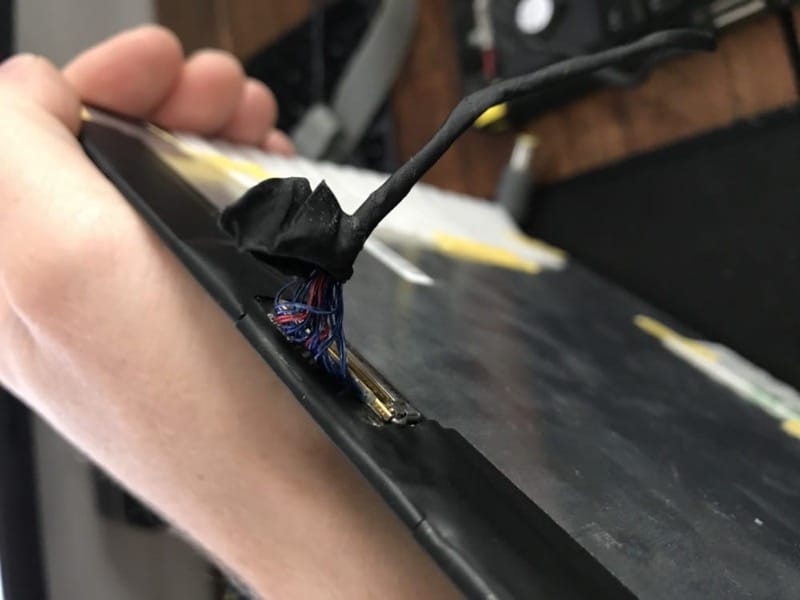
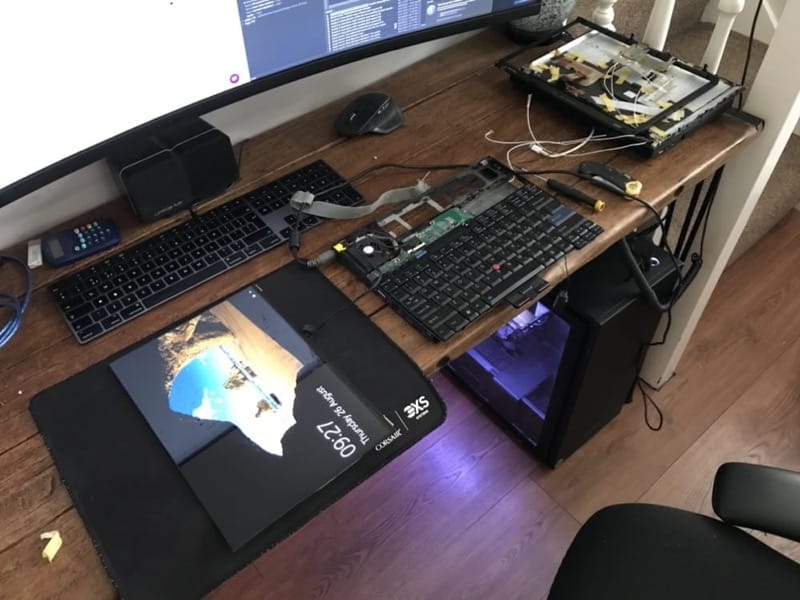

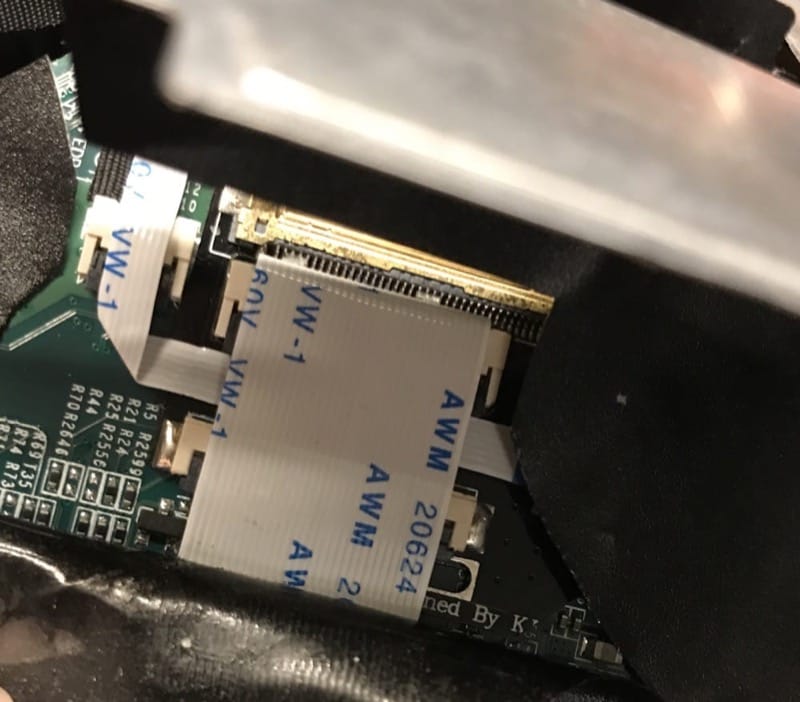
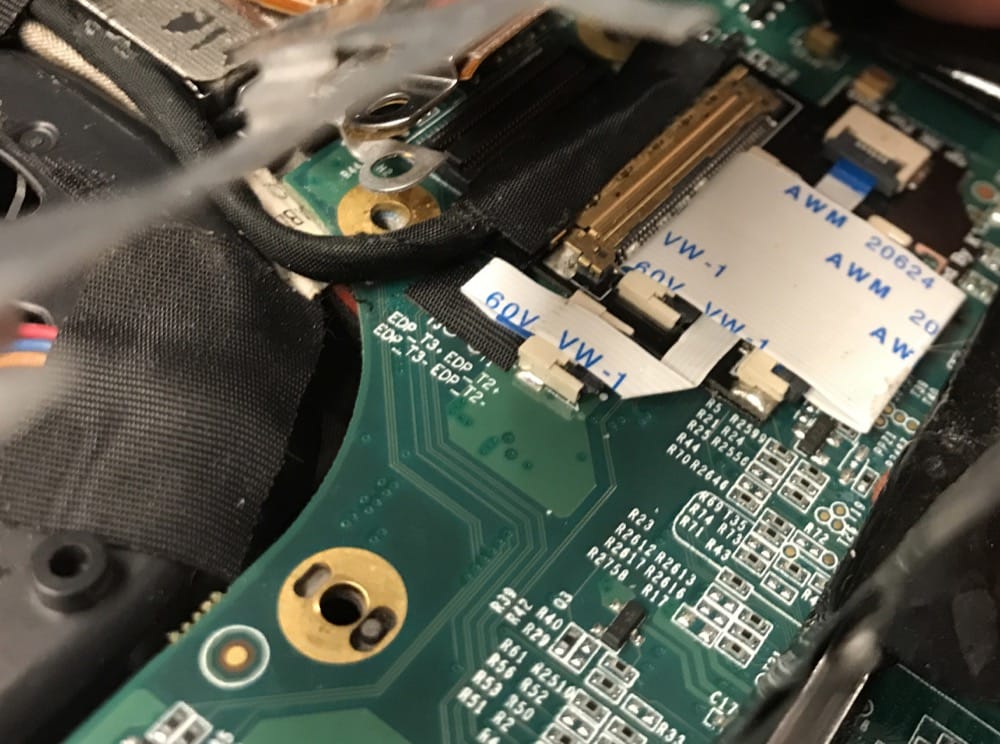
The fault is on the X210 3000x2000 custom screen adapter harness, on the end that goes into the display. Right on the bit that bends with the display lid. A few of the wires were longer than the others, wrapped round and kinked, then taped. I think it was only a matter of time before the tiny guage wire failed internally.
 I was hoping to put the 3000x2000 display straight onto my X2100, but seeing the quality of the solution, and even just the masking tape holding the screen parts in and bits of cut up foam, has put me off. I don't want to make my x2100 unreliable.
That's a shame, it looks quite nice. Is that ribbon a 30pin to 30pin?..jamesfawcett wrote: ↑Sat Aug 28, 2021 4:07 pmThe 51nb 1200p ribbon is a much better design, but it has some breaks in the tracks. If you flex the cable when checking the continuity, it comes on and off.
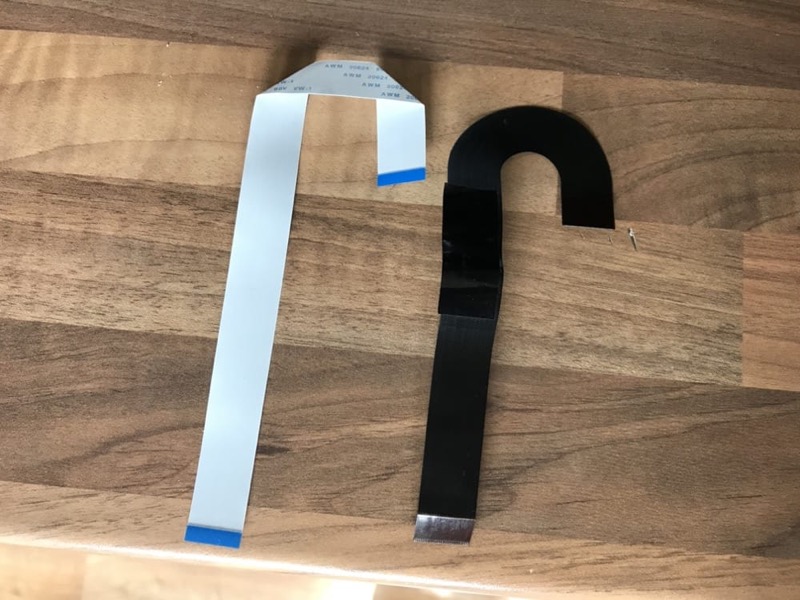
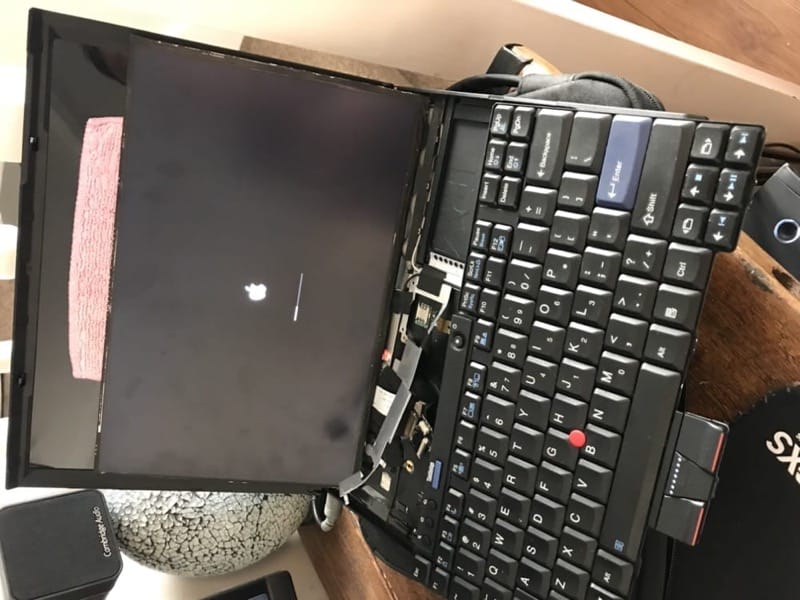
All resized! Please clear your cacheRealBlackStuff wrote: ↑Wed Sep 01, 2021 10:06 amPlease follow the Forum rules for pictures!
Yours are all 1000x750, too big!
Please reduce them to 800x600 if you want to show your pictures here!
Last warning!
800x600px, very retro.I violently applaud your success! Fingers crossed for this ribbon holding together..jamesfawcett wrote: ↑Wed Sep 01, 2021 9:24 amI managed to get the 1200p display working by replacing the ribbon. I bought an AWM 20624 80C 60V 30 Pin ribbon in 0.5mm Pitch. Its 200mm Long to match the 51nb cable
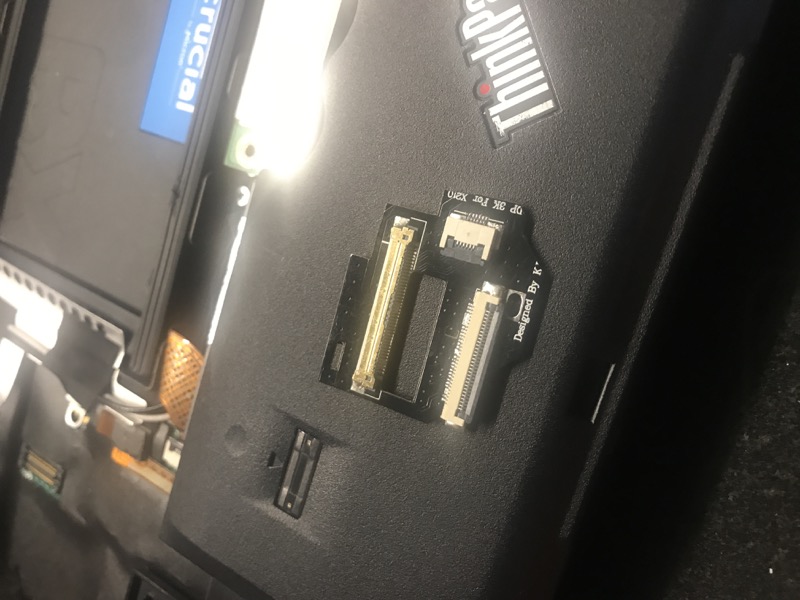
50pin?.. Why?... How?... It's still 40 pin on display panel side isn't it?..jamesfawcett wrote: ↑Wed Sep 01, 2021 9:24 amI would love a solution like the KK one where it has the intermediate board, and then a 40pin to 40 pin Edp cable. It's a shame the KK one is a 50pin Edp, or else I would try order another of those!
Users browsing this forum: digitalboy and 35 guests