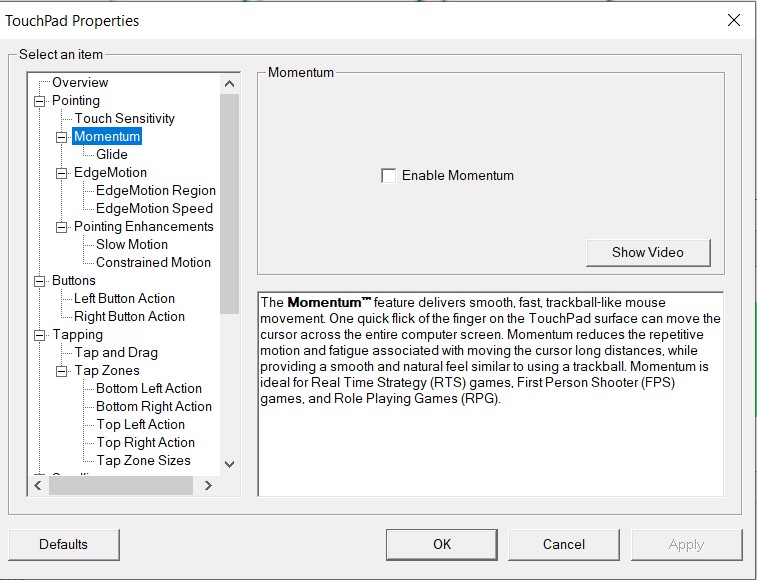
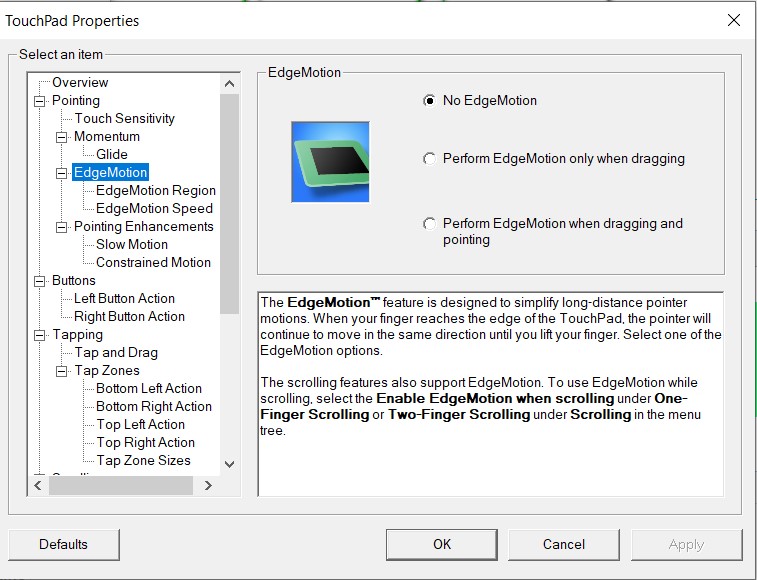
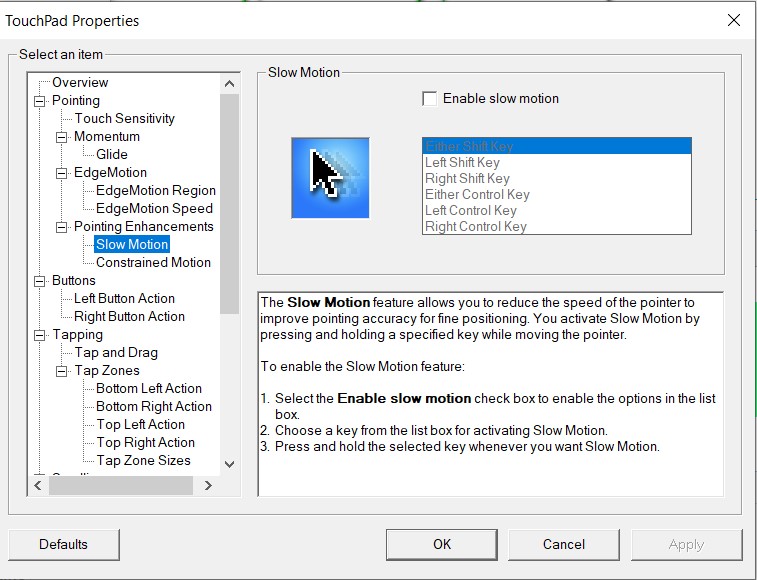
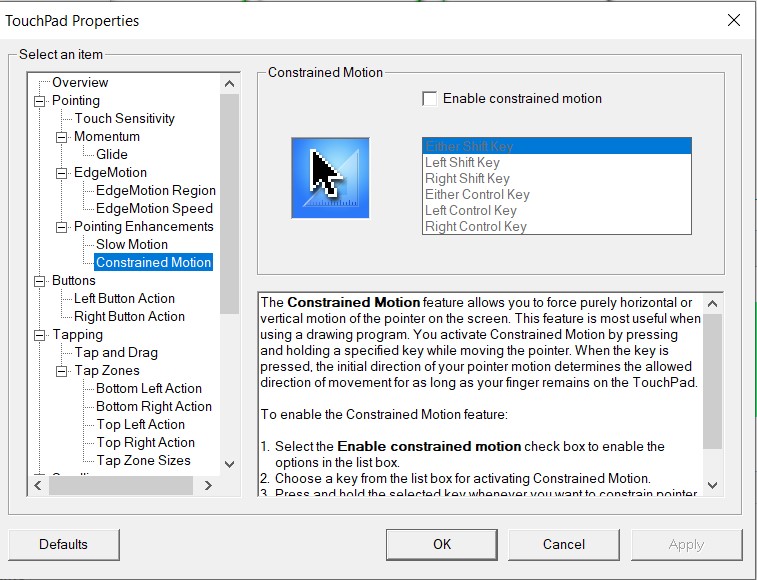
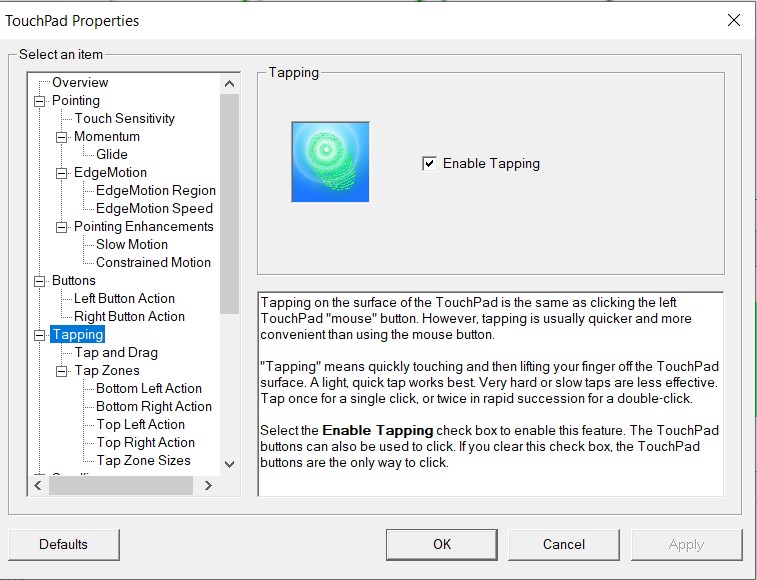
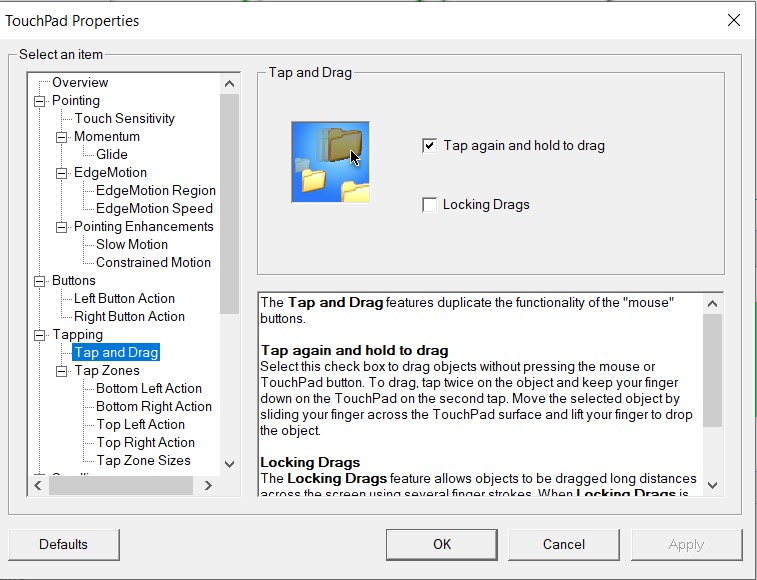
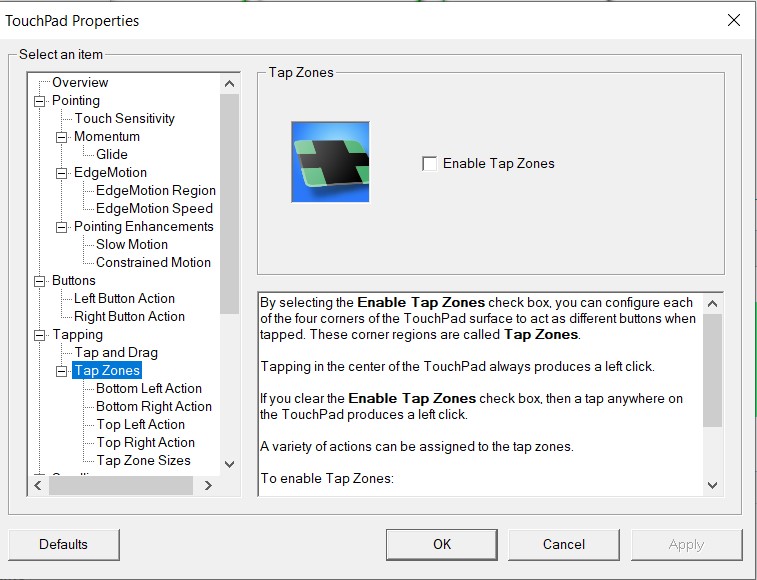
I must have some setting wrong for my touchpad in Windows, since pretty frequently my touchpad stops responding until I lift my finger and put it back down. When it's doing that I can move my finger all over the touchpad firmly and nothing happens. And sometimes the pointer jumps to a different area of the screen. No issues in Linux Mint.
Any theory what it could be? Here's my settings in UltraNav:
(surprised to see a warning attached to screenshots totaling less than a meg)
In a nutshell I swapped it with one from a T530 and it's working beautifully again. Interestingly after swapping it, the Synaptics driver wouldn't detect the new touchpad, though the touchpad still worked as a basic mouse device. I had to uninstall the driver and install a different version of the driver for it to work, which makes me think it's actually a different model touchpad. I don't see any markings on the bad (W530) touchpad to differentiate it though.
In my country, there aren't any ThinkPad 25 available on the secondhand marketplaces, and importing one from eBay was just too expensive for me.
So I...



 Homepage
 Forum
Forum Drivers
 HMM-Manuals
 MTM
MTM Feed
Feed