Homepage
 Forum
Forum Drivers
 HMM-Manuals
 MTM
MTM Feed
Feed

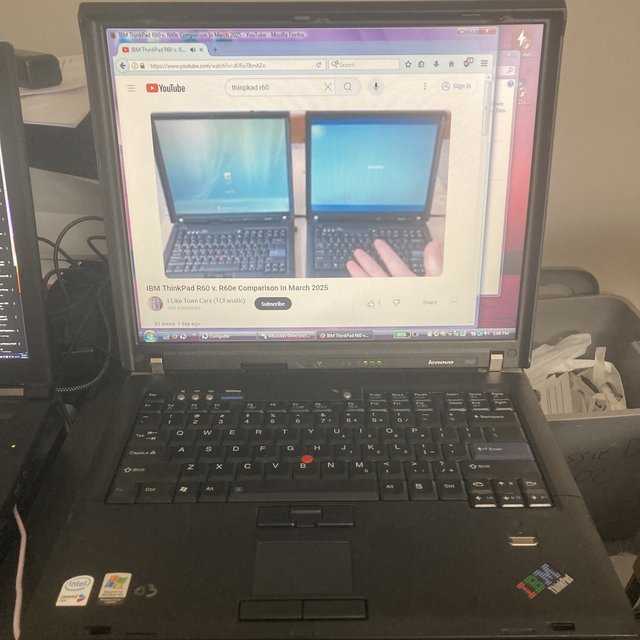
then you can go to mozilla and download the last version for Vista/XP:
https://ftp.mozilla.org/pub/firefox/releases/52.9.0esr/
you can even get Ublock origin for Firefox 52.9.0esr
1. go to about:config search for "xpinstall.signatures.required" and double click the value to false
2. get ublock origin from github
https://github.com/gorhill/uBlock-for-firefox-legacy
- use the direct install link: https://github.com/gorhill/uBlock-for-f ... legacy.xpi
you can enable Bitlocker Drive Encryption
ideally you install Vista on an SSD, TRIM be darn, it's just an SSD and just one of billions of SSDs all over the world that you can use.
if necessary you can get find and plug in an expresscard SSD for even more storage. ideally the main drive is big and has enough free space to serve storage and swap as necessary. unfortunately there is currently no way to cheat with NVME drives because there are no NVME drivers for Vista. so my recommendation is just have a lot of free space on your main drive, and have it be an SSD. -- or install 7 or XP which apparently has some community NVME support now or 10 or Linux. Pick your poison.
you can install old versions of Adobe Reader, Libre Office, and of course with Firefox you can use Google and the Courts and old.reddit and whatever else that isn't designed to suck except on the [censored] they sell at the department store today, and you're really good to go with Vista.