


 Homepage
 Forum
Forum Drivers
 HMM-Manuals
 MTM
MTM Feed
Feed


As in my previous showcase about the T61 vs T400, the main theme here is comparison of similarities and differences.
All the pictures can be clicked on for larger variants. Sorry for the non-perfect quality and for the dust on the table.

Meet the contenders:
ThinkPad T60 1952-F76 (this is my corporate-issued laptop)
T7200(2GHz), 2GB RAM, 80GB 5400rpm HD (upgraded to 100GB 7200rpm), 14.1in 1400x1050 LCD, Intel 950, CDRW/DVD (currently has CDRW/DVDRW from a T61), Intel 802.11abg wireless, Bluetooth, Modem, 1Gb Ethernet, UltraNav, Secure chip, Fingerprint reader, 9c Li-Ion (also have 6-cell), WinXP Pro
Measured weight: 2.28kg (6cell) / 2.44kg (9-cell)
Thinkpad T60 2007-QPG (this is my personal laptop)
T7200(2GHz), 1GB RAM (upgraded to 2GB), 120GB 5400rpm HD, 15in 1400x1050 LCD (Flexview obviously), 128MB ATI Radeon X1400, CDRW/DVDRW, Intel 802.11abg wireless, Bluetooth/Modem, 1Gb Ethernet, UltraNav, Secure chip, Fingerprint reader, 6c Li-Ion batt (also have 9-cell), WinVista Business (with XP Pro downgrade)
Measured weight: 2.61kg (6cell) / 2.77kg (9-cell)
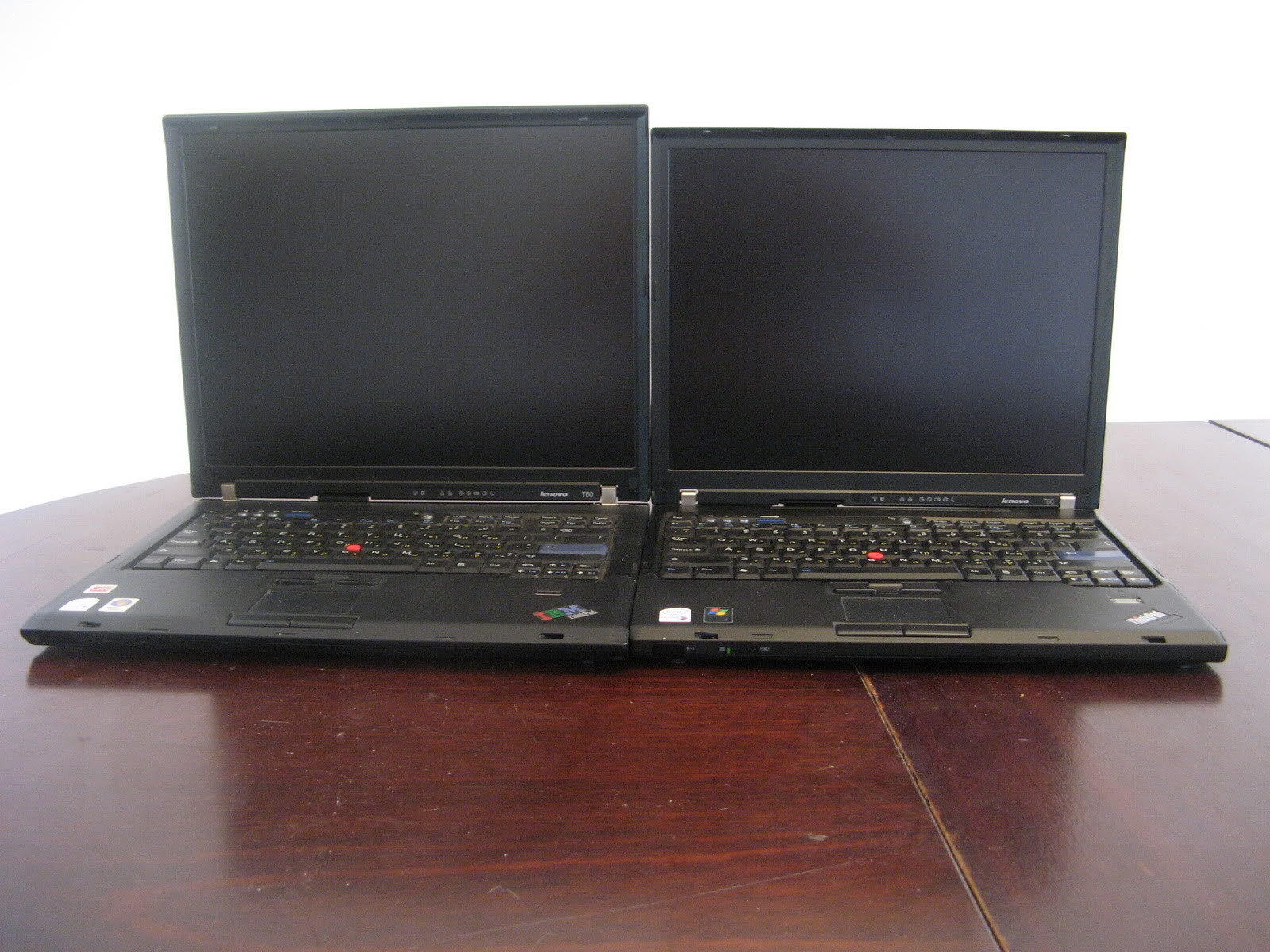
Here they are side-by-side. Very similar in design. Square and boxy, but with nice curved bezels. Some people consider these Thinkpads to be ugly compared to the T4x series, but I actually like this design, especially the perfect symmetry (bezel, hinges). Interestingly, something I have not noticed until I put them side-by-side - the 15" unit has a thinner LCD bezel, which offsets a little bit for the extra screen size.
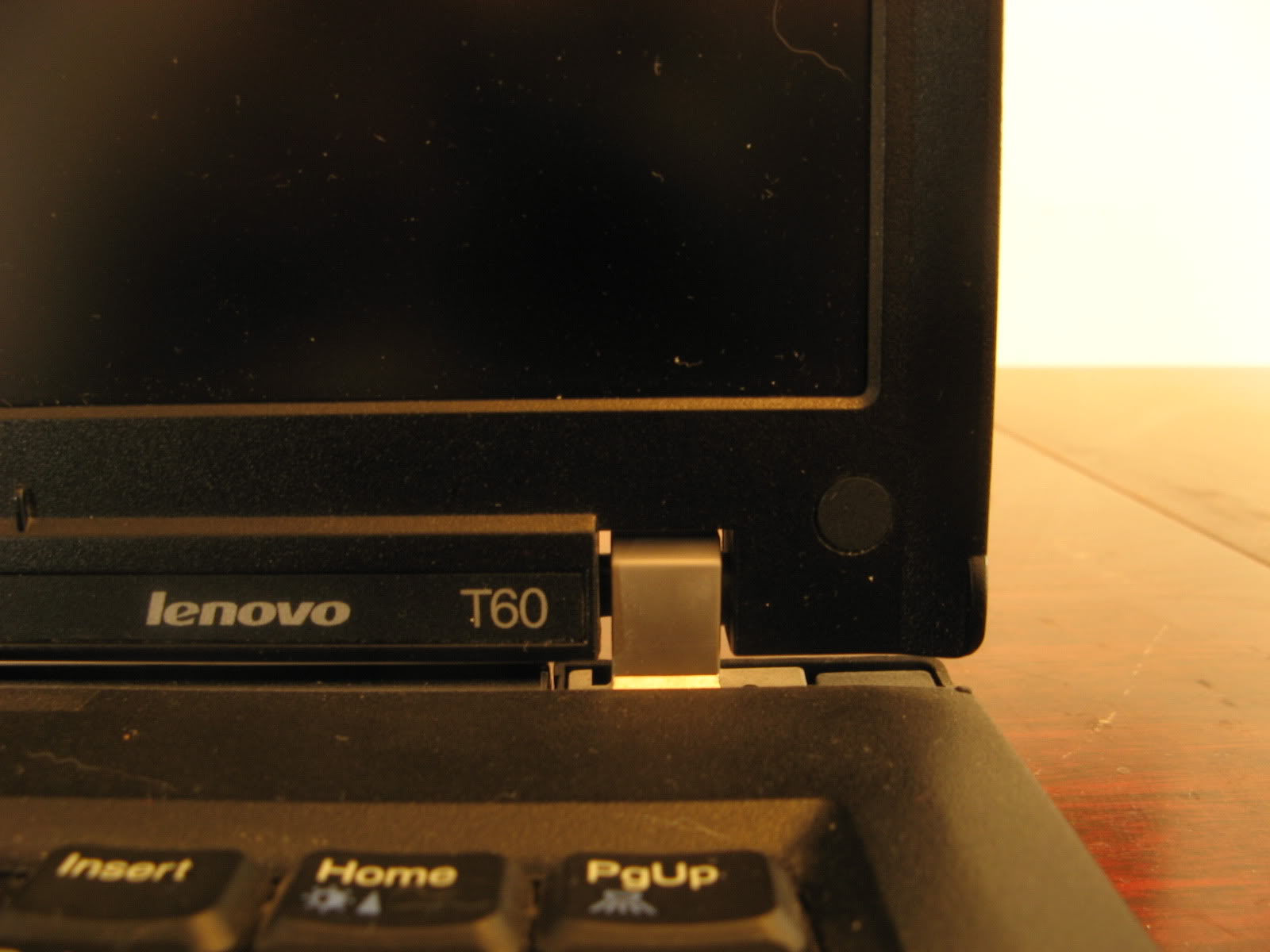
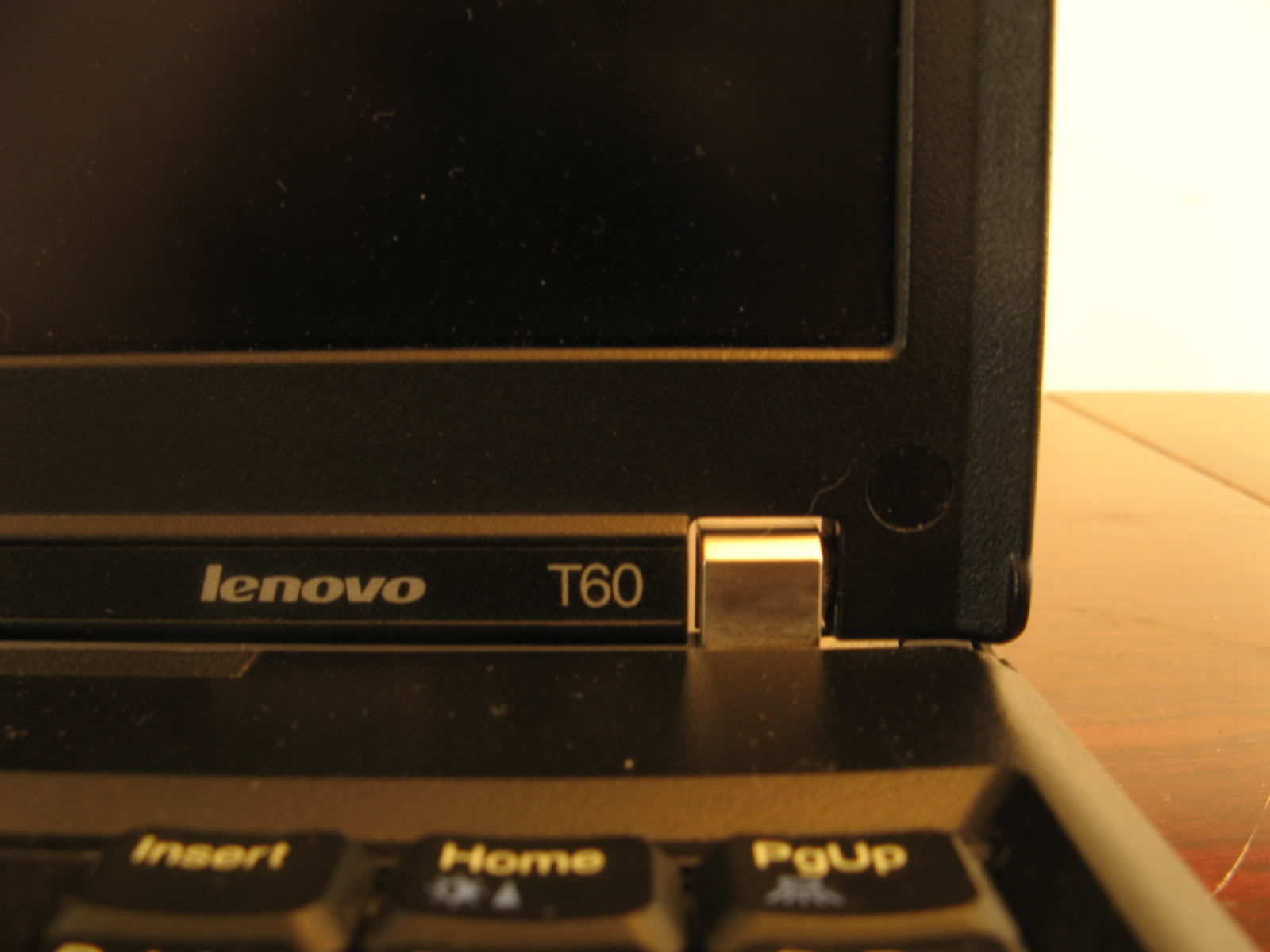
A closeup on the hinge area (15" on the left, 14" on the right) shows that indeed the bezel is thinner on the 15", but the lid sits higher to start (due to the different shape of the hinge), so overall the bottom border of the panel itself is on the same level on both laptops. The hinges of the 15" are actually narrower (but taller). The side bezel is also a bit thinner on the 15".
The keyboard is the same, with a wider bezel on the 15" (right):
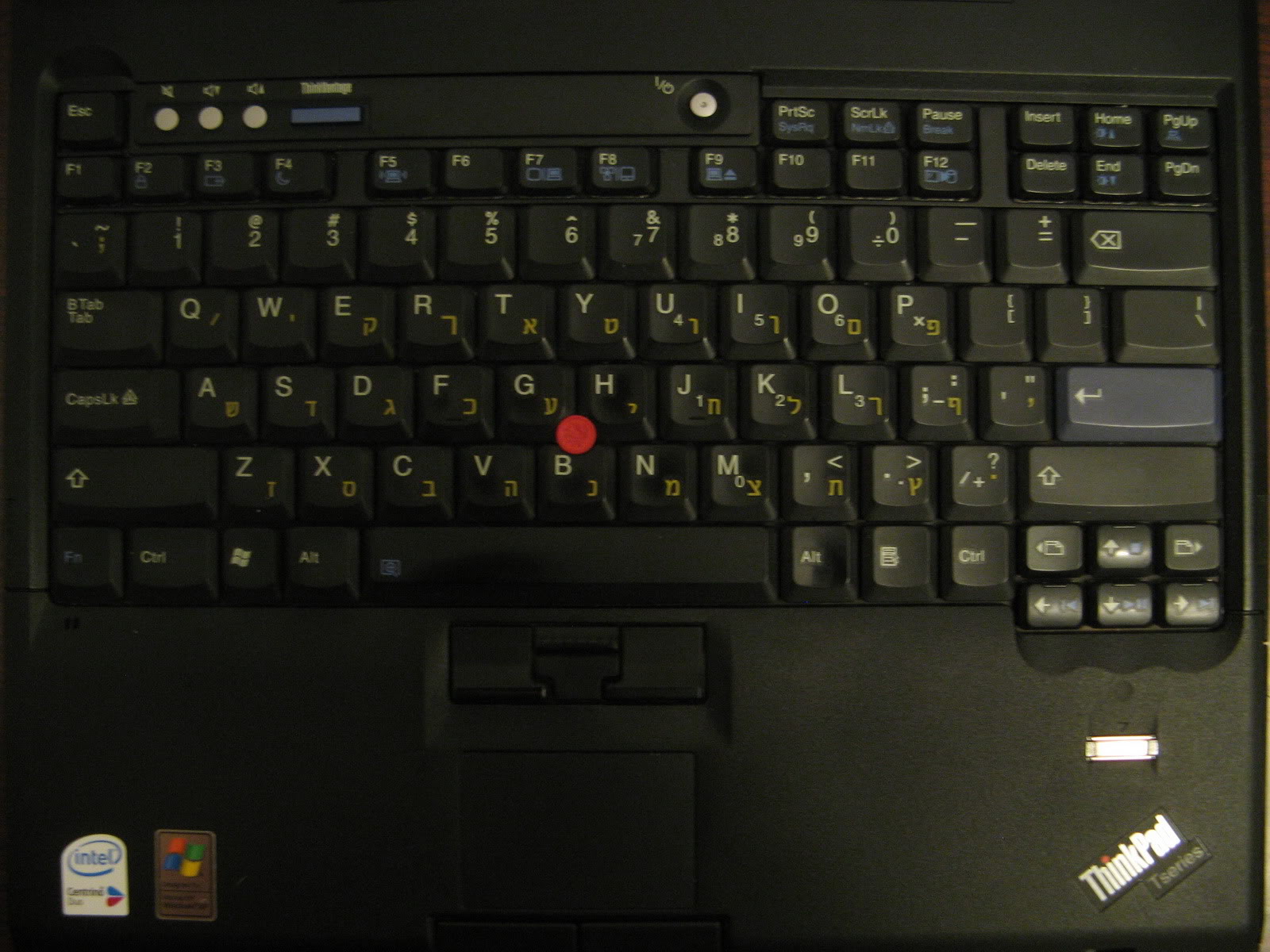
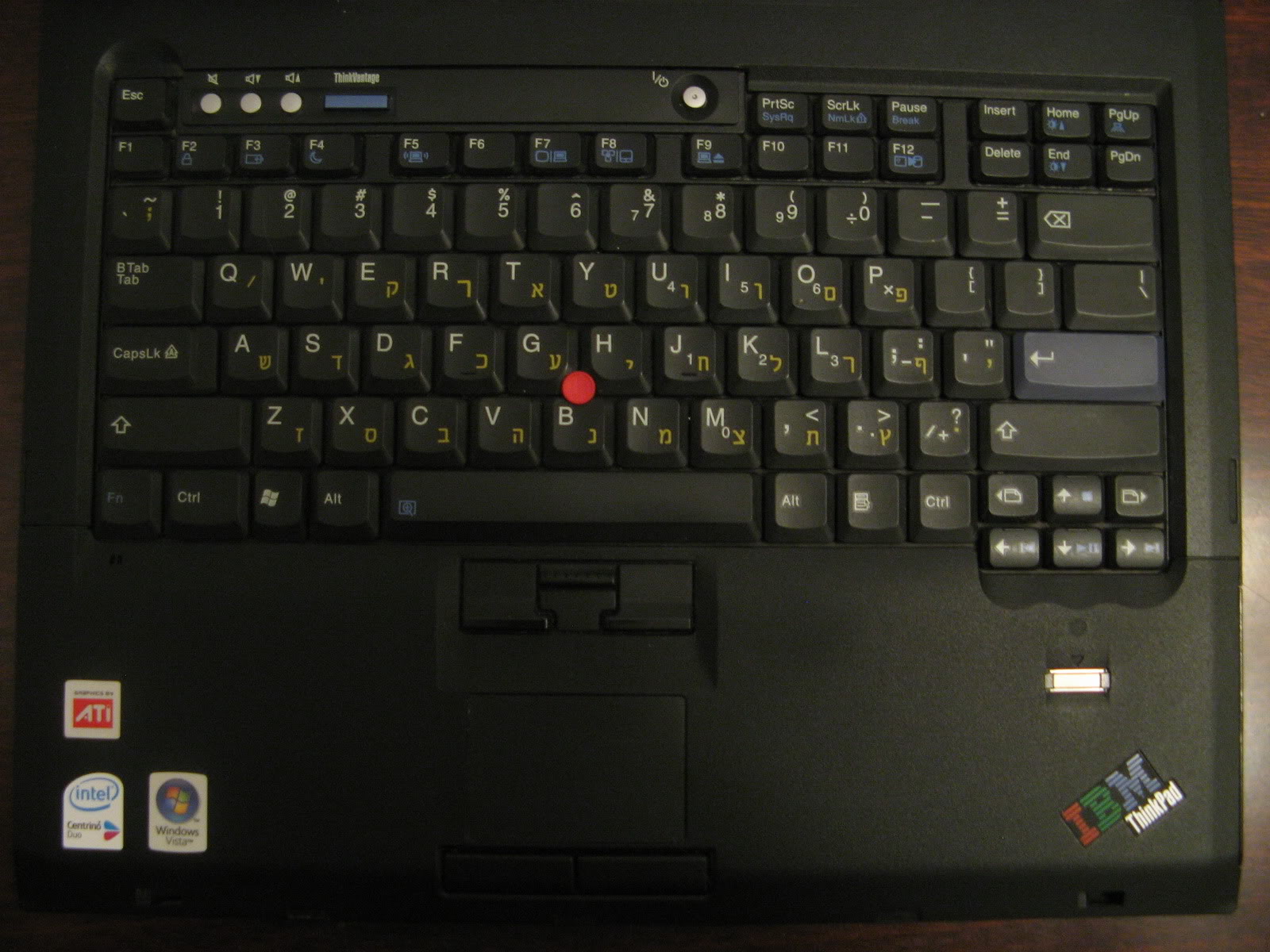
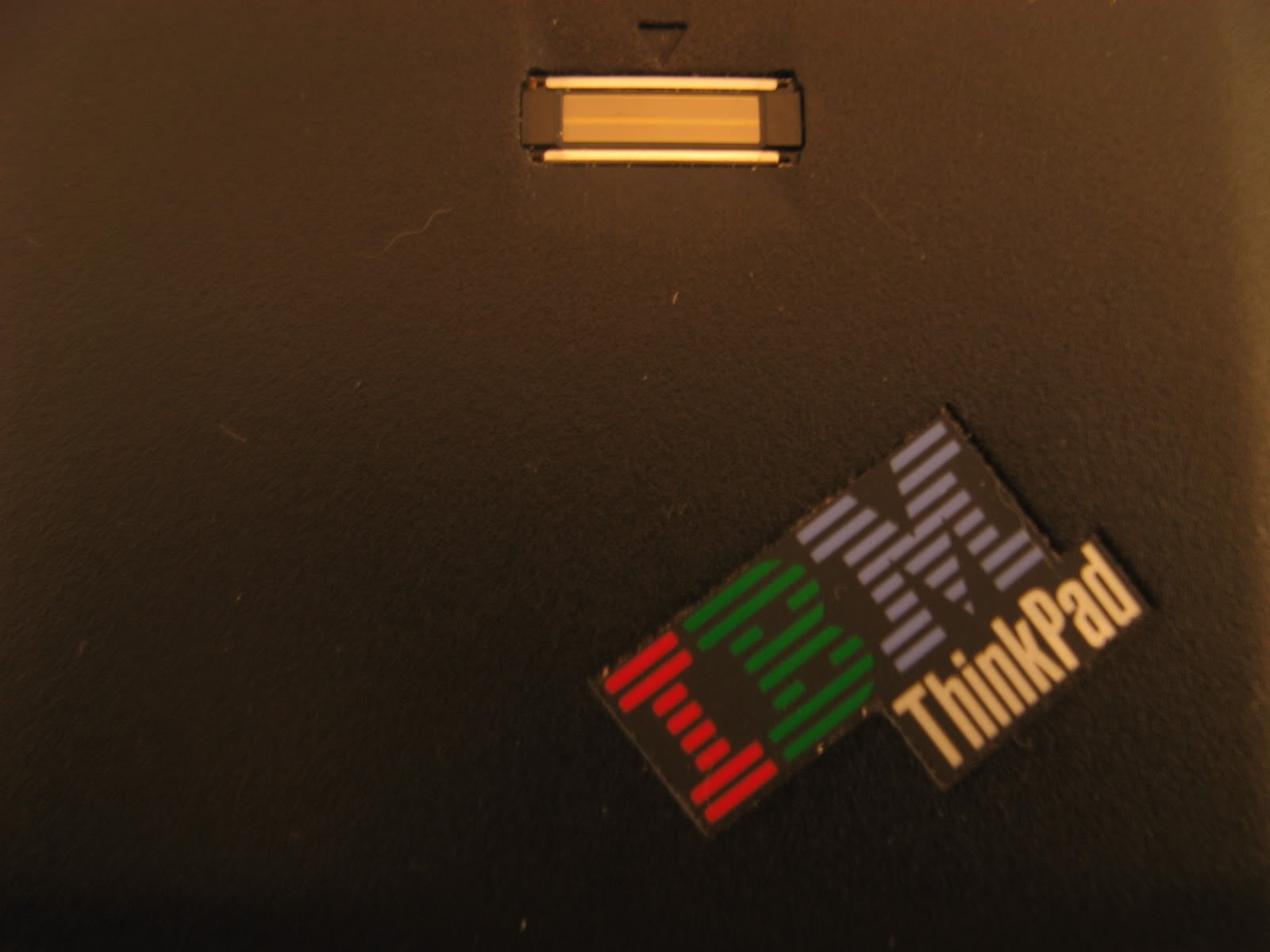
The 15" 2007-QPG is a few months older (manufactured Mar-07, compared to Jun-07), and sports the "IBM Thinkpad" logo, where as the 14" 1952-F76, being aimed at the corporate market has the "Thinkpad T-Series" logo.
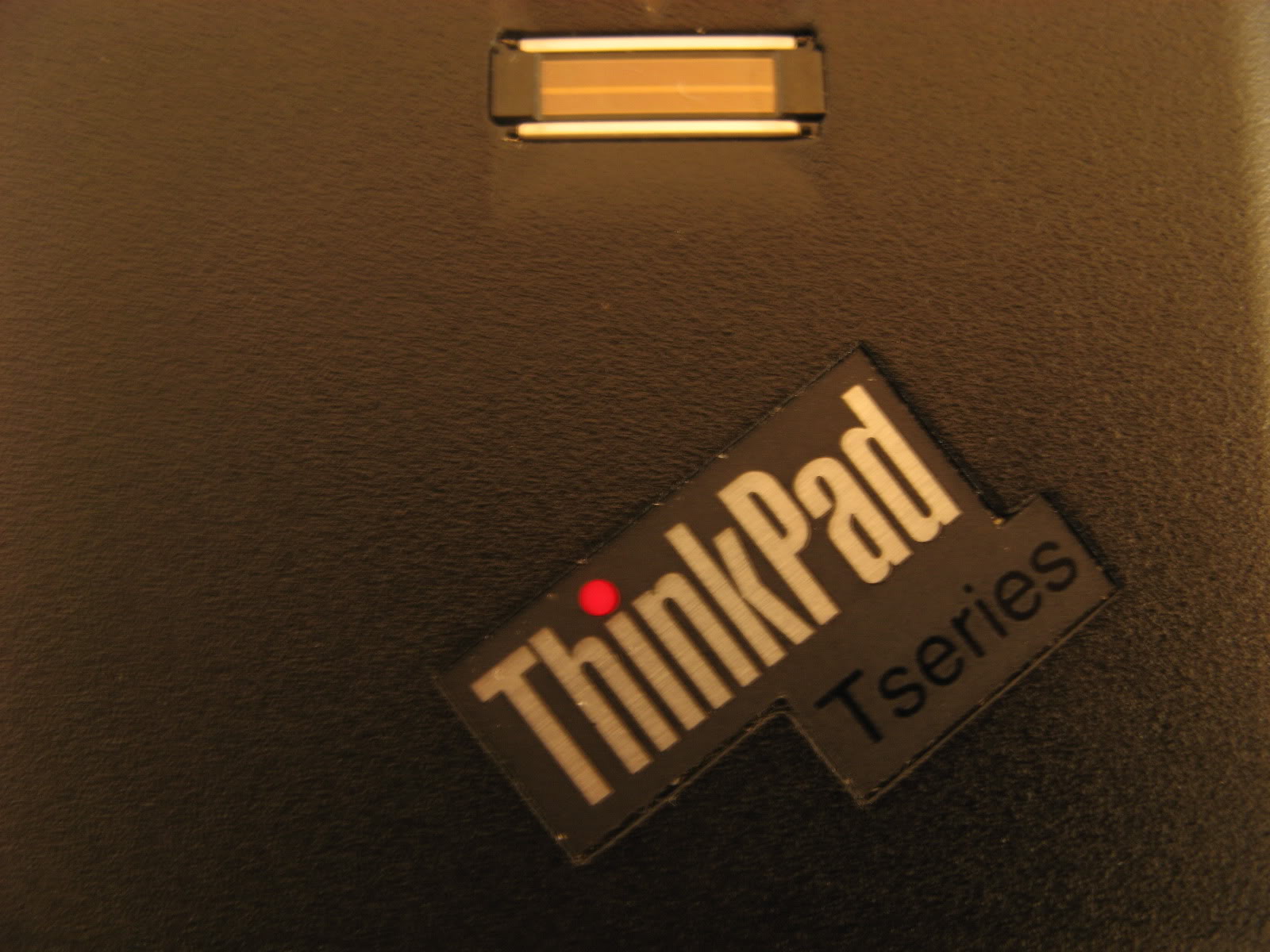
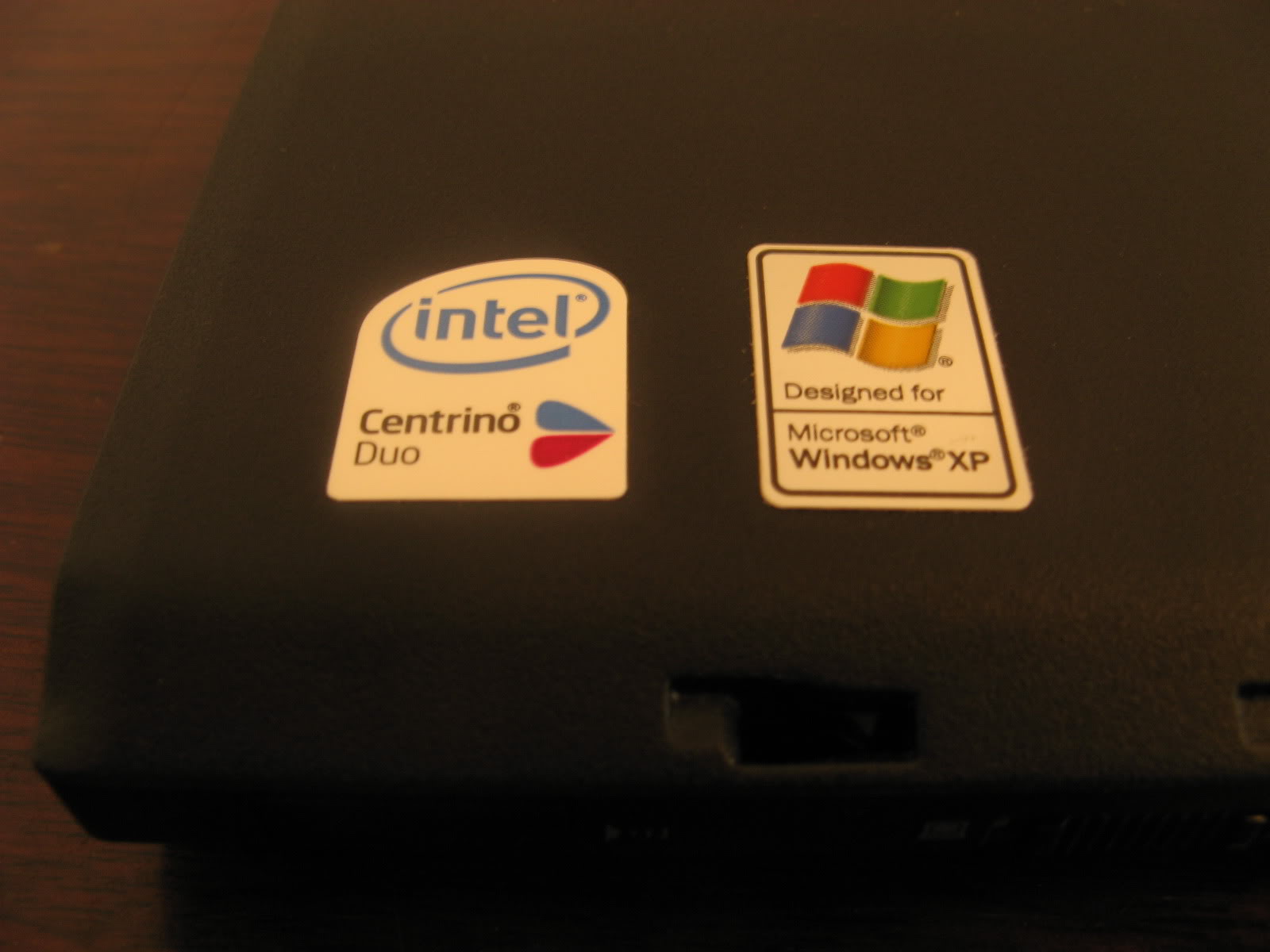
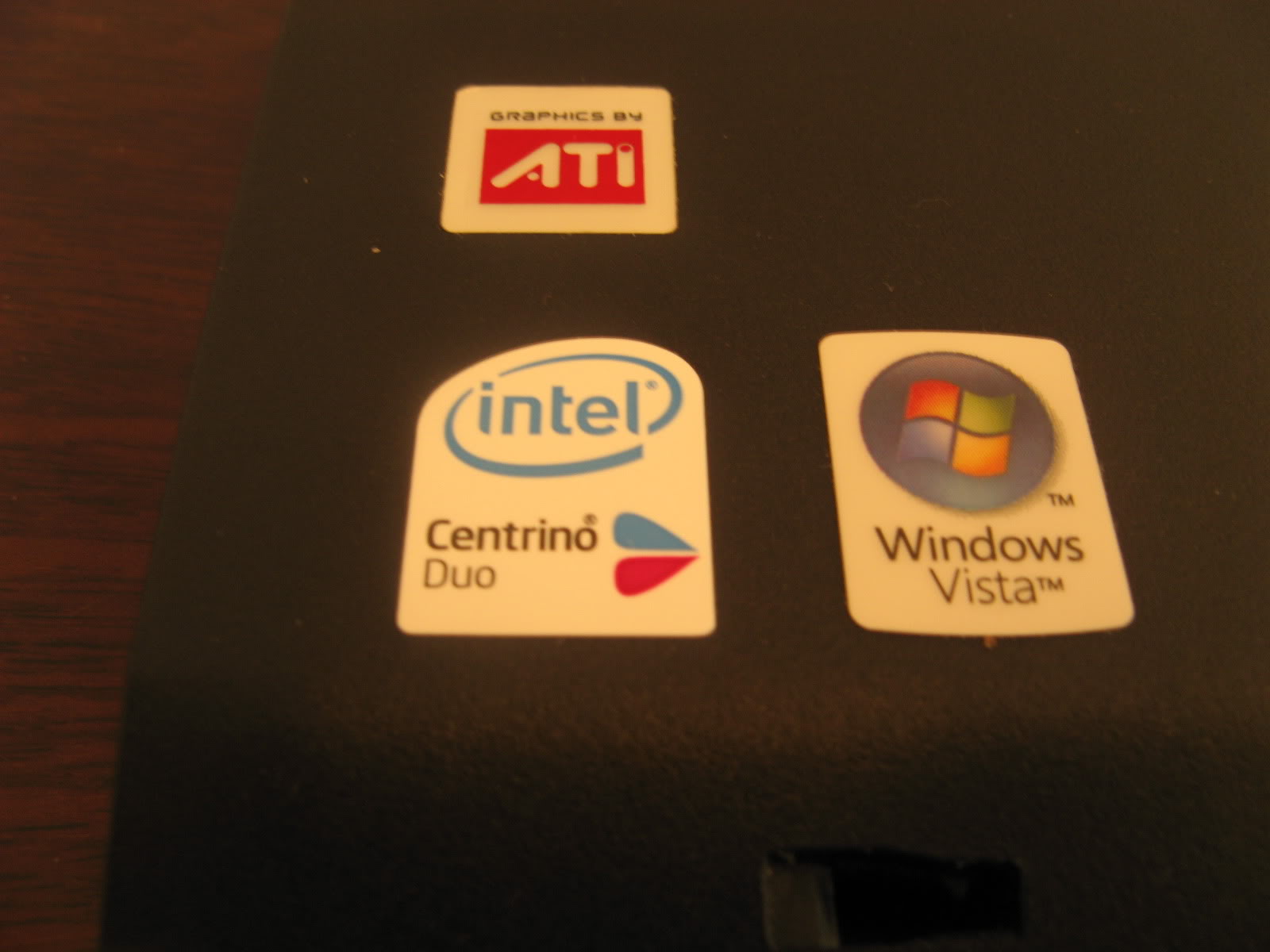
The 2007-QPG, being a dedicated graphics model has the ATI sticker, whereas the 1952-F76 doesn't. Both have the Centrino Duo sticker, due to the Intel WiFi card (Atheros-equipped Thinkpads don't have this sticker).
The XP sticker on the 14" was completely worn off after two years of use, but after one of the corners of the palmrest broke, I had it replaced with a brand new one a week ago, which also, somewhat surprisingly, came with stickers.
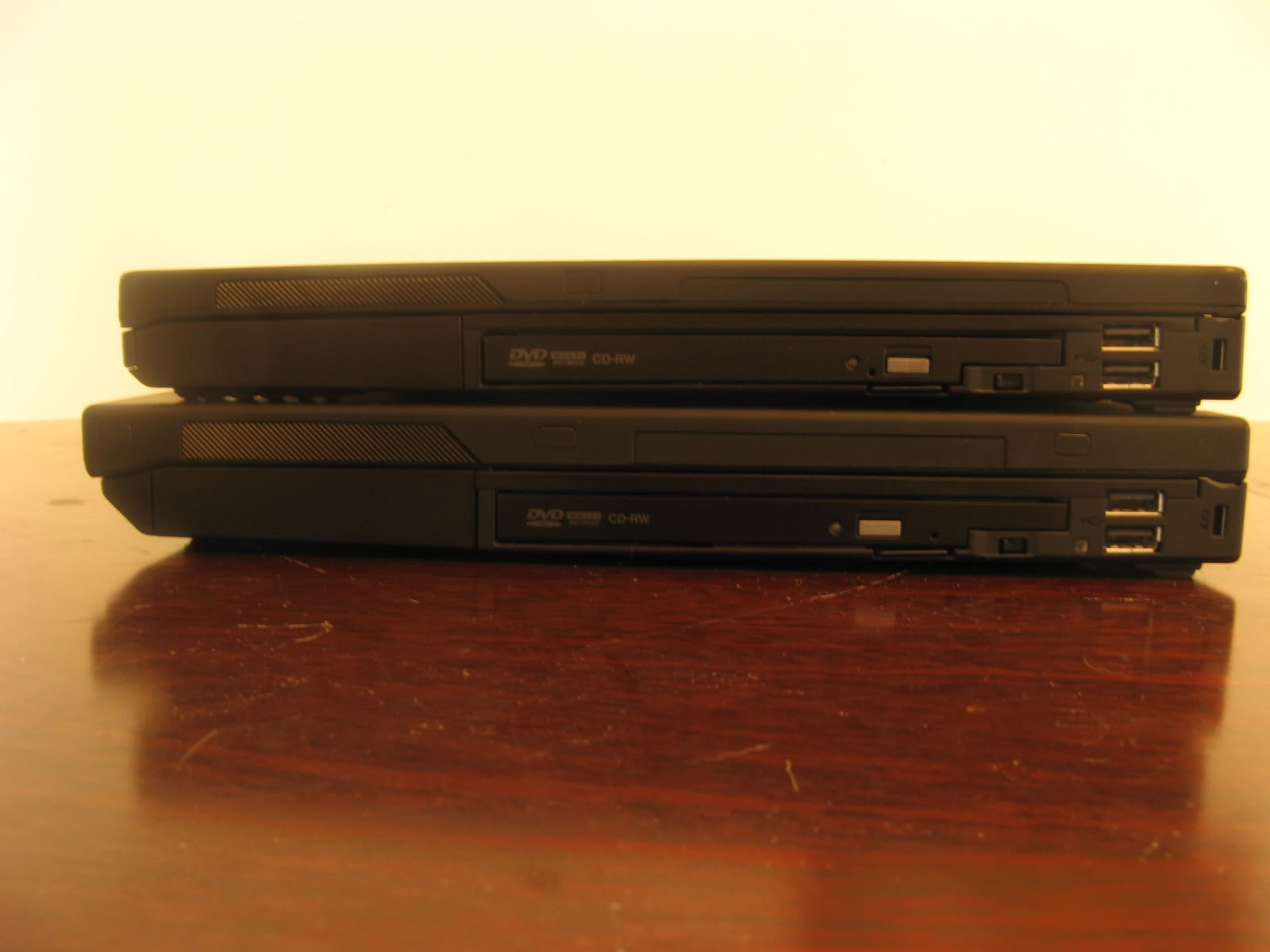
Looking at the laptops stacked, one sees that the 15" is quite a bit thicker than the 14", and all of this thickness comes from the lid (as has been the case comparing 14" T4x models to 15" models as well). The thicker lid on the 15" models really offers better protection from pressure. It's harder to get the screen to ripple, and pressure marks from the trackpoint cap or the keys are less likely to occur.
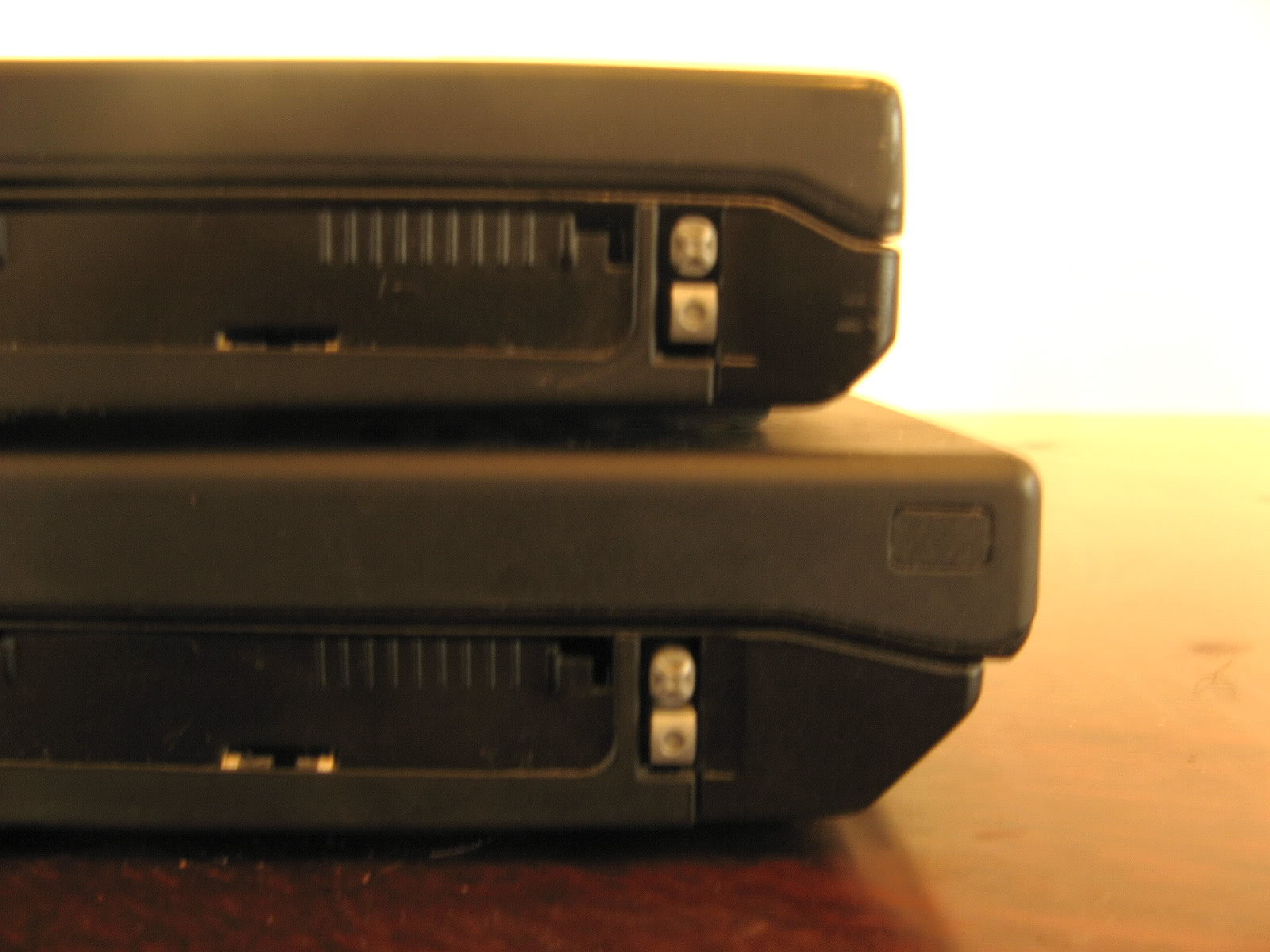
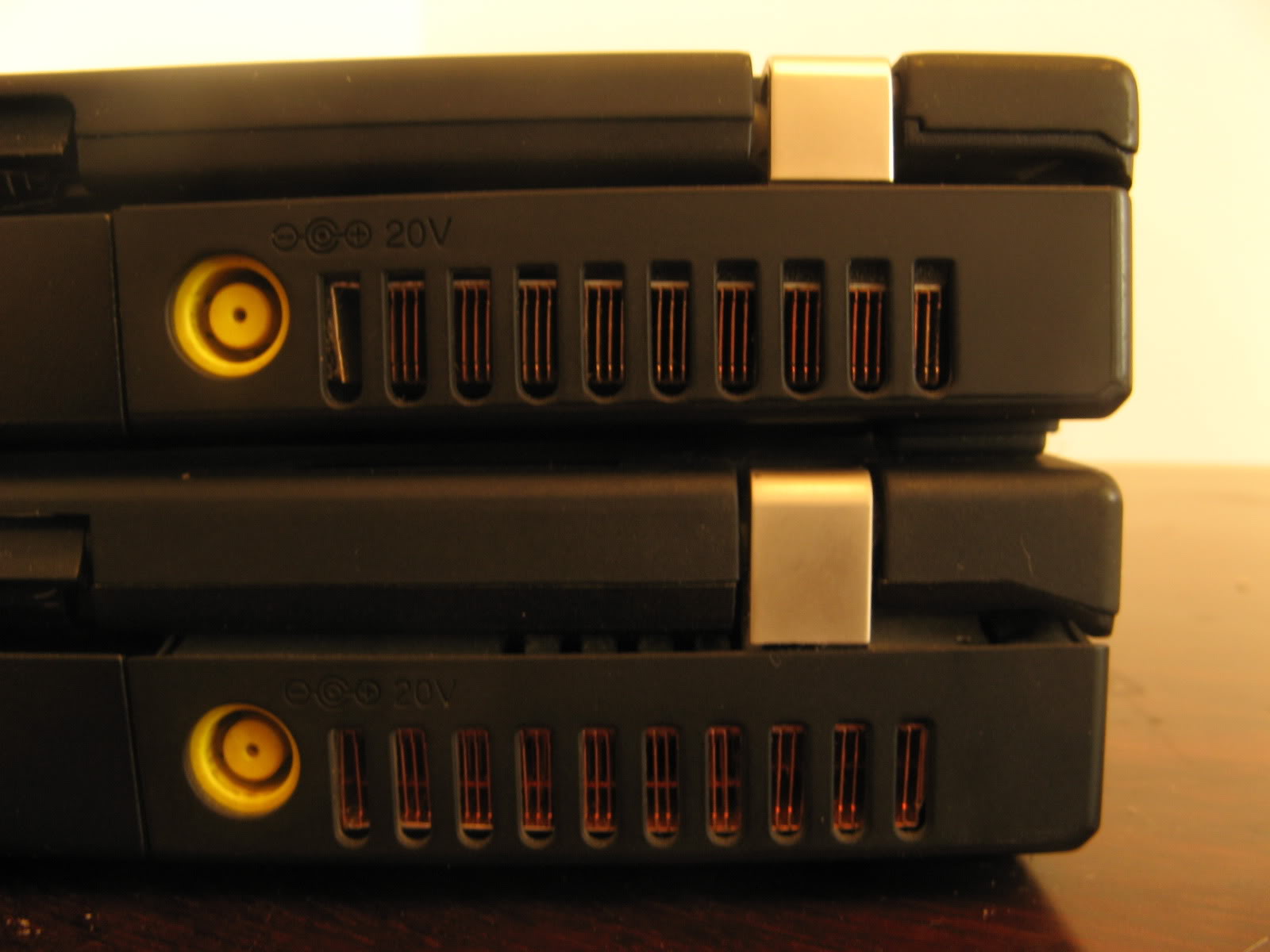
The thickness of the base is the same and the port placements on the left and right side of the laptops is completely identical as well (the motherboards are compatible as well). To accommodate the larger screen, the frame and palmrest of the 15" model forward diagonally, forming a thin point at the very front on the laptop, which is not present on the 14". This is seen in the closeup on the expansion slot area (left photo). The right photo shows the back side of the laptops, where the taller hinge of the 15" is evident.
The different shape of the front frame makes for some interesting differences. For instance, the Wireless hardware switch on the 15" (left) is angled down, making it much more annoying to access than on the 14" (right). The speaker placement seems better on the 15", with the speakers aiming diagonally at the table in front of the laptop, whereas on the 14", most of the speaker area is actually at the bottom, so the sound literally gets trapped under the laptop. In practice, though, I haven't noticed any differences in the sound volume or clarity, because apparently the rubber feet elevate the laptop just enough, for the sound to resonate, even on the 14" model. Truth be told, both laptops produce average, if not below average, sound from the internal speakers.
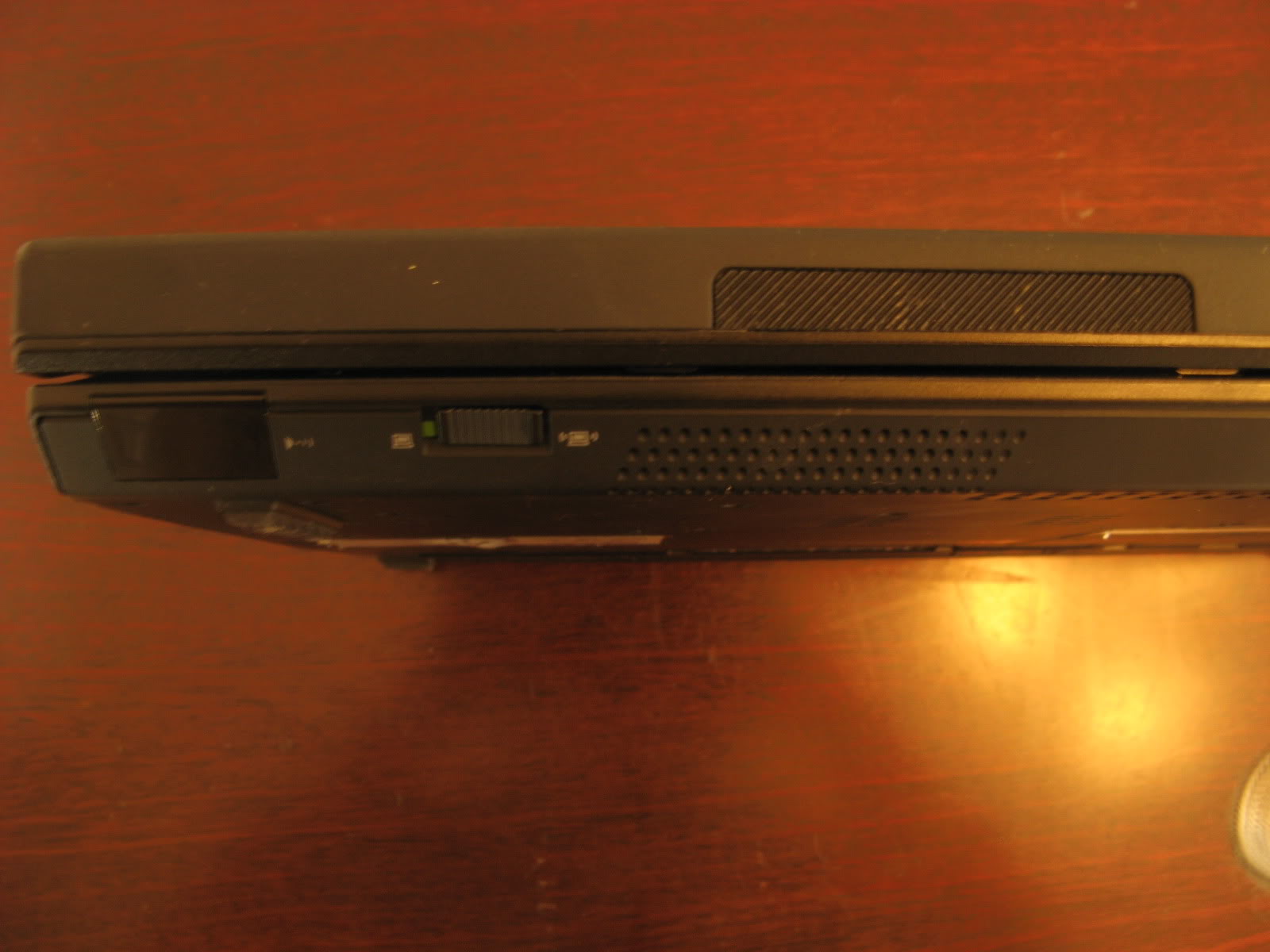
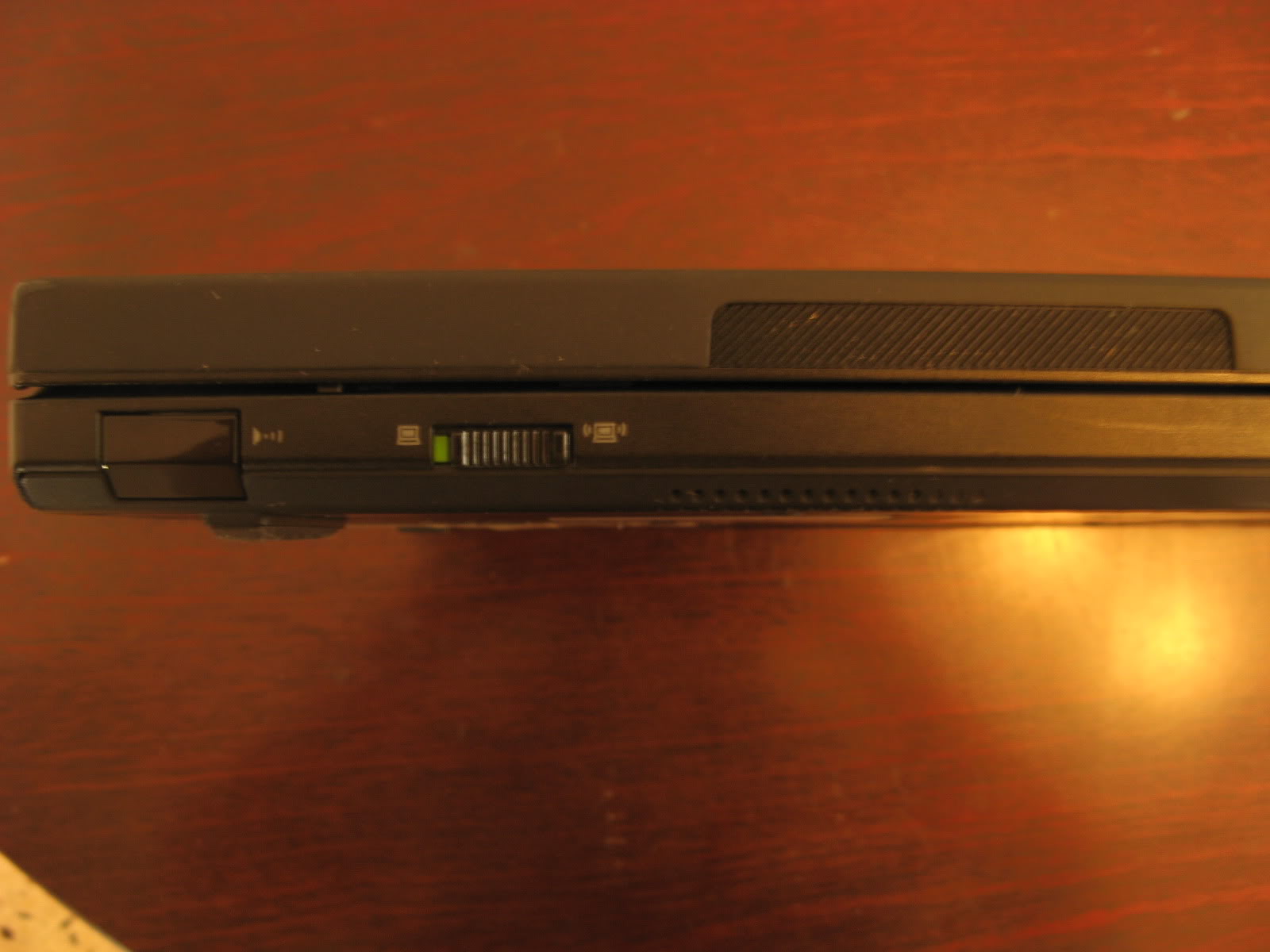
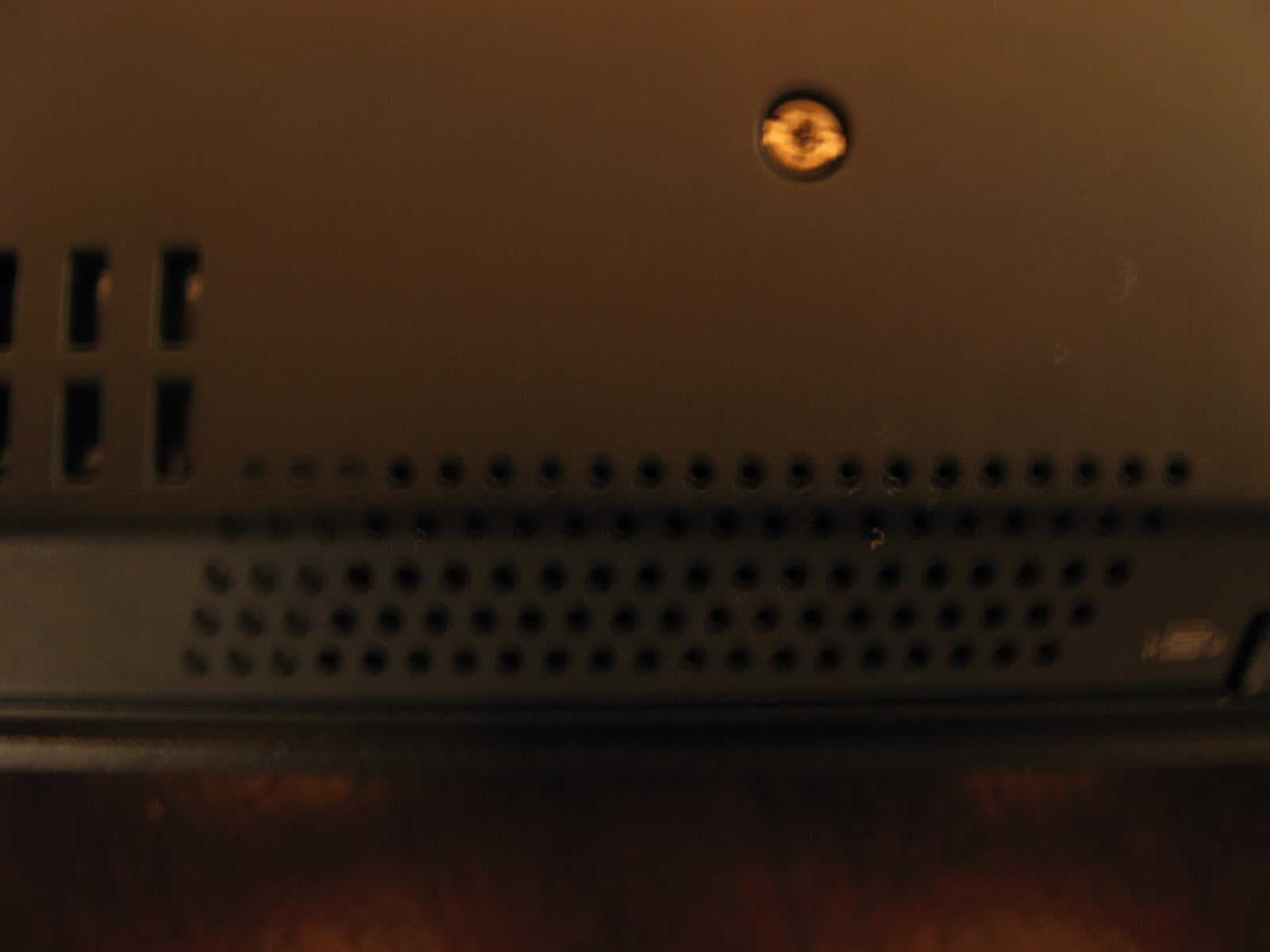
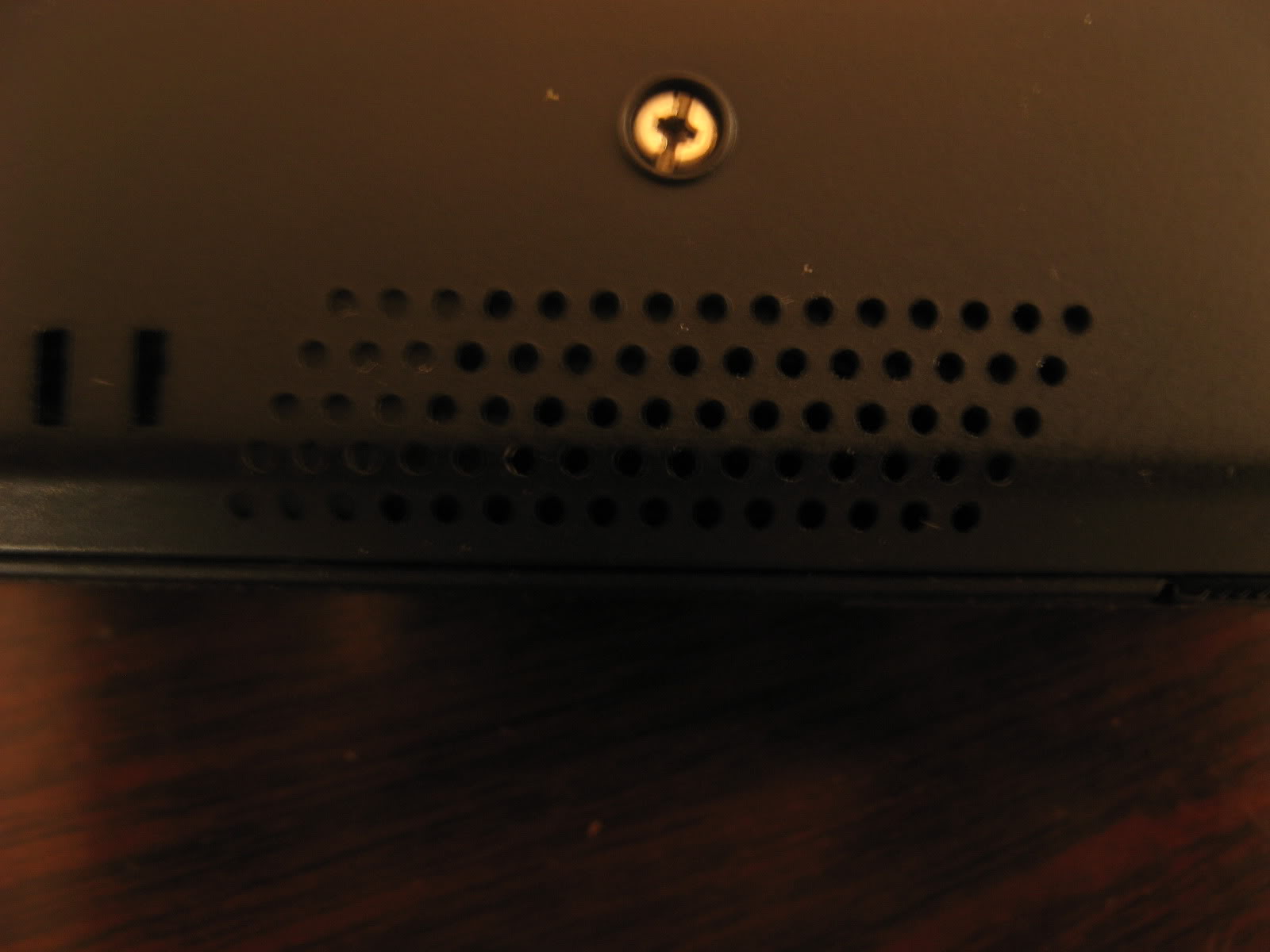
This is the back of the laptops, with the 9-cell batteries. The right edge of this protruding battery sits plush with the right side of the 14" laptop, but not with the 15".
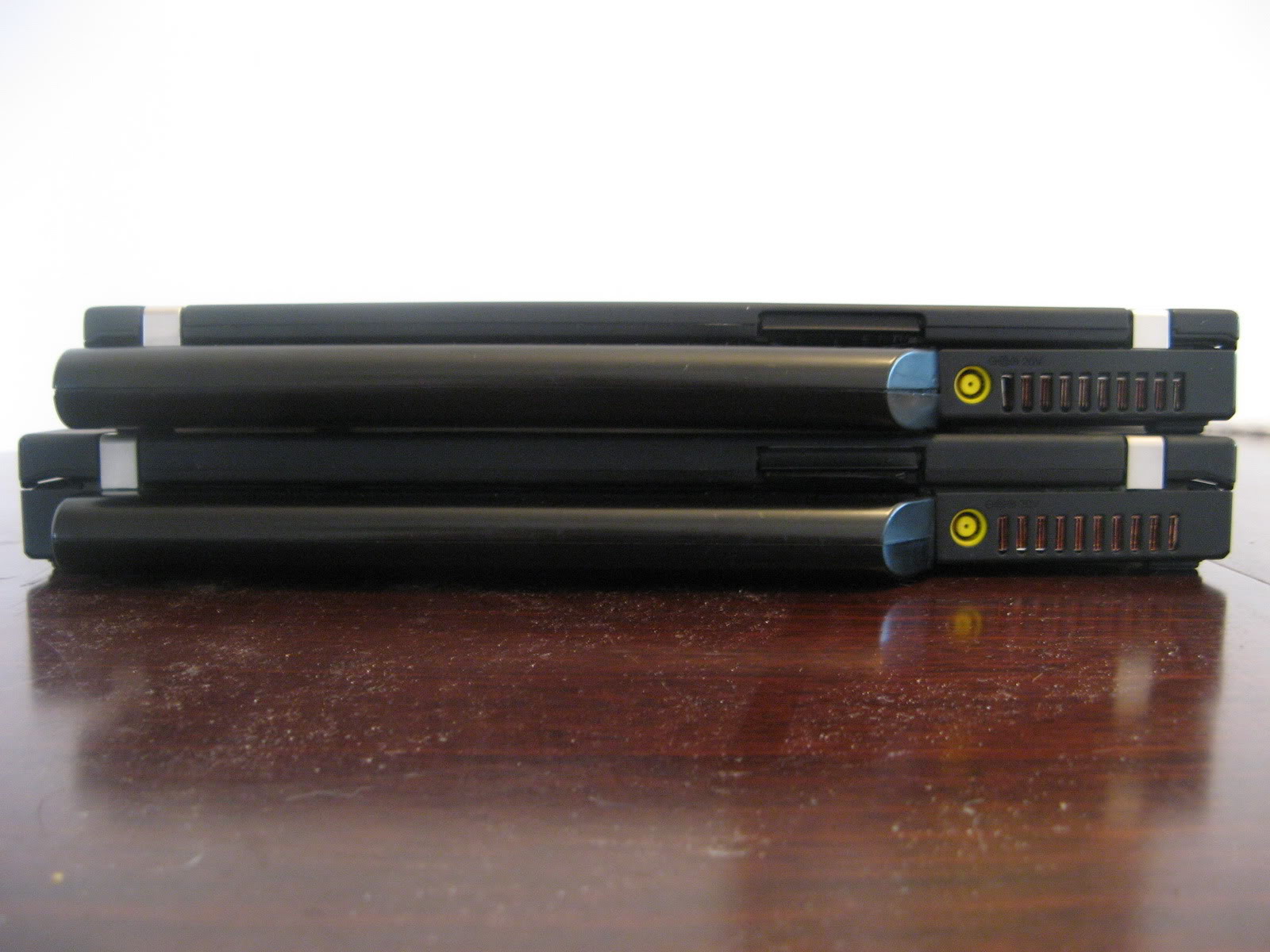
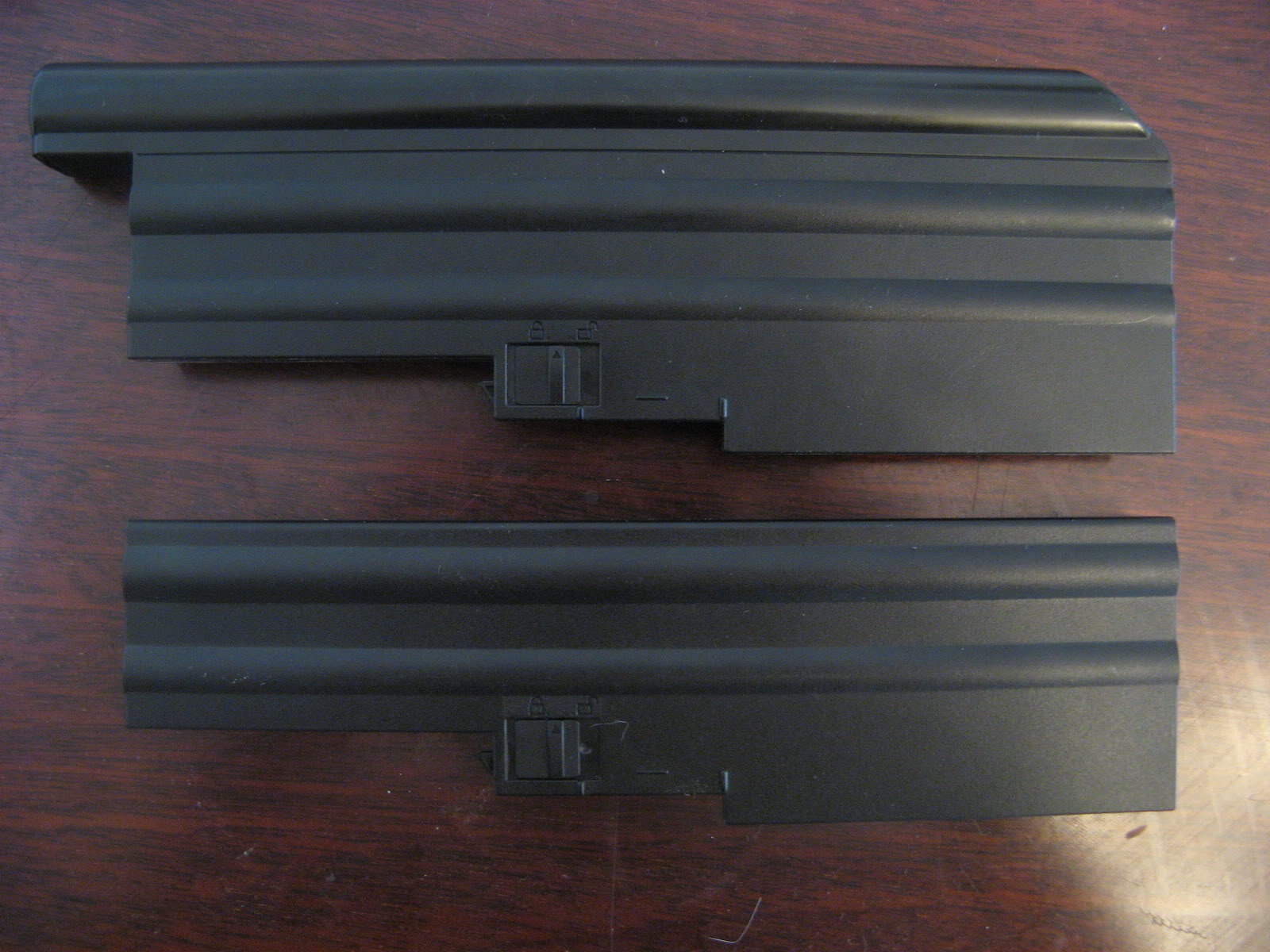
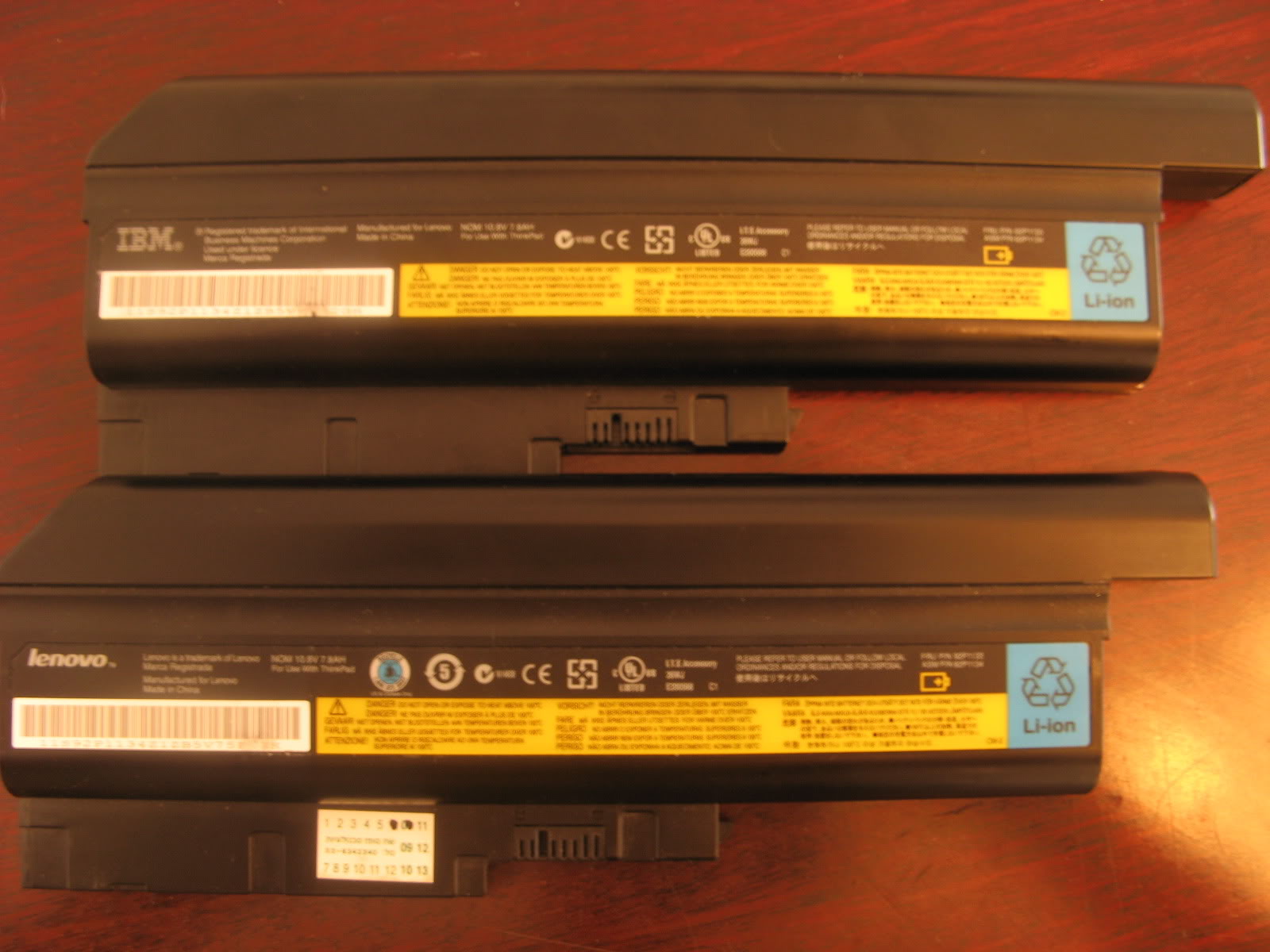
Comparison pictures of the batteries are below. The left pic shows the 9-cell versus the 6-cell. Surprisingly it is not a beast at all, it protrudes less from the back than the extended batteries of the 14" widescreen models. The right pic shows an older, IBM-branded 9-cell and a newer, Lenovo-branded one. Both batteries are Panasonic, BTW, with same FRU, but different branding. Note that these T60 batteries also fit all of Lenovo's 15.4" widescreen models (T/R/Z/W) and the SL-series (SL300/SL400/SL500), but not any of the 14.1" widescreens.
A final picture compares the power adapters. The 65W adapter which comes with the integrated GPU models is noticeably smaller and lighter than the 90W adapter.

As I said in the beginning, I like both of these laptops a lot. The gorgeous 15" IPS screen is far superior to the 14", and serves well as a desktop replacement and for the occasional trip to a coffee shop. The Radeon X1400 also allows for some light gaming. However, the 14" is what I carry around daily to my work and at my work, and so I am happy it is smaller and lighter. The integrated GPU is also an advantage in this case, as it allows for better battery life.


