


 Homepage
 Forum
Forum Drivers
 HMM-Manuals
 MTM
MTM Feed
Feed
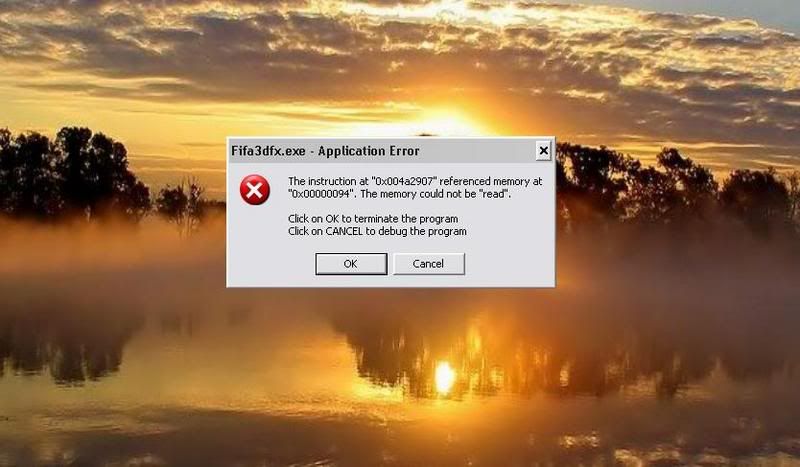
I have a Lenovo N100 laptop and recently i have been having provlems running a lot of programs. The tech support has'nt replied yet, and i dont think they will either. Any time after starting wmp or the recovery disc program, or other games, etc., the program just crashes with an error pointing to a specific mem location. I made snapshots and have uploaded the images ------>
http://i122.photobucket.com/albums/o261 ... /error.jpg
http://i122.photobucket.com/albums/o261 ... error1.jpg
http://i122.photobucket.com/albums/o261 ... error2.jpg
http://i122.photobucket.com/albums/o261 ... error3.jpg
http://i122.photobucket.com/albums/o261 ... error4.jpg
pls try and help me out...
Take a look at our
ThinkPads.com HOME PAGE
For those who might want to contribute to the blog, start here: Editors Alley Topic
Then contact Bill with a Private Message
ThinkPads.com HOME PAGE
For those who might want to contribute to the blog, start here: Editors Alley Topic
Then contact Bill with a Private Message
Lenovo N100 programs crash
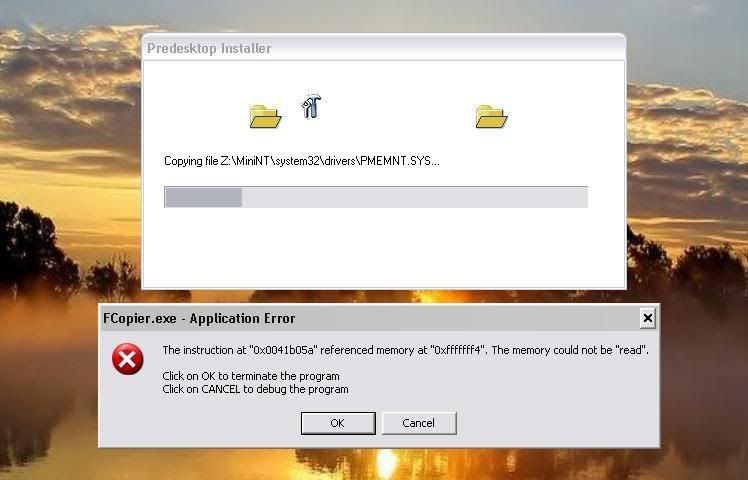
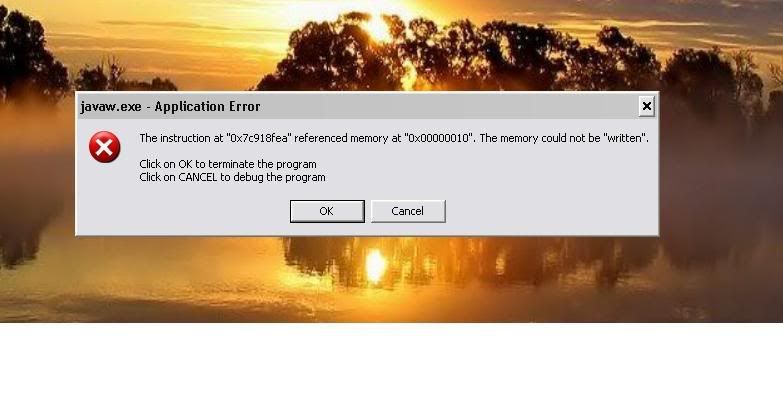
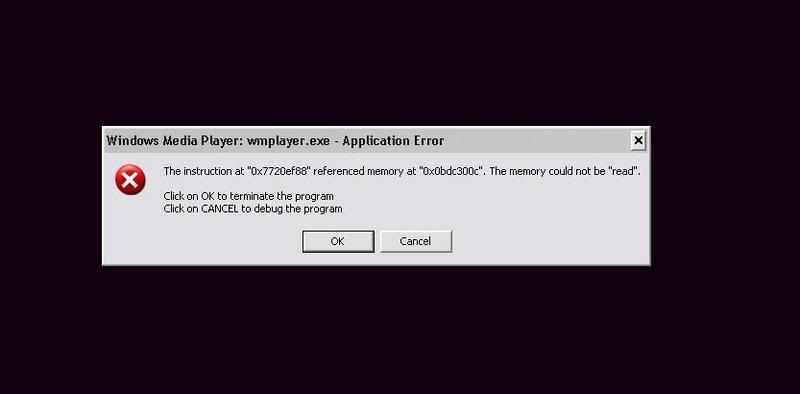
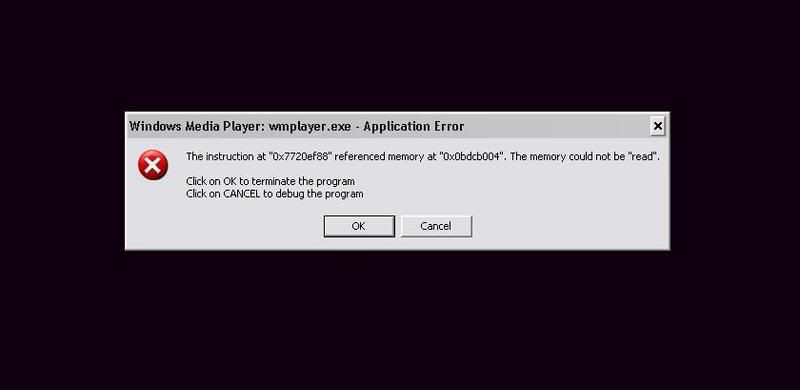

-
BillMorrow
- *Senior* Admin

- Posts: 7673
- Joined: Tue Apr 13, 2004 9:40 pm
- Location: San Francisco -> Florida -> Georgia
- Contact:
its hard to say if the memory IS bad or the OS needs to be reloaded..
note that memory address's seem to be very high memory AND very low memory..
what i would do..
1. reboot and rerun the last app that failed..
if same results, PROBABLY not OS..
2. swap memory parts or, if you have more than 1 memory part remove one and then the other..
anything change when you rerun the particular application..?
3. run memtest..
does it show any errors..?
4. test HDD..
be careful not to destroy data.. read HDD test utility instructions carefully..
note that memory address's seem to be very high memory AND very low memory..
what i would do..
1. reboot and rerun the last app that failed..
if same results, PROBABLY not OS..
2. swap memory parts or, if you have more than 1 memory part remove one and then the other..
anything change when you rerun the particular application..?
3. run memtest..
does it show any errors..?
4. test HDD..
be careful not to destroy data.. read HDD test utility instructions carefully..
Bill Morrow, kept by parrots  & cockatoos
Sysop - forum.thinkpads.com
*
She was not what you would call refined,
She was not what you would call unrefined,
She was the type of person who kept a parrot.
~~~Mark Twain~~~
& cockatoosSysop - forum.thinkpads.com
*
She was not what you would call refined,
She was not what you would call unrefined,
She was the type of person who kept a parrot.
~~~Mark Twain~~~
-
- Similar Topics
- Replies
- Views
- Last post
-
-
WTB: Lenovo USB-C Port Replicator 4XH1C12753
by stanleylieber » Fri Nov 21, 2025 10:07 pm » in Marketplace - Forum Members only - 0 Replies
- 5706 Views
-
Last post by stanleylieber
Fri Nov 21, 2025 10:07 pm
-
-
-
Lenovo Thinkpad L16 AMD Ryzen 7 PRO 250, UEFI and SMTP
by jgpallero » Fri Dec 05, 2025 5:23 am » in Thinkpad AMD-Ryzen - 1 Replies
- 7956 Views
-
Last post by Ibthink
Tue Jan 27, 2026 5:58 pm
-
-
-
Can Lenovo Lock/Unlock LTE IMEI on ThinkPad X1 Yoga Gen 6
by ThinkpadX1Dallas » Wed Feb 04, 2026 12:31 pm » in ThinkPad X1 / X1-Carbon / X1-Extreme and later Series - 2 Replies
- 3980 Views
-
Last post by ThinkpadX1Dallas
Thu Feb 05, 2026 9:12 am
-
-
-
Looking for a CMOS battery for Lenovo X1 tablet gen 3
by babblefish » Thu Feb 05, 2026 4:12 am » in ThinkPad X1 / X1-Carbon / X1-Extreme and later Series - 12 Replies
- 7449 Views
-
Last post by dcfbf
Mon Feb 09, 2026 7:22 pm
-
Who is online
Users browsing this forum: No registered users and 26 guests